



850W PSU Planning for RTX 5080 Super Builds in SA
850W for RTX 5080 Super needs a full-build check, not a simple yes. Review GPU guidance, CPU draw, transient load, connectors, PSU quality, and upgrade plans before deciding.
Read moreSet Up Ryzen 7 9700X for the First Time. Step-by-step instructions with SA-specific tips, common pitfalls to avoid & expert recommendations.
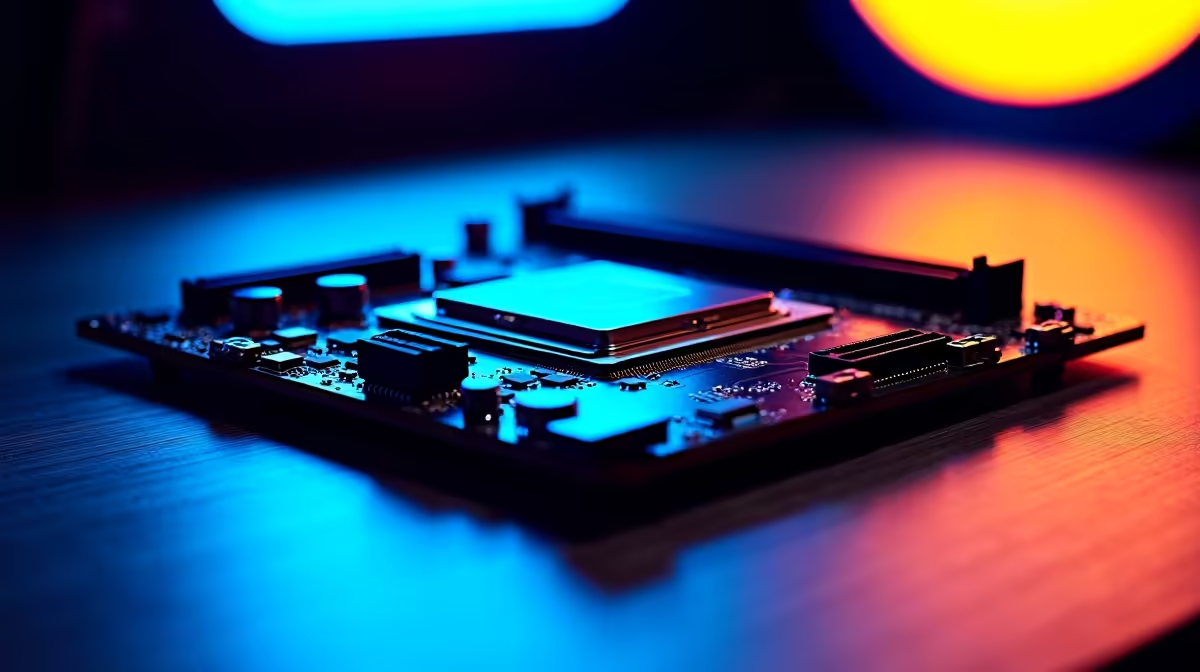
Setting up a Ryzen 7 9700X for the first time in South Africa involves installing it correctly in an AM5 socket, updating the motherboard BIOS before inserting the CPU if the board is not pre-flashed, enabling EXPO or XMP for your DDR5 memory, and activating AMD's Precision Boost Overdrive for the best out-of-box performance without manual overclocking.
The Ryzen 7 9700X uses AMD's AM5 socket with an LGA (land grid array) design, meaning the pins are on the motherboard socket rather than the CPU. Before installing the processor, check the motherboard's BIOS version. If your board shipped before the Zen 5 launch, it may need a BIOS update to recognise the 9700X. Many AM5 boards support CPU-less BIOS flashing using a feature called BIOS Flashback or Q-Flash Plus, which lets you update firmware via a USB drive with only the PSU connected and no CPU installed. After confirming the BIOS is current, remove the AM5 socket cover carefully, align the Ryzen 7 9700X with the socket using the golden triangle alignment markers, and lower it gently without pressing or sliding. The AM5 retention bracket then locks the CPU in place. Apply a pea-sized amount of thermal paste to the CPU's integrated heat spreader if your cooler does not come with pre-applied compound, then mount the cooler using the AM5 brackets.
On first boot, enter BIOS setup (typically by pressing Delete or F2 during POST). Navigate to the memory settings and enable your DDR5 kit's EXPO or XMP profile to run at its rated speed. Without this step, your DDR5 will default to a lower JEDEC speed and you will not realise the platform's full performance. The Ryzen 7 9700X has a 65W default TDP, but it can boost higher for short periods. To unlock the full performance envelope, enable PBO (Precision Boost Overdrive) in the AMD Overclocking section of BIOS. PBO2 with Curve Optimizer allows per-core negative offsets that can lower voltage without reducing performance, effectively making the CPU run cooler and boost higher simultaneously. For South African summers, particularly in Gauteng and the Western Cape, managing thermal headroom this way is practical without requiring expensive cooling.
After installing Windows from a USB drive, download the AMD Chipset Driver from AMD's official site and install it before other software. This provides proper AM5 chipset support, USB, and storage controller drivers. The AMD Ryzen Master utility is optional but useful for monitoring boost clocks, temperature, and memory speeds in real time. South African internet connections vary widely, so having a fresh Windows ISO on USB is preferable to a network-based install, particularly in areas with unreliable connectivity or during loadshedding when routers may be down. If you bought the system to support university study at institutions like UP, Wits, or Stellenbosch, verify that academic software such as MATLAB or SAS runs correctly after the chipset driver installation, as some legacy software has specific dependency requirements.
No. The 9700X does not include a stock cooler. You will need to purchase a compatible AM5 cooler separately, and it must be AM5 bracket compatible or include an AM5 adapter.
DDR5 5600MHz at tight CL timings delivers the best practical performance on the 9700X. Speeds above 6000MHz may require relaxed timings and BIOS tuning to remain stable.
Some cooler manufacturers provide AM5 mounting kits for their AM4-era coolers. Check your cooler manufacturer's website for an AM5 retention bracket upgrade. Not all coolers support this, so confirm before assuming compatibility.
Ready to Find Your Perfect Match? Find the Ryzen 7 9700X and the full range of AMD processors available for delivery across South Africa. Shop CPUs at Evetech
How to Set Up Ryzen 7 9700X for the Firs available at Evetech.co.za with local warranty and fast delivery.
How to Set Up Ryzen 7 9700X for the Firs - check Evetech for latest stock and SA pricing.
Depends on your use case. How to Set Up Ryzen 7 9700X fo offers good value at current Rand pricing.
850W for RTX 5080 Super needs a full-build check, not a simple yes. Review GPU guidance, CPU draw, transient load, connectors, PSU quality, and upgrade plans before deciding.
Read more
FPS drops blamed on a wireless gaming headset often point to input, driver, USB, network, or system-load checks. Use a quick SA-friendly troubleshooting flow to isolate software, firmware, thermals, storage, and game settings before replacing
Read more
1440p is the sweet spot for Polokwane gamers because it balances sharper visuals with manageable GPU demand. Compare refresh rate, graphics card tier, monitor size, and game settings before choosing a display.
Read more
240Hz monitors are mainstream in SA esports because smoother motion and lower input feel matter in Sandton matches. See how GPU frame rates, panel choice, desk setup, and local budget decide whether 240Hz is a smart upgrade from 144Hz.
Read more
4K monitors still cost more for gamers because resolution, refresh rate, panel quality, and GPU demands raise the bar. Polokwane buyers should compare screen size, ports, adaptive sync, and whether 1440p is a better fit.
Read more
Edenvale gpu price pressure questions need cautious SA context because pricing can move with availability, exchange rates, specs, and warranty support. Treat the trend as a planning signal, not a fixed price promise.
Read more
Cyber Monday gaming chair is a cautious guide for seasonal tech deal planning. Compare spec priorities, timing, warranty support, and realistic SA price checks for SA buyers without assuming live prices, availability, or exact benchmark results.

Pre-Black Friday wired gaming mouse buying planning should focus on shape, specs, warranty, and usual price bands. Use this SA guide to shortlist sensible options before deal periods without assuming live discounts.

ATX 3.1 vs ATX 3.0 for Competitive Esports comes down to GPU power connectors, PSU quality, cable routing, headroom, and upgrade plans. SA buyers should match the choice to their setup instead of assuming one option always wins.

Wi-Fi 6E vs Wi-Fi 6 depends on Couch co-op gaming needs, platform limits, and budget fit. Compare compatibility, latency, upgrade path, and real setup constraints before choosing for an SA build.

How to fix FPS drops on AM5 motherboard starts with BIOS, chipset drivers, cooling, and memory stability. South African gamers can work through power, EXPO, refresh-rate, overlay, and game-setting checks before spending on new hardware.

RX 9070 XT build frame pacing issues needs a step-by-step check before replacing parts. Review drivers, settings, thermals, power, background apps, display limits, cables, and game options before changing hardware.

Low fps on rtx 5080 build in south africa usually needs a settings, driver, thermal, or power check first. Work through safe SA troubleshooting steps before replacing parts or assuming a full upgrade.

1440p is the sweet spot for Mbombela gamers because it sharpens detail without demanding 4K-level GPU power. SA buyers should weigh monitor refresh rate, graphics card tier, desk size, and game mix before moving up from 1080p.
850W for RTX 5080 Super needs a full-build check, not a simple yes. Review GPU guidance, CPU draw, transient load, connectors, PSU quality, and upgrade plans before deciding.

Bluetooth headset or 2.4GHz wireless headset decisions in SA hinge on latency, device support, battery, and dongle access. Gamers should match the headset to competitive play, couch use, calls, and platform ports.
FPS drops blamed on a wireless gaming headset often point to input, driver, USB, network, or system-load checks. Use a quick SA-friendly troubleshooting flow to isolate software, firmware, thermals, storage, and game settings before replacing

ATX 3.1 vs ATX 3.0 for streaming on Twitch and YouTube Difference explained is mostly about compatibility, budget, upgrade path, and setup fit. SA buyers should check device support and real needs before expecting a clear win from either option.