

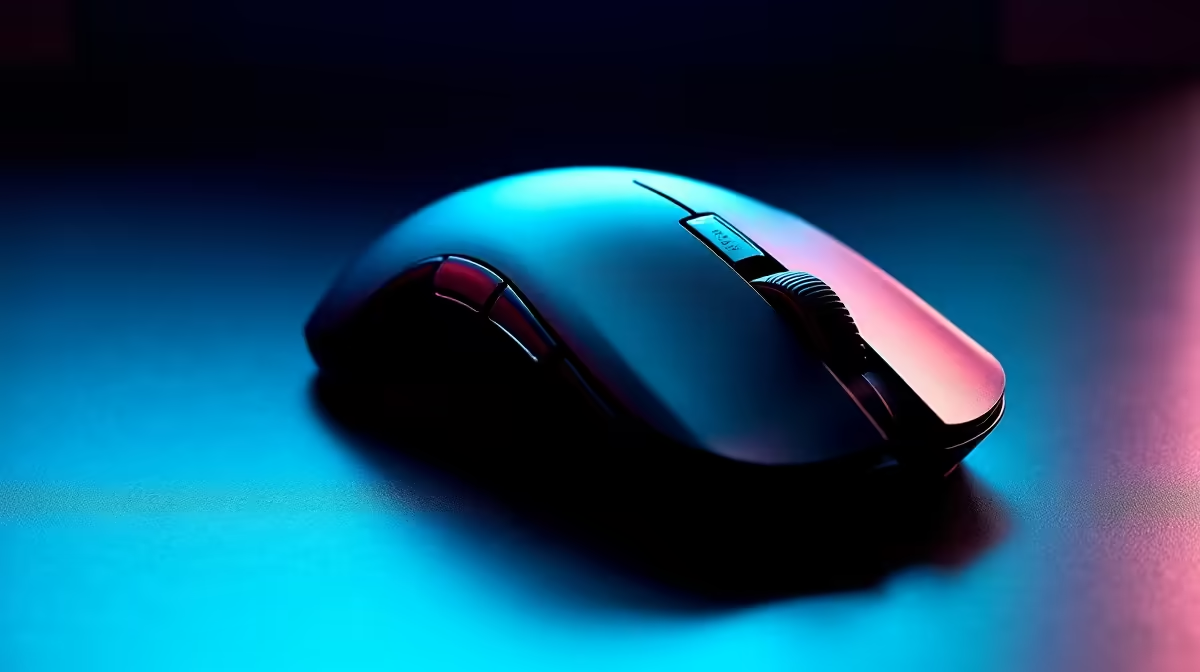
Troubleshooting Lightweight Mouse Installation Issues Like a Pro
South African gamers know that every millisecond counts, and that starts with your gear. A lightweight mouse can boost your precision and speed—if it installs correctly. But what if your mouse refuses to install or behaves oddly? Don’t fret. We’ll unpack simple fixes to get your lightweight gaming mouse up and running smoothly, so you can focus on your next big win. 🎮⚡
Common Causes of Installation Problems with Lightweight Gaming Mice
Installing a lightweight mouse isn’t always plug-and-play. Hardware glitches or software hiccups often get in the way. Here are frequent offenders:
- USB port malfunctions or insufficient power
- Outdated or missing mouse drivers
- Conflicting software or remnants from previous mouse installations
- Firmware issues on advanced models
Checking these early can save hours—and frustration.
Step-by-Step: Fixing Installation Issues with Your Lightweight Mouse
1. Verify Your USB Connection
Start with the basics. Plug your mouse into a different USB port to rule out a faulty connection. South African desktop setups vary, but a direct USB 3.0 port usually ensures ample power supply and faster data flow.
2. Update or Reinstall Drivers
Modern lightweight gaming mice require the correct driver to unleash their full potential. Download the latest drivers from the manufacturer or use Windows Update. If you’ve switched mice before, clean out old drivers via Device Manager to avoid conflicts.
3. Uninstall Conflicting Software
If you have other mouse software running, it might interfere. Disable or uninstall old mouse utilities, then reboot before attempting a fresh install.
4. Check for Firmware Updates
Some models feature firmware upgrades accessible via their companion apps. These updates fix bugs and improve compatibility. Consider visiting Evetech’s gaming mouse range to explore current models with easy-to-update firmware systems.
Quick Fix
You can boost installation success by temporarily disabling antivirus software. Just don’t forget to reactivate it afterwards.
When Hardware Setup Meets System Specs
Your mouse needs compatible hardware and drivers. If your PC is older or customised, incompatibility can slow down installation. This is why pairing a new lightweight mouse with a performance-tuned PC matters.
For South African users looking for optimum synergy, Evetech’s best gaming PC deals offer rigs configured to handle even the most precise peripherals without bottlenecks.
Lightweight Mouse Troubleshooting on Laptops and Prebuilts
Laptop users often overlook settings that affect mouse installs. Try checking your device manager and ensuring your USB ports aren’t set to power saving. If you want a fresh start, browse Evetech’s notebooks for sale in South Africa and pre-built PC deals to find systems optimised for gaming peripherals.
Bonus Tip: Avoid Common Mistakes
- Don’t skip rebooting after each fix attempt—Windows needs to reload drivers properly.
- Always use official driver sources to avoid malware.
- Consider cable integrity for wired mice; a damaged cord can mimic software installation problems.
Last Word: Keep Your Gear Fresh and Updated
Lightweight mouse installation issues often boil down to simple fixes. Regularly updating drivers and firmware prevents headaches. Staying on top of your PC’s health ensures your gaming experience in South Africa stays smooth and competitive. For ongoing deals and fresh hardware, check Evetech’s specials page, where you can snag great value.
Level Up Your Setup Today Don’t let installation woes slow your game. Shop now at Evetech for the latest lightweight gaming mice and gear designed to keep you ahead.











