



850W PSU Planning for RTX 5080 Super Builds in SA
850W for RTX 5080 Super needs a full-build check, not a simple yes. Review GPU guidance, CPU draw, transient load, connectors, PSU quality, and upgrade plans before deciding.
Read moreTroubleshoot RTX 5090 Installation Issues. Step-by-step instructions with SA-specific tips, common pitfalls to avoid & expert recommendations.
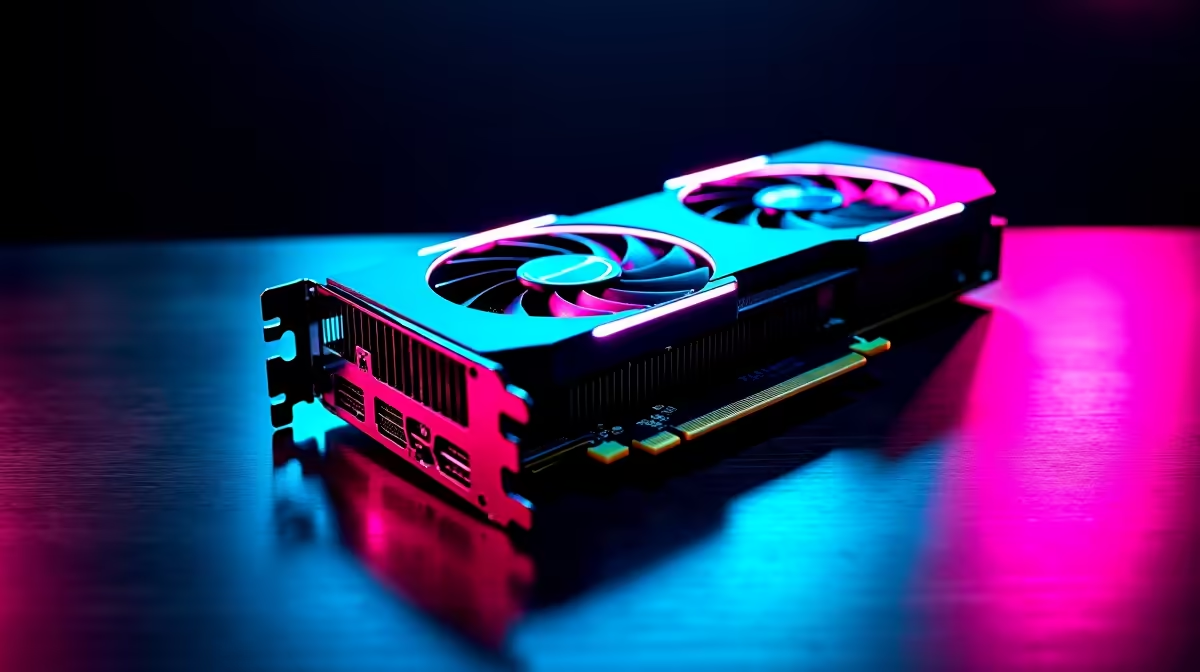
You just dropped a serious amount of ZAR on the ultimate GPU. You carefully slot it in. You hit the power button... and nothing happens. A blank screen stares back. Panic sets in. Don't stress just yet. Figuring out how to troubleshoot RTX 5090 installation issues is usually a straightforward process. Let us walk you through the most common fixes.
The RTX 5090 is a power-hungry beast. It demands clean and stable wattage. If you want to run this flagship hardware, your power supply must be up to the task. When you troubleshoot RTX 5090 installation issues, always check the power delivery first. Many failures stem from incorrect cabling. Ensure you are using a native 12V-2x6 cable.
If you are using the provided adapter, check that every single 8-pin connector is fully seated. A loose cable will trigger a safety fault. The card simply will not boot. If your current PSU is too weak, it might be time for a total system overhaul. You can browse the best gaming PC deals for a rig that handles heavy loads effortlessly.
This graphics card is absolutely massive. Sometimes, the GPU simply isn't clicking fully into the PCIe slot. Drive bays or stiff cables often block the cooler. Check your case clearance carefully. If your chassis is too small, forcing the card will cause permanent damage. Nobody wants to break expensive hardware.
If you prefer avoiding these physical clearance headaches entirely, check out our pre-built PC deals. Buying pre-built ensures you get a system engineered with perfect airflow and spatial tolerances from day one.
Always lay your PC case flat on its side when installing heavy components like the 5090. This prevents motherboard sag and ensures the PCIe lock clicks into place securely without forcing it.
Older motherboards might not recognise the newest architecture out of the box. You will probably need to update your motherboard BIOS. Download the latest version from your manufacturer website onto a USB drive. Use your old GPU to flash the update before swapping cards. This simple step solves most boot failures instantly.
Next, verify your display cables. Ensure your DisplayPort or HDMI cable is plugged directly into the RTX 5090... not your motherboard IO panel. It sounds obvious, but it happens to the best of us.
You might know how to troubleshoot RTX 5090 installation issues perfectly. Yet, your system still refuses to post. In this case, you are likely dealing with a wider hardware bottleneck. Sometimes upgrading an old rig piece by piece costs more ZAR than starting fresh.
If you are tired of the DIY desktop route, you can always explore notebooks for sale in South Africa. These offer incredible portable gaming power without the setup hassle. Alternatively, keep an eye on our daily specials. You might find matching components that will not bottleneck your new card.
Of course, you might just need a reliable replacement part to finish your build. We have plenty of premium graphics cards to suit any modern setup.
Ready for the Ultimate Upgrade? Troubleshooting hardware can be frustrating, but your gaming experience shouldn't be. Whether you need a new power supply, a bigger case, or a completely new rig, Evetech has you covered. Explore our premium PC components and level up your setup today.
How to Troubleshoot RTX 5090 Installatio available at Evetech.co.za with local warranty and fast delivery.
How to Troubleshoot RTX 5090 Installatio - check Evetech for latest stock and SA pricing.
Depends on your use case. How to Troubleshoot RTX 5090 I offers good value at current Rand pricing.
850W for RTX 5080 Super needs a full-build check, not a simple yes. Review GPU guidance, CPU draw, transient load, connectors, PSU quality, and upgrade plans before deciding.
Read more
FPS drops blamed on a wireless gaming headset often point to input, driver, USB, network, or system-load checks. Use a quick SA-friendly troubleshooting flow to isolate software, firmware, thermals, storage, and game settings before replacing
Read more
1440p is the sweet spot for Polokwane gamers because it balances sharper visuals with manageable GPU demand. Compare refresh rate, graphics card tier, monitor size, and game settings before choosing a display.
Read more
240Hz monitors are mainstream in SA esports because smoother motion and lower input feel matter in Sandton matches. See how GPU frame rates, panel choice, desk setup, and local budget decide whether 240Hz is a smart upgrade from 144Hz.
Read more
4K monitors still cost more for gamers because resolution, refresh rate, panel quality, and GPU demands raise the bar. Polokwane buyers should compare screen size, ports, adaptive sync, and whether 1440p is a better fit.
Read more
Edenvale gpu price pressure questions need cautious SA context because pricing can move with availability, exchange rates, specs, and warranty support. Treat the trend as a planning signal, not a fixed price promise.
Read more
Cyber Monday gaming chair is a cautious guide for seasonal tech deal planning. Compare spec priorities, timing, warranty support, and realistic SA price checks for SA buyers without assuming live prices, availability, or exact benchmark results.

Pre-Black Friday wired gaming mouse buying planning should focus on shape, specs, warranty, and usual price bands. Use this SA guide to shortlist sensible options before deal periods without assuming live discounts.

ATX 3.1 vs ATX 3.0 for Competitive Esports comes down to GPU power connectors, PSU quality, cable routing, headroom, and upgrade plans. SA buyers should match the choice to their setup instead of assuming one option always wins.

Wi-Fi 6E vs Wi-Fi 6 depends on Couch co-op gaming needs, platform limits, and budget fit. Compare compatibility, latency, upgrade path, and real setup constraints before choosing for an SA build.

How to fix FPS drops on AM5 motherboard starts with BIOS, chipset drivers, cooling, and memory stability. South African gamers can work through power, EXPO, refresh-rate, overlay, and game-setting checks before spending on new hardware.

RX 9070 XT build frame pacing issues needs a step-by-step check before replacing parts. Review drivers, settings, thermals, power, background apps, display limits, cables, and game options before changing hardware.

Low fps on rtx 5080 build in south africa usually needs a settings, driver, thermal, or power check first. Work through safe SA troubleshooting steps before replacing parts or assuming a full upgrade.

1440p is the sweet spot for Mbombela gamers because it sharpens detail without demanding 4K-level GPU power. SA buyers should weigh monitor refresh rate, graphics card tier, desk size, and game mix before moving up from 1080p.
850W for RTX 5080 Super needs a full-build check, not a simple yes. Review GPU guidance, CPU draw, transient load, connectors, PSU quality, and upgrade plans before deciding.

Bluetooth headset or 2.4GHz wireless headset decisions in SA hinge on latency, device support, battery, and dongle access. Gamers should match the headset to competitive play, couch use, calls, and platform ports.
FPS drops blamed on a wireless gaming headset often point to input, driver, USB, network, or system-load checks. Use a quick SA-friendly troubleshooting flow to isolate software, firmware, thermals, storage, and game settings before replacing

ATX 3.1 vs ATX 3.0 for streaming on Twitch and YouTube Difference explained is mostly about compatibility, budget, upgrade path, and setup fit. SA buyers should check device support and real needs before expecting a clear win from either option.