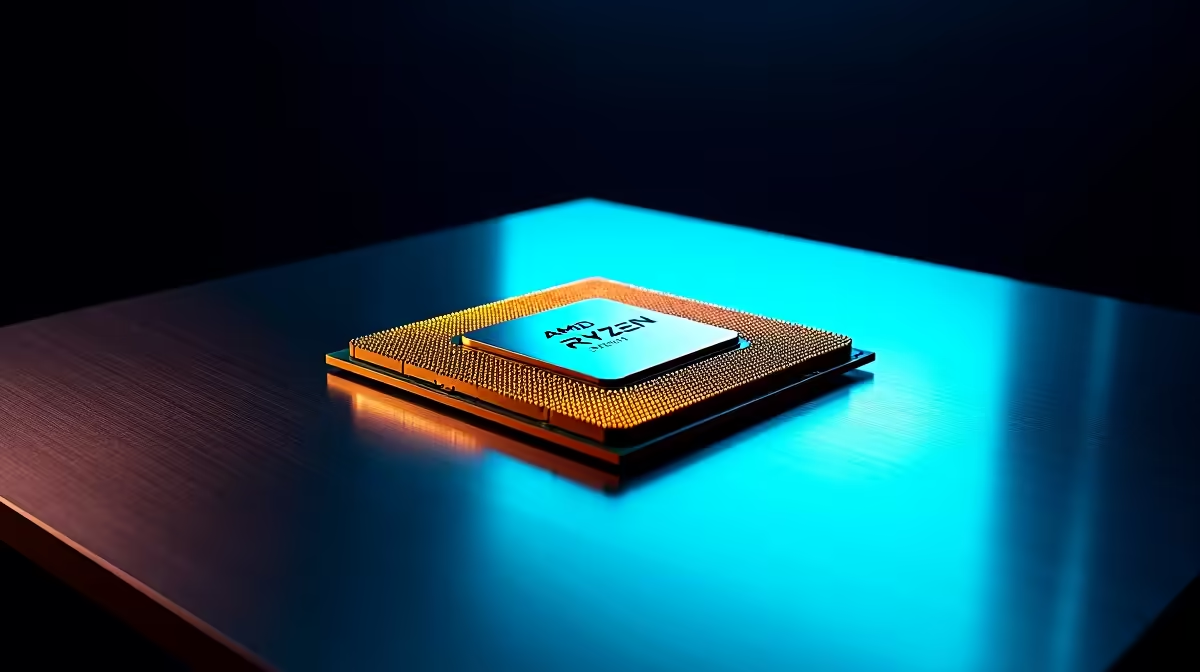
The Ryzen 7 9800X3D is AMD's current gaming CPU crown jewel, and while most installations go smoothly, a handful of specific issues catch builders off-guard. Knowing what to check before powering on saves you hours of diagnostics later. If your 9800X3D isn't posting, running hot, or causing instability, this guide walks through the most common causes and fixes.
Quick Answer
How do you troubleshoot Ryzen 7 9800X3D installation issues? Most 9800X3D installation problems come down to four things: outdated BIOS, incompatible RAM settings, cooler mounting pressure, and AM5 socket contact issues. Update your motherboard BIOS before installing the CPU, set RAM to EXPO/XMP manually after first boot, and verify your cooler makes even contact across the IHS.
🔧 Step-by-Step: Diagnosing a Failed Post
1. Update your BIOS first. The 9800X3D requires a BIOS version that explicitly supports Zen 5 architecture. On AM5 boards, check your manufacturer's support page for the minimum BIOS version for 9800X3D. If you don't have another compatible CPU to boot from, look for boards that support BIOS Flashback - this lets you update without a CPU installed.
2. Check the AM5 socket. AM5 uses LGA (land grid array) with pins on the motherboard, not the CPU. Inspect the socket carefully for bent or damaged pins before seating the chip. Any bent pin needs straightening with a fine tool before the CPU is seated. The 9800X3D's golden contacts should be clean and undamaged.
3. Seat the CPU correctly. The 9800X3D only fits one way - the triangle alignment marker on the CPU corner matches the triangle on the socket. Don't force it. Once aligned, the chip should drop into the socket with no pressure required.
4. RAM slots. For first boot, use only the A2 and B2 slots (slots 2 and 4 counting from the CPU) with a single or dual stick. Populating A1/B1 first can prevent posting on some AM5 boards.
📊 Thermal and Cooler Issues
The 9800X3D has a stacked 3D V-Cache die on top of the CPU, which raises the contact surface height slightly compared to standard Zen 5 dies. Most modern coolers accommodate this, but ensure your cooler's mounting pressure is consistent across the IHS.
On AM5, AMD recommends a torque of around 0.45–0.68 Nm for cooler mounting screws - use a crosshatch tightening pattern (diagonal) rather than tightening one side fully before the other. Uneven pressure causes poor thermal contact and elevated temperatures.
Expected idle temperatures on a good 240mm AIO or high-end air cooler: 35–45°C at idle. Under full load in gaming, the 9800X3D's 3D V-Cache throttles before the CPU reaches thermal limits - this is by design, not a fault. You may see core clocks dip slightly under sustained load; that's the cache protection system working correctly.
If temperatures are exceeding 90°C at idle, remount your cooler and check for gaps in thermal paste coverage.
💡 Post-Boot Stability Fixes
Once the system posts, the first priority is not enabling EXPO/XMP immediately. Boot with RAM at JEDEC default speeds first, confirm the system is stable, then enter BIOS and enable EXPO (AMD's version of XMP) for your kit's rated speed.
If the system is unstable after enabling EXPO, try increasing the SoC voltage slightly (1.1V–1.2V range) or drop the memory speed one notch. The 9800X3D is sensitive to memory subsystem stability, and budget DDR5 kits sometimes need voltage tweaking to run at rated speeds reliably.
For gaming-specific stuttering post-installation, verify that Windows power plan is set to "AMD Ryzen Balanced" or "High Performance" - the default Balanced plan can interfere with the CPU's boost algorithm on some Windows builds.
❓ Frequently Asked Questions
Why won't my 9800X3D post on my existing AM5 board?
The most common reason is an outdated BIOS. AM5 boards released before mid-2024 often need a BIOS update to recognise Zen 5 CPUs. Use BIOS Flashback if available, or borrow a compatible Zen 4 CPU temporarily to update.
Is the 9800X3D compatible with DDR5 only?
Yes. AM5 exclusively uses DDR5 - there is no DDR4 support on this platform. Ensure your RAM kit is DDR5 and matches your board's supported frequency range.
My 9800X3D is running hot under gaming load - is this normal?
The 9800X3D's 3D V-Cache adds thermal resistance compared to non-V-Cache chips. Temperatures of 80–85°C under sustained gaming load are within normal operating parameters. Above 90°C consistently indicates a cooler contact or airflow issue worth investigating.
Evetech carries AMD Ryzen 9 Processors and AMD Ryzen 7 Processors — check live stock and pricing before you buy.