

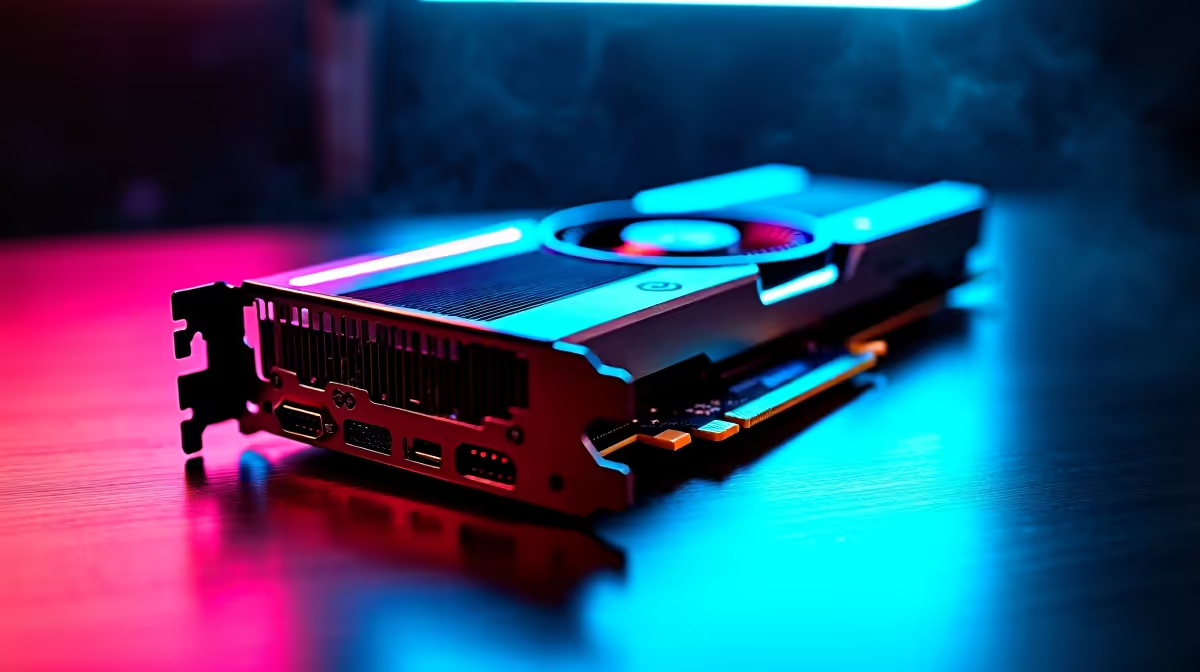
So you just snagged the new Intel Arc B580. It is a fantastic budget GPU for South African gamers looking to maximise their ZAR. But out-of-the-box performance is only half the story. To prevent stuttering and unlock those sweet extra frames, you need the latest software. If you are wondering how to update Intel Arc B580 firmware and drivers in SA, you are in the right place... let us dive in.
Why You Must Update Your Intel Arc Drivers 🚀
Intel's software team works around the clock to optimise performance for new titles. Skipping updates means leaving free performance on the table. Whether you are slotting this card into one of our pre-built PC deals or upgrading an older rig, keeping your software current is non-negotiable.
Step-by-Step Guide to Updating Your GPU
First, you need the Intel Arc Control software. Head over to the official Intel website and download the latest WHQL driver package. If you are pairing your B580 with the latest processors, Intel's software will seamlessly detect your hardware.
Run the downloaded installer and simply follow the prompts. The installer will automatically flash the firmware if an update is available for your specific model. Do not panic if your screen flickers black for a few seconds... this is completely normal when installing new graphics cards.
Installation Pro Tip 🔧
Always use Display Driver Uninstaller (DDU) in Safe Mode before installing your new Intel drivers. This wipes old AMD or NVIDIA files that could cause conflicts, ensuring your B580 runs flawlessly from day one.
Maximising Your Arc Experience in SA ⚡
Once your drivers are sorted, you can tweak fan curves and monitor temperatures directly in Arc Control. South African summers get incredibly hot, so keeping a close eye on your thermals is vital to prevent thermal throttling.
If your current system is bottlenecking that shiny new B580, it might be time for a complete overhaul. Browsing the best gaming PC deals can save you thousands of Rands compared to buying individual parts. Alternatively, if you need portability over desktop power, checking out our high-performance laptops is a smart move for gamers on the go.
Ready to Push Your Frames Higher? Getting the absolute best performance from your new GPU requires the right supporting hardware. For maximum power, choice, and value in South Africa, Evetech is hard to beat. Explore our massive range of PC components and find the perfect parts to conquer your next match.











