

Quick Answer
Adobe Premiere Pro isn't a live streaming tool, but it's the industry standard for editing stream highlights, VODs and YouTube uploads. Pair it with OBS for the live broadcast, then use Premiere to clip, colour grade and publish the best moments after the stream ends.
Premiere's Role in a Streaming Workflow
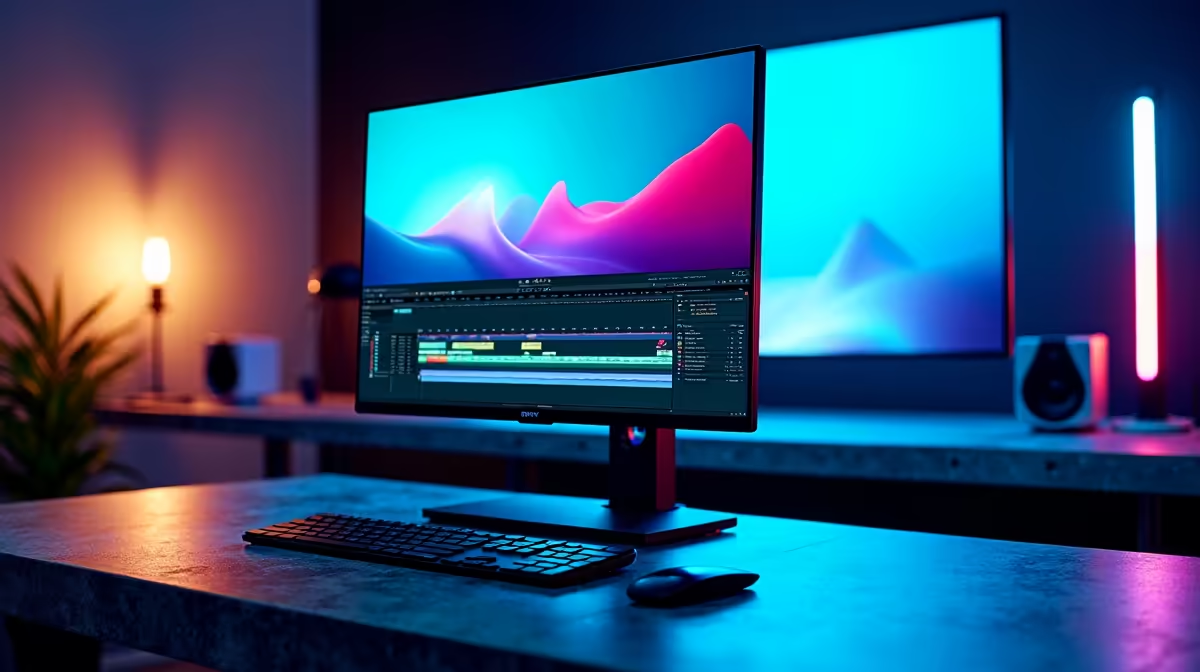
Streamers use Premiere Pro after the broadcast, not during. OBS Studio or Streamlabs handles the live encode to Twitch, YouTube or Kick. Once you stop streaming, you import the local recording into Premiere, scrub through it, cut highlight clips and apply Lumetri colour for that polished look channels like Asmongold, Pestily and South African creators use. This post-stream workflow is where most subscriber growth actually happens because the highlight reel reaches viewers who missed the live show.
Setting Up Premiere for Stream Footage
Drop your OBS MP4 into a 1080p 60fps sequence (or 1440p if you're streaming higher). Use the Razor tool to mark in and out points around big moments, then drag clips to a new sequence. Apply the Lumetri Color preset "Streaming Punch" or build your own with mid contrast and slightly raised saturation. Add Auto Captions through Premiere's transcript feature, TikTok and Shorts viewers watch on mute. Export at H.264, 16 Mbps for YouTube, 8 Mbps for Reels and Shorts.
Hardware That Keeps Premiere Smooth
Premiere is GPU and RAM hungry. For 1080p 60fps stream edits, a Ryzen 7 7700X or Core i7 14700F with 32GB DDR5 and an RTX 4060 Ti handles real-time playback without proxy files. For 4K downloads from your stream archive, step up to 64GB RAM and an RTX 5070. Evetech builds streaming-ready PCs in the R20,000-R35,000 ZAR range with NVMe scratch drives, and ships nationwide. A small UPS for the editing rig also saves your timeline cache during loadshedding.
Frequently Asked Questions
Can I stream live with Adobe Premiere Pro?
No. Premiere is post-production software. Use OBS Studio for the live stream and Premiere for the highlight edits afterwards.
Do I need an RTX card for Premiere streaming workflows?
RTX cards aren't required, but NVENC export acceleration cuts render times by half compared to CPU only encoding.
What's a good starter PC for editing stream VODs in SA?
A Ryzen 5 7600, RTX 4060, 32GB DDR5 and a 1TB Gen4 NVMe handles 1080p 60fps stream footage comfortably under R22,000.
Ready to Find Your Perfect Match? Spec a streaming and editing PC built for OBS plus Premiere workflows. Shop gaming and creator PCs at Evetech











