

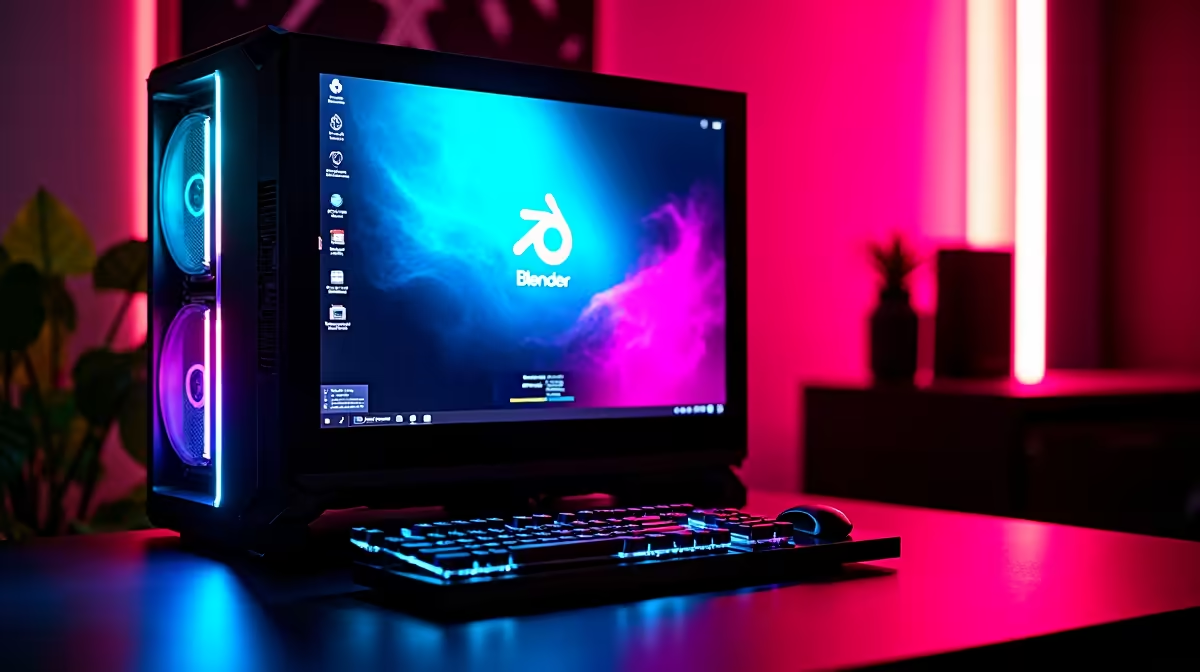
Want to make your YouTube thumbnails pop or create custom Twitch overlays? Learning how to use Blender for content creation is your best move. It is completely free and incredibly powerful. Whether you are designing 3D logos or animating full scenes, this software turns basic ideas into visual magic 🎨. But before you dive into the viewport, you need to know a few basics... and have the right setup.
Navigating the Blender Interface
Opening the software for the first time feels intimidating. Do not panic. Start by understanding the layout. You have your 3D viewport, your timeline for animation, and the properties panel to tweak materials and colours. Focus on learning basic keyboard shortcuts first. Pressing 'G' to grab, 'S' to scale, and 'R' to rotate will speed up your workflow massively. Mastering these hotkeys means you spend less time clicking through menus and more time actually creating.
If you are a creator on the move, you can easily practice these basics on a solid portable machine. Have a look at our notebooks for sale in South Africa to find a mobile workstation that handles 3D modelling without breaking a sweat.
Elevating Your Stream Assets
Content creation is highly competitive right now. Streamers and YouTubers need unique branding to stand out. You can use Blender to model 3D text for your intro videos or design custom subscriber badges. Adding physics simulations, like cloth or fluid dynamics, takes your visual quality to the next level... but it also pushes your hardware.
When you move from simple models to complex textures, your system needs serious graphical power. Rendering realistic lighting requires a dedicated GPU. If your current rig is struggling, you might want to buy graphics cards that feature ray-tracing capabilities. Nvidia RTX cards specifically shine here because Blender is highly optimised for their OptiX rendering engine.
Rendering Pro Tip ⚡
When setting up your scene, switch your render engine from Cycles to Eevee for real-time previews. It saves massive amounts of time while you adjust lighting and materials before doing the final high-quality Cycles render.
Building the Ultimate Creator Setup
Rendering video files and 3D scenes eats up processing power and RAM. A standard office computer will leave you staring at a loading bar for hours. Look for machines with at least 32GB of RAM and a multi-core processor to keep your timeline scrubbing smooth. To truly master how to use Blender for content creation, you need hardware built for heavy lifting 🚀. Upgrading your entire system might sound pricey, but there are always brilliant specials running to help stretch your hard-earned ZAR further.
If you prefer a system that is ready to plug in and render right out of the box, exploring pre-built PC deals is a smart choice. These rigs are balanced by professionals to prevent frustrating bottlenecks between your CPU and GPU.
For creators who also want to stream their competitive gameplay at maximum framerates, you should absolutely check out the latest best gaming PC deals. A top-tier gaming rig doubles perfectly as a high-end 3D rendering powerhouse.
Ready to Bring Your 3D Ideas to Life? Learning Blender is a rewarding journey, but slow rendering times will kill your creative flow. Equip yourself with the hardware you need to render complex scenes in seconds. Explore our massive range of PC components and upgrades and build the ultimate content creation workstation today.











