

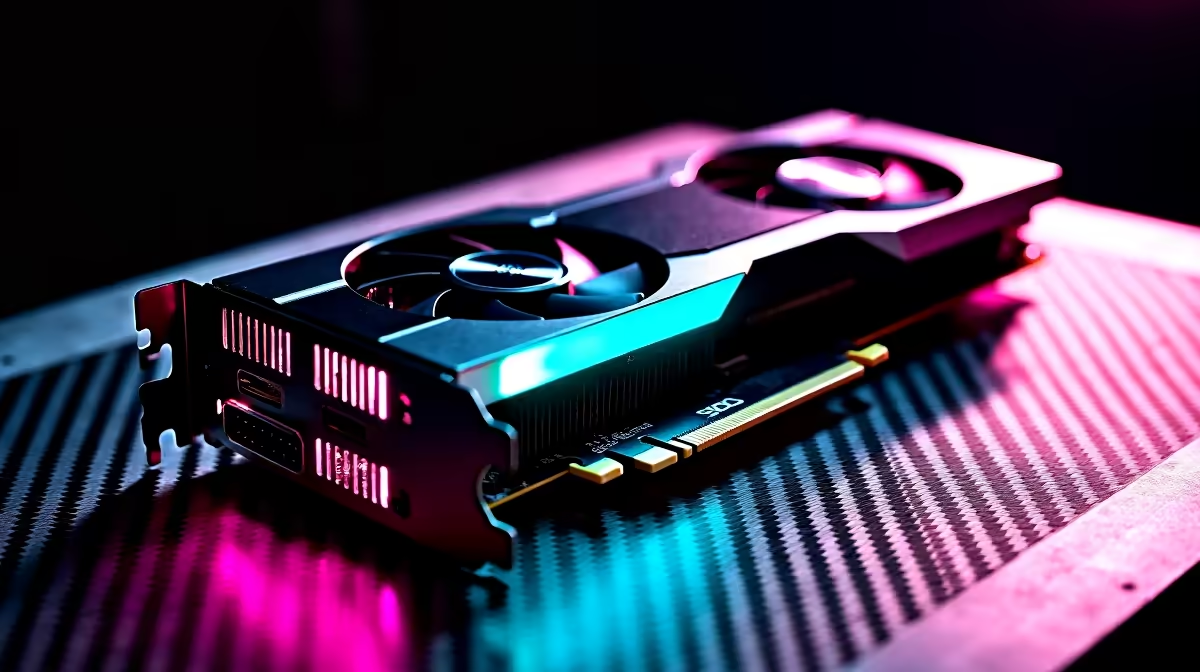
Why Stress Test Your GPU with FurMark? 🔧
If you’re a South African gamer or PC builder, you know how crucial a solid GPU is for smooth, lag-free play. But how do you really know if your graphics card can handle those intense gaming marathons? That’s where the GPU stress test comes in. FurMark is a trusted tool to push your GPU to its limits, revealing stability issues or overheating risks before they crash your game or rig.
Stress testing your GPU with FurMark helps avoid unexpected shutdowns and ensures your rig delivers peak performance every time.
Getting Started: How to Use FurMark for GPU Stress Testing ⚡
Using FurMark might seem daunting at first, but it's straightforward once you know the steps. Start by downloading FurMark from a reliable source. Before you kick off the stress test, make sure to close all unnecessary apps—your PC needs to focus all its power on the GPU.
Open FurMark, choose your desired resolution and anti-aliasing settings—higher settings mean a tougher test. Click “Burn-in test” to start, and watch your GPU temperature and clock speeds climb. Keep an eye on temps; if they spike above 85°C, consider improving cooling. The test usually runs for 15 minutes, though you can stop it sooner if needed.
Reading FurMark Results for GPU Health Insights
Once FurMark completes the stress test, evaluate the results closely. Consistent frame rates and stable temps are good signs. But if you see sudden drops in frames or frequent crashes, that could mean your GPU needs a driver update, better airflow, or in some cases, replacement.
For South African gamers looking to upgrade, exploring the latest graphics cards on Evetech can be a smart move. With competitive prices and local warranty, you’ll game harder without worry.
Pro Tips to Maximise Your GPU’s Lifespan and Performance 🚀
Heat is the enemy of performance. Regularly cleaning your PC’s interior and applying fresh thermal paste can keep temperatures down. You might also want to tweak your fan curves for a quieter yet cooler rig—FurMark’s stress test is the perfect moment to benchmark these changes.
Choosing the right PC build also matters. Check out Evetech’s best gaming PC deals for configurations tailored to handle tough GPU demands out of the box.
GPU Cooling Checkup
Don’t neglect airflow—position your rig away from direct sunlight and tight spaces for better heat dissipation.
Alternatives to FurMark and Upgrading Options in South Africa
While FurMark is popular, it’s not the only GPU stress tester out there. Tools like 3DMark or Heaven Benchmark focus more on gaming realism during tests. Trying several tools gives you a fuller picture of GPU stability.
If you find your GPU failing stress tests repeatedly, it might be time for a pre-built rig. Evetech offers solid pre-built PC deals with powerful GPUs for South African gamers who want a hassle-free upgrade.
Laptops users, don’t worry: you can also monitor GPU health on the go and explore the latest notebooks on Evetech designed for competitive gaming. Plus, keep an eye on Evetech’s specials page for seasonal discounts that make upgrading more affordable.
Power Up Your Gaming Setup Ready to test or upgrade your GPU? Shop now at Evetech for unbeatable deals on graphics cards and gaming PCs that keep you ahead.











