

Can Your PC Run Kingdom Come: Deliverance 2? Quick Spec Check Guide
Can Your PC Run Kingdom Come: Deliverance 2?. Everything you need to know with SA pricing, step-by-step instructions & expert recommendations.
Read moreUse Intel Arc Control for Gaming Optimization. Step-by-step instructions with SA-specific tips, common pitfalls to avoid & expert recommendations.
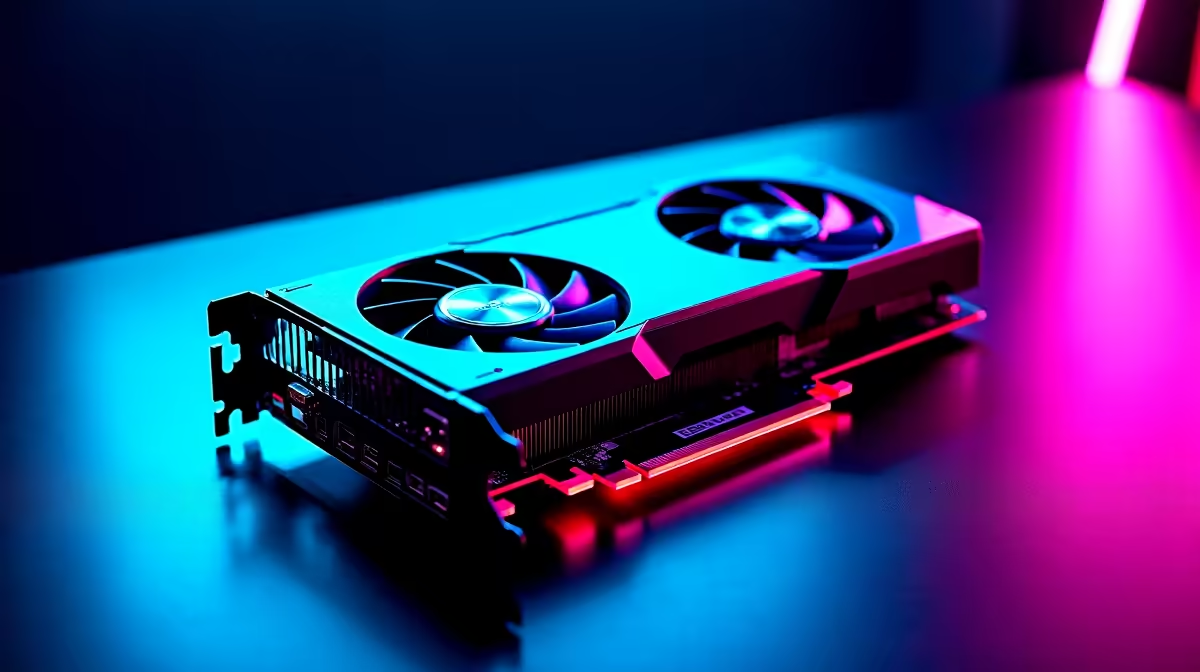
Intel is making serious waves in the graphics market. If you want maximum value for your hard-earned ZAR, Team Blue is a brilliant bet. But hardware is only half the battle... you need the right software to push those frames. Whether you are pairing your GPU with the latest Intel processors or running an older rig, knowing how to use Intel Arc Control for gaming optimization is vital.
Arc Control is Intel's sleek software hub. It replaces the clunky control panels of the past. It works beautifully whether you have a dedicated desktop card or you are gaming on one of the latest high-performance laptops. The modern interface overlays directly onto your screen... meaning you never have to tab out of your match to tweak your settings. 🚀
To get started, press Alt+I to bring up the overlay. Navigate straight to the Performance tab. This is where the real magic happens. You can monitor your GPU temperatures, clock speeds, and VRAM usage in real-time.
If you recently picked up one of our pre-built PC specials featuring an Arc GPU, you will want to keep a close eye on these metrics while pushing ultra graphics settings. The telemetry overlay is fully customisable, letting you see exactly how your system handles heavy gaming loads.
Arc Control lets you set custom profiles for individual titles. This means you can crank up the power limit for a demanding game, then dial it back for lighter esports titles to save on electricity.
It is a brilliant way to manage your system temperatures and power draw... especially if you are hunting for the best gaming PC deals and want your new hardware to last as long as possible.
Always keep your Intel graphics drivers updated directly through the Arc Control Drivers tab. Intel frequently releases Game On drivers that provide massive performance boosts for new releases... sometimes increasing frame rates by up to 30% in older DirectX 9 and DirectX 11 titles.
Forget downloading heavy third-party software. Intel Arc Control features a built-in Studio tab. You can broadcast directly to platforms like Twitch or YouTube with just a few clicks.
It uses Intel's highly praised AV1 hardware encoding. This delivers crisp visuals to your viewers without tanking your in-game frame rate. It is a massive bonus for budget-conscious content creators who are constantly checking our tech specials for affordable upgrade opportunities.
Ready to Upgrade Your Gaming Experience? Optimising your software is great, but sometimes you need raw hardware power to dominate the lobbies. Explore our massive range of gaming specials and find the perfect Intel-powered machine to conquer your world.
How to Use Intel Arc Control for Gaming available at Evetech.co.za with local warranty and fast delivery.
How to Use Intel Arc Control for Gaming - check Evetech for latest stock and SA pricing.
Depends on your use case. How to Use Intel Arc Control f offers good value at current Rand pricing.
Can Your PC Run Kingdom Come: Deliverance 2?. Everything you need to know with SA pricing, step-by-step instructions & expert recommendations.
Read more
60FPS Unstable: Achieve. Step-by-step instructions with SA-specific tips, common pitfalls to avoid & expert recommendations.
Read more
Quantisation in AI? How It Lets You Run Models. Plain-English explanation of what it means, why it matters & how it affects your buying decisions in SA.
Read more
Protect Your 1TB SSD During Load Shedding. Step-by-step instructions with SA-specific tips, common pitfalls to avoid & expert recommendations.
Read more
What Import Duties Apply to PC Hardware. Practical breakdown of costs, regulations & whether it makes financial sense for SA buyers.
Read more
the MacBook Notch and Does It Affect Usage. Plain-English explanation of what it means, why it matters & how it affects your buying decisions in SA.
Read more
AMD RX 9050 XT: Rumoured Specs, Price & Release. SA-focused analysis with local pricing data, real-world insights & actionable buying advice.

Can RTX 4080 Super Run AI Workloads for SA Developers Detailed answer with SA data, expert analysis & practical recommendations for local buyers.

Can RTX 4090 Run AI Workloads for SA Developers Detailed answer with SA data, expert analysis & practical recommendations for local buyers.

Top Settings for Intel Arc B580 at Ultrawide 1440p picks evaluated on performance, value & SA availability with current Rand pricing from Evetech.

RTX 4060 CS2 Low Settings at 1080p: FPS Results. Real-world benchmark data, FPS numbers & performance analysis. What SA gamers can actually expect.

Visual Artifacts: Possible GPU Issue Issue #1. Diagnosis steps, proven fixes & when to seek professional help. SA-specific support info included.

Can the RTX 4090 Handle 1440p 144Hz Gaming. Performance testing verdict with real data & practical recommendations for SA buyers.

Top ASUS GPU Under R15000 picks evaluated on performance, value & SA availability with current Rand pricing from Evetech.

GTA 6 Max Settings on RTX 5070. Tested & verified settings for best FPS and visual quality on SA hardware budgets.

Cyberpunk 2077 Max Settings on RTX 5080. Tested & verified settings for best FPS and visual quality on SA hardware budgets.

Starfield Max Settings on RTX 5070 Ti. Tested & verified settings for best FPS and visual quality on SA hardware budgets.

Top RTX 5090 Under R5000 picks evaluated on performance, value & SA availability with current Rand pricing from Evetech.