

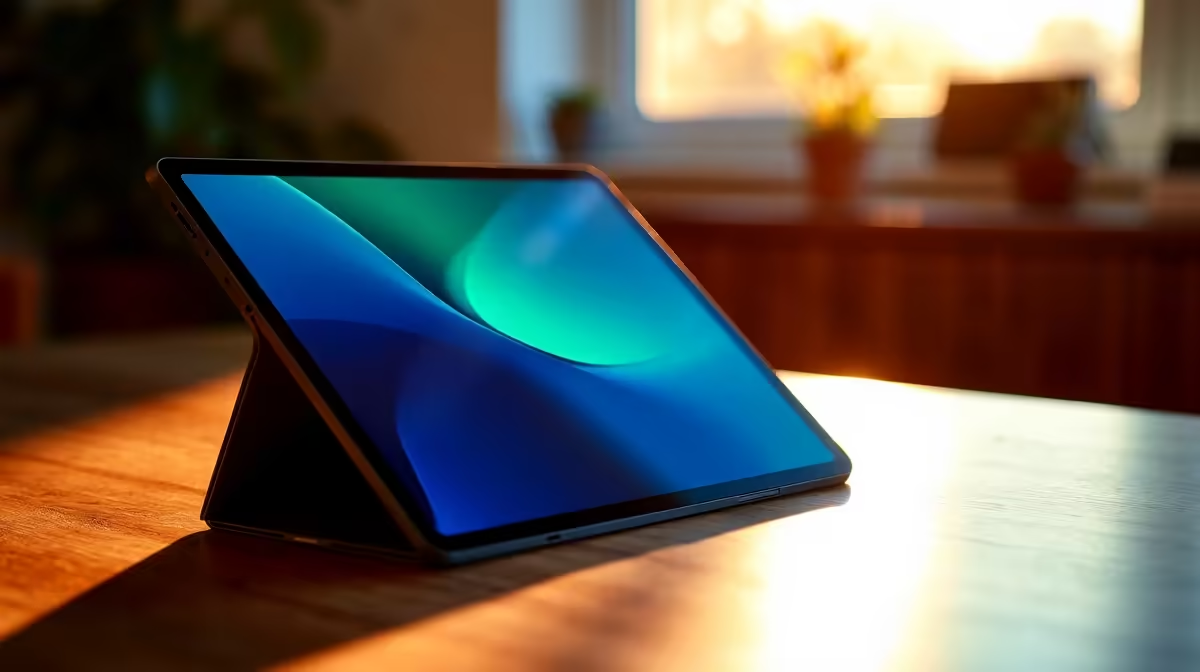
Many South Africans view their tablets as just expensive streaming screens. But if you want to know how to use iPad for productivity, you need the right setup. Whether you are dodging load-shedding schedules or need a digital sketchbook, your tablet can do serious work. Let us explore a complete workflow guide to turn that sleek slab of glass into a true daily driver.
Setting Up Your Base Workflow 📱
To truly master how to use an iPad for productivity, you must start with the basics. Apple offers features like Split View and Slide Over to let you run multiple apps side by side. It is absolutely perfect for drafting emails while referencing a PDF. You can quickly optimise your workspace for light admin tasks without feeling cramped.
However... for heavy multitasking, a tablet is best paired with a proper Windows machine. If you are rendering 4K video or compiling code, you will want to look at our best gaming PC deals to handle the heavy lifting. This allows you to keep the tablet strictly for mobile edits, storyboarding, and taking notes during client meetings.
Equipping the Right Accessories ⌨️
Learning how to use iPad for productivity also means investing in the right peripherals. A good Bluetooth keyboard and a stylus transform the experience. Typing out long documents becomes a breeze, and annotating PDFs feels incredibly natural. Just remember that while these accessories help you optimise your mobile workflow, they cannot replace the tactile feedback and raw speed of a mechanical keyboard connected to a dedicated workstation.
The Ultimate Companion Device ⚡
An iPad shines brightest when it supports your main rig. Apps like Duet Display let you use your tablet as a wireless second monitor. Imagine having your Discord chat or Spotify playlist open on the tablet while your main screen runs the latest titles at maximum frames.
If you do not have a solid desktop yet, checking out some pre-built PC deals is a highly recommended move. A dual-screen setup drastically improves your focus and overall output.
Productivity Pro Tip ⚡
Use your iPad as a dedicated macro pad for streaming or video editing. Apps like Touch Portal let you trigger complex shortcuts on your main PC right from your tablet screen, saving you valuable time.
Bridging the Gap Between Mobile and Desktop 🚀
File management is usually where mobile workflows fall apart. Using cloud storage like OneDrive or Google Drive bridges the gap seamlessly. You can sketch a concept on your tablet while sitting at a coffee shop in Cape Town, then open it later on your workstation.
If you prefer working entirely on the move but need more power than a mobile operating system offers, browsing our laptops and notebooks will give you the full desktop experience in a portable form factor. It is the perfect middle ground.
Knowing When to Upgrade Your Hardware 🔧
Eventually, you will hit a wall with mobile processors. When your workflow demands intense 3D rendering or hardcore local gaming, even the best tablet will struggle. That is exactly when you need dedicated hardware.
Upgrading your rig with the latest graphics cards ensures your PC handles the heavy tasks. This leaves your tablet to do what it does best... light admin, media consumption, and digital art. Keeping a close eye on our tech specials is the smartest way to stretch your ZAR while building this ultimate hybrid ecosystem.
Ready to Complete Your Setup? An iPad is a fantastic tool, but nothing beats the raw power of a dedicated Windows machine for serious productivity and gaming in South Africa. Explore our massive range of laptop specials and find the perfect powerhouse to anchor your workflow.











