

Quick Answer
Kdenlive is a free, open-source video editor that can be used to produce streaming-ready content, highlight reels, and pre-recorded broadcasts. While it is not a live streaming tool itself, it works well alongside OBS Studio to create polished pre-recorded content you broadcast or upload as a streamer.
What Kdenlive Does and Doesn't Do for Streaming
It is important to clarify the workflow: Kdenlive is a non-linear video editor, not a live streaming application. You use Kdenlive to edit recorded footage - gameplay clips, webcam recordings, tutorials - and then either render a final video for upload or prepare segments that you play out during a stream via OBS Studio's media source. Many South African content creators use this workflow: record in OBS, edit in Kdenlive, then stream or upload the finished content. This approach is practical for creators on a budget because both tools are completely free and run well on mid-range hardware.
Setting Up Kdenlive for Content Creation
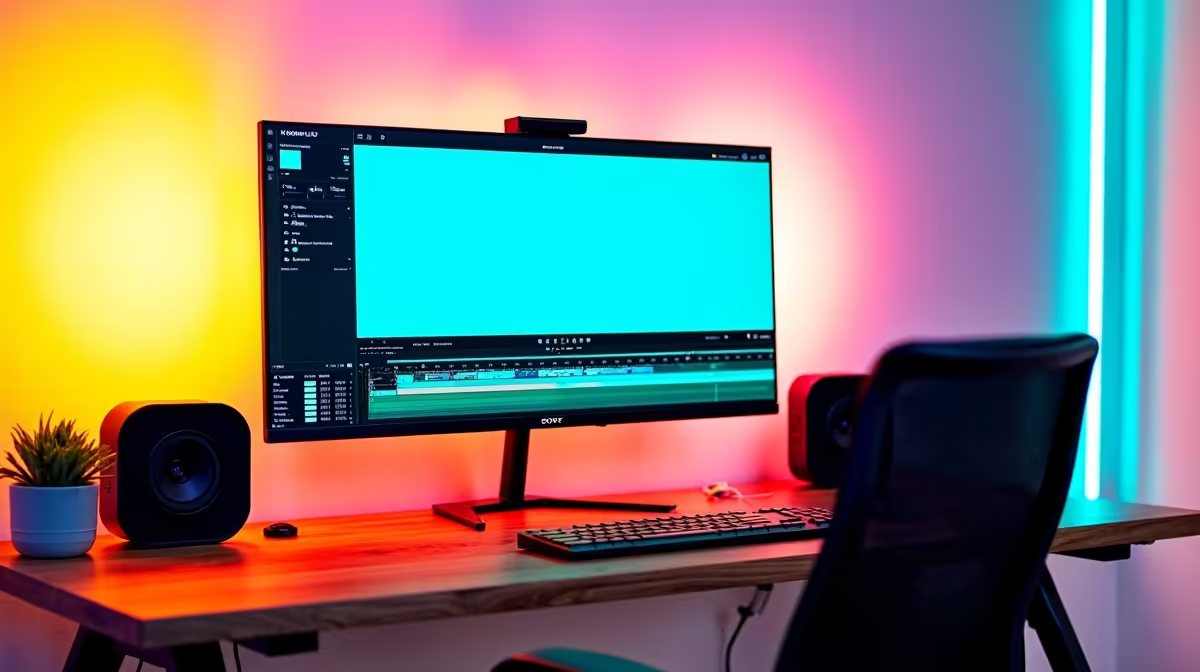
Install Kdenlive from the official project website. When starting a new project, match your project settings to your recording resolution - 1080p at 60fps is the most common standard for gaming content. Import your OBS recordings by dragging them into the project bin. Kdenlive's timeline works similarly to other NLEs: arrange clips, cut, trim, add transitions, and layer audio. For streaming pre-rolls or overlays, export your final render using the H.264 or H.265 preset at the appropriate bitrate for your platform. Kdenlive handles multi-track audio well, which is useful if you recorded game audio, microphone, and system audio on separate tracks via OBS.
Hardware Requirements for Kdenlive Video Editing in SA
Kdenlive benefits greatly from a modern CPU and sufficient RAM. Editing 1080p60 footage comfortably requires at least 16GB RAM and a quad-core processor. For 4K editing, 32GB RAM and a strong multi-core CPU reduce rendering times significantly. A dedicated GPU accelerates proxy generation and export times via hardware encoding. South African creators dealing with loadshedding should be aware that Kdenlive has an autosave function - verify it is enabled and set to a frequent interval, because losing an editing session to a sudden power cut is a genuinely painful experience.
Frequently Asked Questions
Can Kdenlive be used for live streaming directly? No. Kdenlive is a video editor, not a live streaming application. For live streaming, use OBS Studio. Kdenlive and OBS are complementary tools - edit your content in Kdenlive and stream or upload the finished video.
Is Kdenlive good enough for professional streaming content? Yes. Kdenlive supports multi-track editing, colour grading, audio mixing, and a full suite of transitions and effects. Many professional creators use it for polished YouTube and streaming platform content.
Does Kdenlive support GPU acceleration for faster exports? Yes. Kdenlive supports hardware-accelerated encoding via NVENC (Nvidia) and VA-API (AMD/Intel) on supported systems, which significantly speeds up rendering and export.
Ready to Find Your Perfect Match? Shop streaming and content creation PCs at Evetech











