

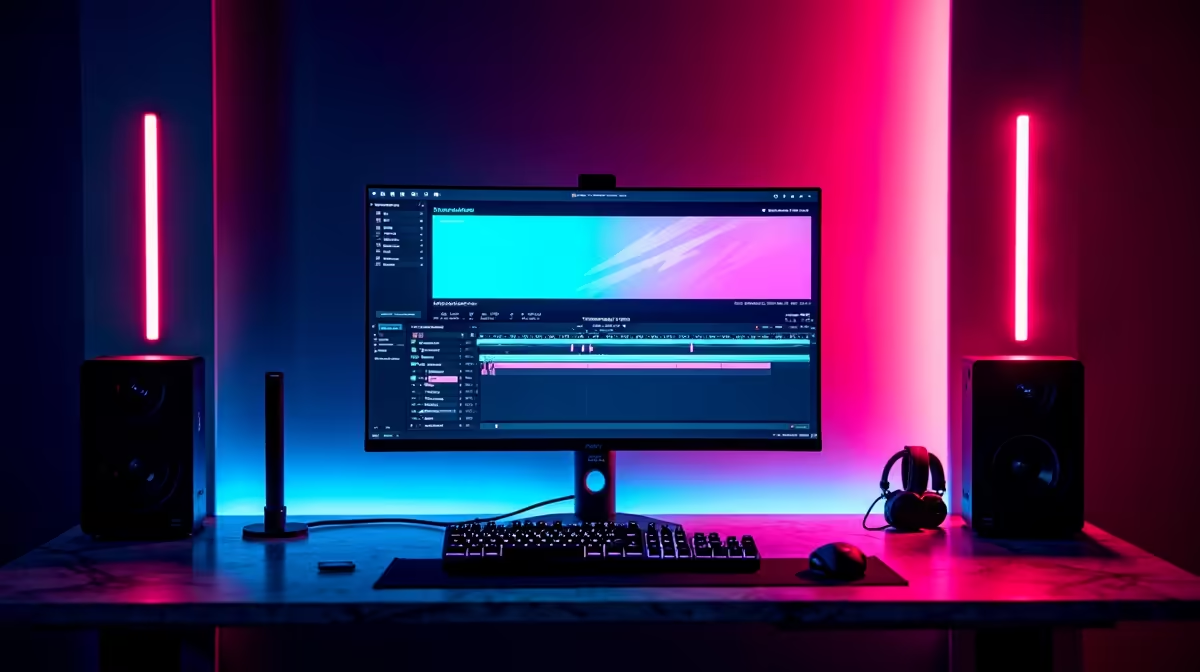
So you just pulled off an insane clutch in Apex Legends... but how do you turn that VOD into a viral TikTok? You might think you need expensive software. The truth is much simpler. Learning how to use Streamlabs OBS for video editing can save you thousands of ZAR.
The Basics of Streamlabs Editing 🎬
Streamlabs OBS is primarily a broadcasting tool. However... it packs hidden features for basic video manipulation. The built-in Highlighter tool captures your best moments automatically. You can also set up a replay buffer. This constantly records the last few minutes of your gameplay. It means less time scrubbing through hours of raw footage. If you are editing on the move during Stage 6 load shedding, modern laptops and notebooks handle these quick tasks effortlessly. You just hit your hotkey, and your clip is safely saved.
Optimising Your Recording Settings 🔧
To edit effectively, your source files must look crisp. Always record in MKV format. This prevents total file corruption if your power suddenly drops. You can easily remux this to MP4 inside the software later. For the smoothest video playback, hardware encoding is absolutely vital. Upgrading your rig with modern graphics cards allows you to use NVENC or AMF encoders. This takes the heavy rendering work off your processor. It ensures your stream stays lag-free while you capture high-quality footage.
Audio Mixing Pro Tip ⚡
Always set up separate audio tracks in Streamlabs OBS. Put your mic on track one, game audio on track two, and Discord on track three. This makes it incredibly easy to mute your loud teammates when you edit your final clip later.
Hardware That Keeps Up 🚀
Even basic video trimming requires some decent horsepower. If your current setup stutters while rendering out a simple clip, it might be time for an upgrade. A strong multi-core processor and plenty of RAM will drastically reduce your export times. Browsing the best gaming PC deals is a smart move if you want to stream and edit simultaneously without dropping frames. Alternatively, you can browse our curated pre-built PC deals to skip the assembly process. You can plug in, power up, and get straight to creating content.
Exporting and Growing Your Channel ✨
Once you trim your clips using the replay buffer, you are ready to export. Figuring out how to use Streamlabs OBS for video editing keeps your entire workflow incredibly simple. You do not need to pay hefty monthly subscription fees for premium software just to post a quick YouTube Short. You can keep those hard-earned Rands in your pocket. Better yet... you can spend those savings on our latest tech specials to boost your streaming setup. Mastering these free tools is the best way to grow your channel.
Ready to Upgrade Your Content Creation Setup? Editing videos and streaming simultaneously requires serious processing power. Whether you need a massive GPU upgrade or a whole new rig, Evetech has you covered. Explore our massive range of PC specials and find the perfect machine to conquer your world.











