

Revive your audio experience today
Is your old laptop sounding more like a buzzing mosquito than a high-end rig? We have all been there... trying to hear footsteps in a clutch moment only to be met with crackling audio. You do not need a massive budget to fix this. Here is how to improve sound on old laptop and PC with simple fixes that will bring your audio back to life. 🔧
Optimise your Windows audio settings
Before you blame your speakers, check your software. Windows has built-in tools that can instantly boost your clarity. Right-click the speaker icon and dive into the "Enhancements" tab. Enabling "Loudness Equalization" is a quick way to balance quiet dialogue and loud explosions. If you want a more immersive feel, try Windows Sonic for Headphones. It is a free way to get spatial sound without spending a single Rand.
If your drivers are outdated, your hardware will underperform. Always ensure your Realtek or proprietary audio drivers are current. Sometimes, simply finding the right gaming accessories deals can provide the software-hardware synergy you need for a clearer soundstage.
Audio Pro Tip ⚡
If you are using a laptop, check for "Dolby Access" or "DTS Sound Unbound" in the Microsoft Store. Many modern South African laptops include a license for these. They provide custom EQ profiles that can make even tiny internal speakers sound much fuller and richer during movie nights.
Clean and maintain your hardware
Dust is the silent killer of PC performance... and audio quality. Over time, lint and grime settle in your speaker grills or the 3.5mm jack. This causes that annoying static sound whenever you move your cable. Use a can of compressed air to blow out the debris. If you use a headset, wipe the jack with a tiny bit of isopropyl alcohol.
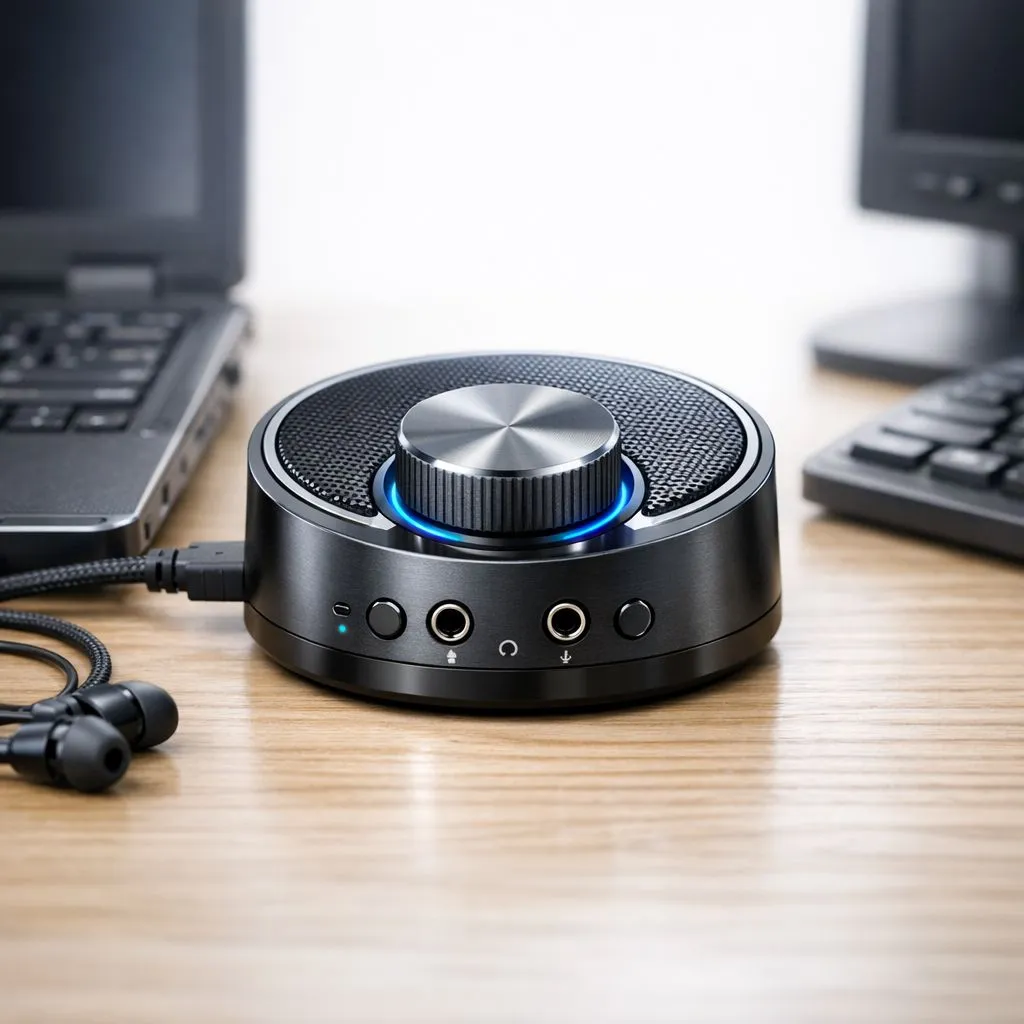
If your internal sound card is picking up electrical interference from other components, it might be time to move away from the motherboard's port. You can buy gaming accessories like external USB adapters that bypass the noisy internal circuitry of an old PC entirely. 🚀
External upgrades for old systems
Sometimes, the internal hardware is simply too dated to deliver high-fidelity sound. An external DAC (Digital-to-Analog Converter) or a dedicated sound card can breathe new life into an ageing setup. These devices take the heavy lifting away from your old CPU and motherboard.
For those who want a plug-and-play solution, upgrading your peripherals is the most effective route. Exploring a comprehensive range of gaming accessories will show you that even an affordable USB headset can outperform twenty-year-old desktop speakers. It is the easiest way to improve sound on old laptop and PC with simple fixes that require zero technical skills. ✨
Ready to Hear Every Detail? Do not let poor audio hold your gaming back. From high-fidelity headsets to external sound cards, we have the gear to transform your experience. Explore our massive range of gaming accessories and find the perfect upgrade for your South African setup.











