

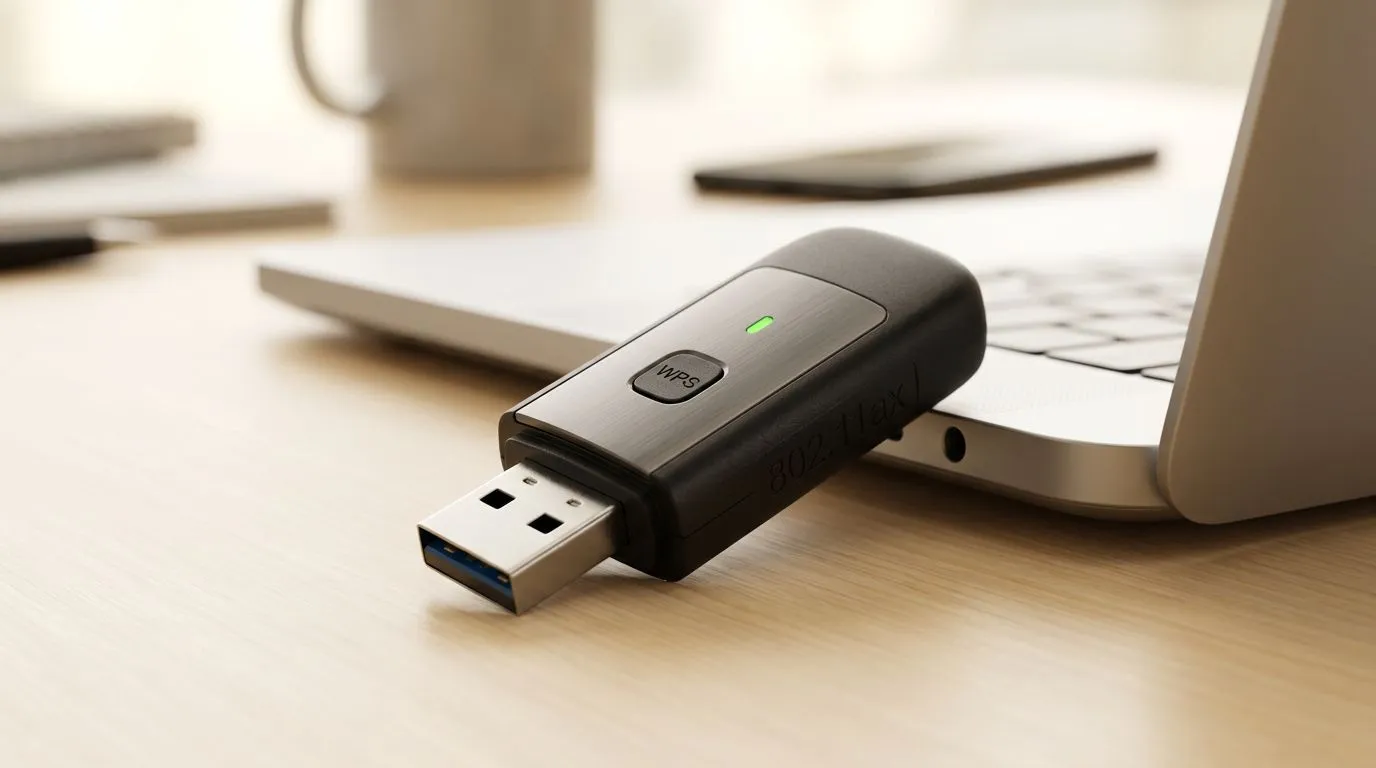
Why Your Laptop Needs a Connectivity Boost
Load shedding is a reality we all navigate, and sometimes your primary fibre connection just doesn't reach the corner of the house where you’ve set up your gaming rig. If you find yourself hunting for a stable signal, knowing how to turn your laptop into a WiFi hotspot using a USB adapter is a massive win. It’s a simple, affordable way to bridge that gap when your router feels a continent away. 🚀
Getting the Right Hardware
Before diving into the software, you need the right gear to ensure a stable broadcast. Most built-in laptop cards are designed for receiving, not broadcasting, which is where a high-quality network adapter comes into play. By offloading the heavy lifting to a dedicated USB device, you keep your connection steady during intense gaming sessions or late-night study marathons.
If you want a plug-and-play experience that just works, look at the latest TP-Link adapters. They are renowned for their reliability in South African conditions. Alternatively, if you are looking for high performance on a budget, Cudy network adapters offer fantastic throughput for the price, often under R500. 🔧
Setting Up Your Hotspot on Windows
Once your hardware is plugged in, open your Windows Settings and navigate to "Network & Internet." Select "Mobile Hotspot." Here, you can define your network name and password. Ensure the "Share my internet connection" option is set to your connected source, and toggle the switch to "On." ⚡
Connectivity Pro Tip ⚡
If you are using your laptop as a bridge, ensure your power settings are set to 'High Performance.' Windows often throttles USB ports to save battery, which can cause your hotspot to drop unexpectedly during a ranked match. Always keep your laptop plugged into a UPS or wall socket when hosting.
Why This Matters for SA Gamers
Whether you are sharing your mobile data during a fibre outage or extending your reach in a large house, this setup provides a flexible solution. It saves you from buying expensive mesh systems if you only need a quick fix for a single room. It’s all about working smarter with the tech you already have on your desk. ✨
Ready to Find Your Perfect Match? The Mac vs Windows debate is complex, but for maximum power, choice, and value in South Africa, Windows is hard to beat. Explore our massive range of laptop specials and find the perfect machine to conquer your world.








