

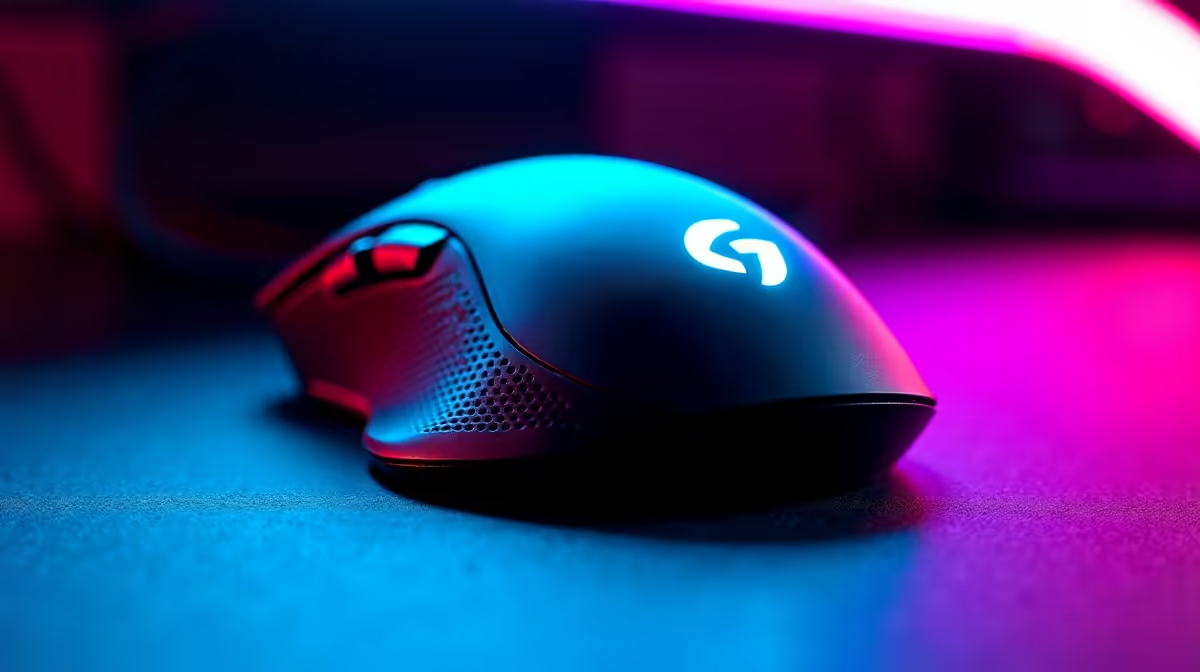
Why Your Lightweight Mouse Might Be Crashing in Games 🎮
If you’re a South African gamer frustrated by your lightweight mouse crashing in games, you’re not alone. Unexpected freezes or cursor drops can kill your flow just when you’re about to land a crucial shot. This guide will unravel the common causes behind lightweight mouse crashes and deliver quick fixes tailored to local setups. Whether you’re on a budget gaming PC or a powerful laptop, don’t let hardware quirks hold you back.
Common Causes Behind Lightweight Mouse Crashing in Games
Lightweight gaming mice are prized for their speed and accuracy, but several factors can cause them to crash mid-game. The biggest culprits are often driver conflicts, power-saving settings, or USB port issues. South Africa’s fluctuating power or older hardware can also introduce subtle instabilities.
A popular issue is when the mouse’s polling rate or DPI settings clash with game software or Windows defaults. If you recently updated your OS or game, your mouse’s official driver might be outdated. Evetech offers a range of the latest gaming mice with built-in driver support to avoid these headaches.
How to Stabilise Your Mouse Performance for Gaming in South Africa ⚡
Here are effective steps to fix lightweight mouse crashes:
- Update your mouse and motherboard drivers: Download fresh drivers from the manufacturer or purchase gear from a trusted South African seller like Evetech.
- Disable USB power saving: Windows often puts USB ports to sleep to save power — turn this off in Device Manager to keep your mouse responsive.
- Check USB ports and cables: Try different USB slots, preferably USB 3.0 ports on your gaming rig. Avoid long or faulty cables.
- Optimise polling rates: Set polling to 500 Hz or 1000 Hz depending on game demands. Many recent lightweight gaming mice support easy polling rate adjustments.
- Configure game and Windows settings: Ensure mouse acceleration is off in Windows and your game for consistent tracking.
If you’re still upgrading, take a look at these top gaming PC deals in South Africa. They come with hardware well suited for smooth gaming input, minimising stutter or crashes in peripherals.
Pro Tips for Smooth Mouse Usage and Gaming Stability 🚀
Your mouse is only as good as the environment it performs in. South African gamers often overlook fibre internet upgrades or system cooling. Both can indirectly improve gaming stability. A well-ventilated case reduces thermal throttling — critical for high refresh-rate gameplay.
Keep Your System Cool and Stable
Even a 5°C difference in case temp can stabilise USB port behaviour. Clean dust filters monthly, and avoid tangled cables behind your desk.
Also, try running your system on a high-performance power plan to stop Windows from throttling USB devices. And if you game on the go, explore South Africa’s best gaming laptops which often come pre-configured for minimal input lag and better thermal control.
When to Consider a Pre-built PC or Special Offers 🔧
If troubleshooting gets too complex, a pre-built rig designed specifically for gaming might save hours. Evetech’s pre-built PC deals offer expertly balanced systems with compatible peripherals and tested hardware configurations — easing mouse and system compatibility issues.
Don’t miss Evetech’s specials section for ongoing deals on peripherals and hardware. Sometimes a fresh mouse or upgrade can resolve persistent crashing faster than endless tweaks.
Ready to Elevate Your Gaming? Stop chasing errors and improve your gameplay with reliable gear and system upgrades. Shop now at Evetech for performance that leaves lag in the dust.











