Quick Answer
At 1440p, the Ryzen 5 9600X is a strong match for a RTX 5070 in Marvel Rivals. Expect the GPU and graphics settings to decide most frame-rate drops, while the 6-core/12-thread CPU has enough headroom for Discord and capture tools. Tune for 144fps first, then lower shadows or effects if you are targeting a 240Hz monitor.
What usually limits the frame rate
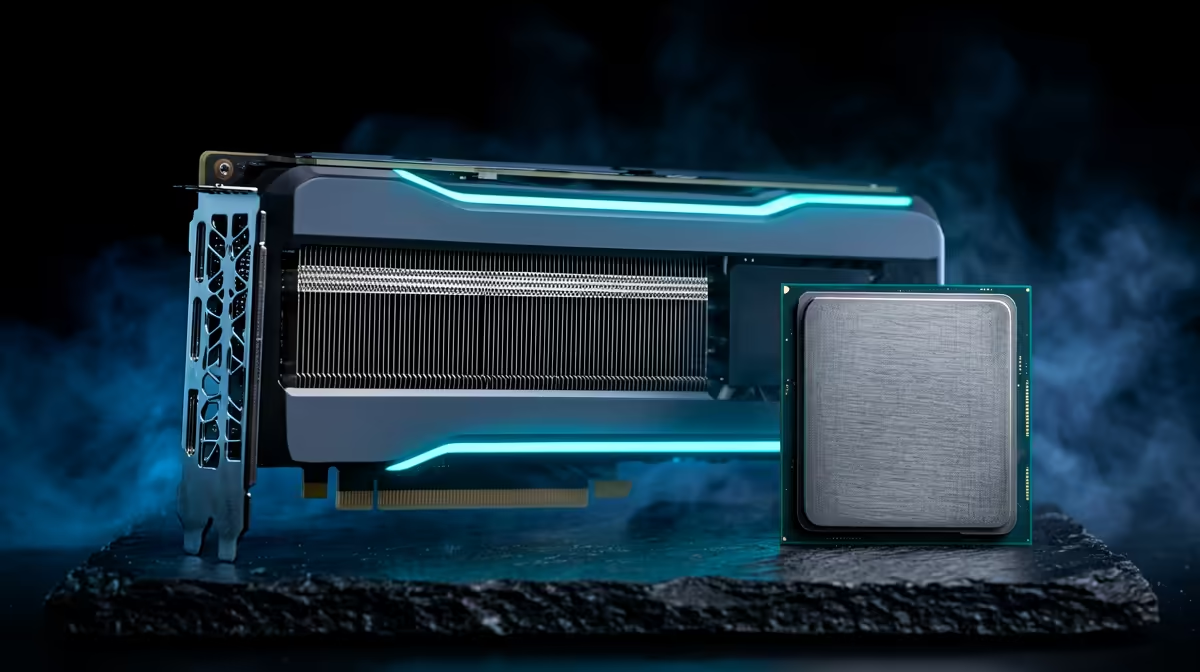
The Ryzen 5 9600X is a modern AM5 gaming CPU with 6 cores, 12 threads, and strong single-core speed. In Marvel Rivals, that makes it a sensible partner for RTX 5070 unless the game is running at very low settings just to chase esports frame rates. For South African buyers, the bigger spending gap is usually the graphics card: the CPU sits around a mid-range budget band, while high-end GPUs can move from about R13,000 to well above R40,000 depending on class.
Resolution and settings to test
At 1080p Low, a fast GPU can expose CPU limits because frames are easy to render. At 1440p High or 4K, the graphics card usually does more of the work, especially with ray tracing, high textures, or upscaling enabled. Test one repeatable scene, compare native resolution with FSR or DLSS where available, and watch 1% lows rather than only average fps.
Cooling, memory, and platform checks
Do not blame the CPU until the platform is clean. Use 32GB DDR5, enable EXPO on the memory kit, keep the CPU cooler fitted properly, and make sure the case has direct airflow over the GPU. A hot RTX 5070 can drop clocks and look like a bottleneck even when the processor is waiting for frames.
When an upgrade makes sense
Upgrade the graphics card first if the GPU is near 95-100% usage while the CPU has spare headroom. Upgrade the monitor if the PC already holds your target frame rate but the screen is stuck at 60Hz. Upgrade the CPU only if repeated tests show high CPU usage, poor 1% lows, and low GPU usage in the same scene.
FAQ
Is the Ryzen 5 9600X enough for Marvel Rivals?
Yes. It is a strong gaming CPU for 1440p, especially with 32GB DDR5 and a clean Windows install. The GPU and graphics preset will usually matter more.
Should I buy a bigger GPU for Marvel Rivals?
Buy a bigger GPU if you want higher resolution, ray tracing, or a 144Hz-plus target. For 60fps play, spend only after checking your current GPU usage and VRAM load.
What should SA buyers check before ordering?
Check PSU wattage, case clearance, monitor refresh rate, and whether the chosen GPU class fits the budget. A quote that ignores the screen target can overspend in the wrong place.