


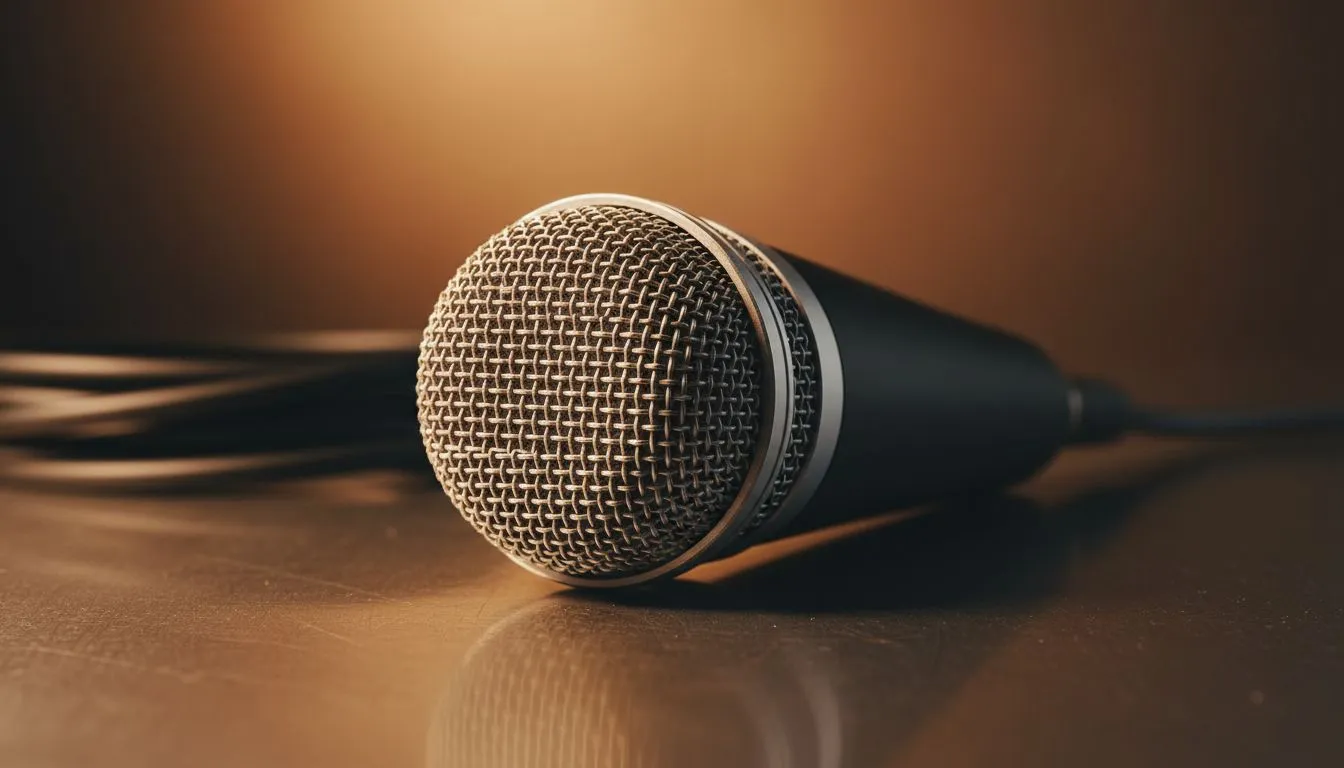
There is nothing more frustrating than spending your hard-earned ZAR on a premium setup only to sound like you are broadcasting from inside a thick woolly jersey. If your teammates are complaining about a Muffled XLR Microphone: Quick Fixes for Dynamic Mics is exactly what you need to read before you consider returning your gear. Dynamic microphones are legendary for their durability... but they require a bit of finesse to truly shine.
Troubleshooting the Muffled XLR Microphone
Most "muffled" issues aren't actually hardware failures... they are usually a mismatch between the microphone's needs and your interface's output. Dynamic mics, like the iconic Shure SM7B or the budget-friendly Rode PodMic, are notoriously "gain-hungry." If your gain is cranked to 100% and you still sound dark or muddy, your preamp is likely struggling to provide clean power. Investing in the right streaming essentials is the first step toward a professional signal chain.
The Proximity Effect ⚡
Dynamic microphones are designed to be used close to your mouth—usually about 5 to 10cm away. However, getting too close can cause the "proximity effect," which artificially boosts low-end frequencies and makes your voice sound muddy. If you sound muffled, try backing off the mic by just a few centimetres to let the higher frequencies breathe.
Hardware Solutions for Low Output
If your interface lacks the "juice" to drive a dynamic mic, you might be tempted to fix it in software, but that often introduces unwanted hiss. Using a dedicated preamp or an interface with high-quality circuitry, such as those found in the CORSAIR ecosystem, can provide that essential clean gain boost. This ensures your voice remains crisp without the "underwater" quality that comes from digital over-processing.
While you focus on perfecting the sound, don't forget that the vibe of your room affects your performance too. Adding some Cololight modules can help create a professional studio atmosphere that keeps you in the zone during long recording sessions.
Software Tweaks and Visual Clarity
Sometimes the "muffled" sound is actually just a lack of "air" in your EQ settings. A small boost around the 3kHz to 5kHz range can often rescue a dull recording. However, audio is only half the battle for South African content creators. If your audio is finally crisp but your video looks like it was filmed on a toaster, it might be time to browse our latest webcams to ensure your visual quality matches your newly optimised sound.
Ready to Upgrade Your Broadcast? Don't let poor audio or grainy video hold your content back. From high-gain interfaces to pro-grade visuals, we have the gear to help you stand out. Explore our massive range of streaming gear and find the perfect tools to conquer your next stream.











