

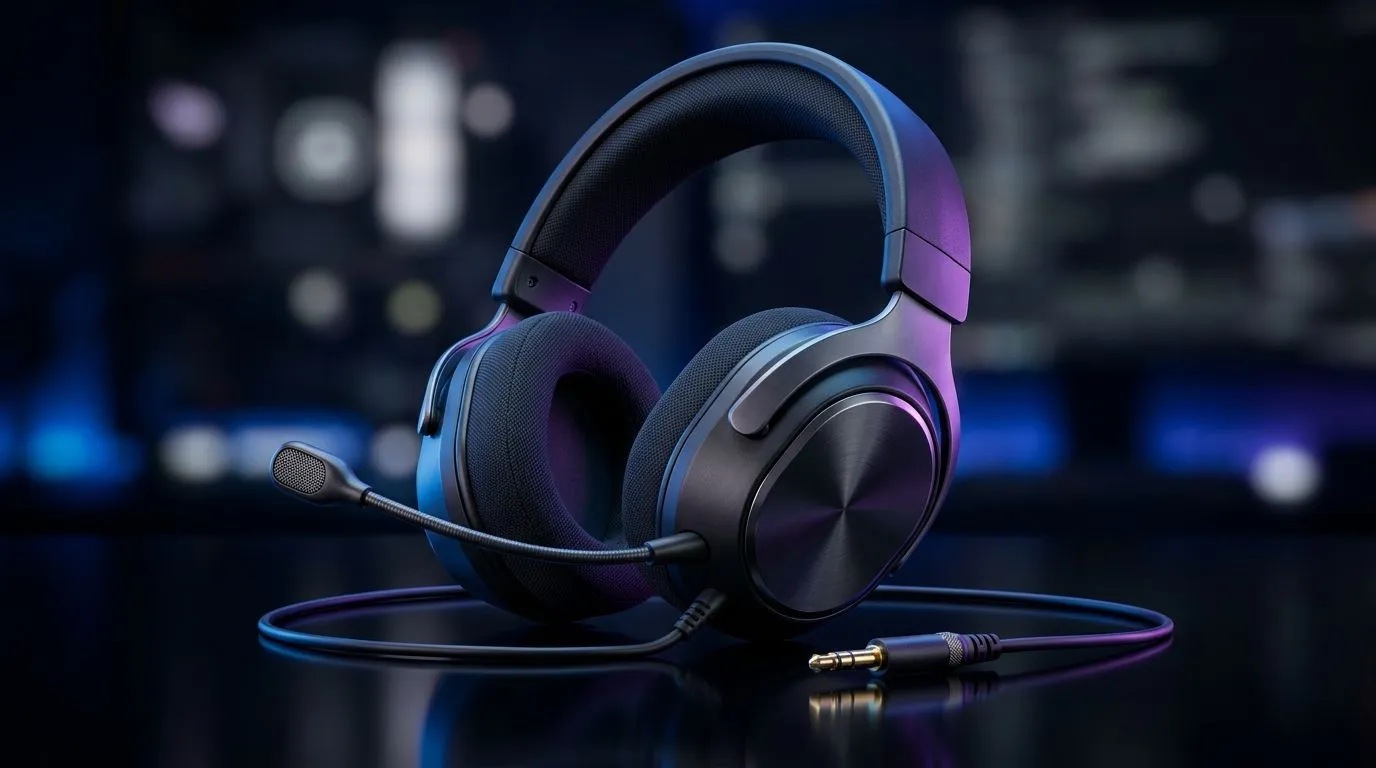
Nintendo Switch compatible 3.5mm gaming headset: quick setup wins for South African players
Switching between your couch, your PC desk, and your phone without swapping gear is a real luxury… especially if your headset still sounds great after sweaty ranked sessions. A Nintendo Switch compatible 3.5mm gaming headset: PC, Console and Mobile Use gives you one cable, one profile, and far fewer “why won’t this work?” moments. 🎧
But here’s the trick… not every 3.5mm headset behaves the same across devices. Some need a CTIA-style 4‑pole jack, some run into mic issues, and some struggle with mobile volume. Let’s get you dialled in fast.
Nintendo Switch compatible 3.5mm gaming headset: what to check before you buy 🔧
Before you add to cart, confirm three basics:
1) The jack type (headphones-only vs headset with mic)
On Switch and most phones, the mic will only work properly if the headset supports the expected 3.5mm “combo” standard. If you only care about audio, you’re usually safe with any quality 3.5mm stereo headset.
2) Impedance and driver size (for clean audio, not just loud volume)
Lower impedance often pairs better with portable devices. Bigger drivers can sound punchier, but the real win is consistent frequency response. When in doubt, choose a reputable brand and model with clear specs listed by the seller.
3) Comfort for long sessions (pads matter more than you think)
A 2-hour raid is brutal with cheap clamp force. Look for breathable earcups and a headband that doesn’t press like a vice by round three. ✨
Productivity Pro Tip ⚡
On Windows, use the PowerToys FancyZones utility to create custom snap layouts for your chat, game launchers, and browser tabs. It keeps your Discord, lobby management, and guides visible while you tune headset volume and Windows sound settings for better 3.5mm output. (This is especially useful on ultrawide monitors where audio controls get buried.)"
Nintendo Switch compatible 3.5mm gaming headset: PC, console and mobile use in real life 🎮
On PC, 3.5mm headsets are straightforward: plug in, then choose your audio device in Windows sound settings. Most players set “Speakers/Headphones” to the headset and leave it there.
On Nintendo Switch, audio is usually plug-and-play for headphones. The microphone support is the part that varies by headset model and jack standard. If your mic doesn’t work, you’ll typically still get game audio, but voice chat may require an alternative mic or a different compatible headset.
On mobile, you’ll often get solid audio, but mic performance can be hit or miss depending on the phone’s headset jack design and your headset’s mic wiring. The upside? Mobile volume is easy to fix using the phone’s media volume, then leaving game audio levels consistent.
If you want a safe “buy once” approach, start with a headset line that Evetech already stocks in multiple variants and clearly categorises for users. For example, you can browse Evetech’s selection of dedicated headphone/headset models here:
Explore Evetech headphone & headsets options
And if you want a known, upgrade-worthy option that many South African gamers consider for everyday sessions, check this out:
Razer Barracuda X Chroma (wireless) at Evetech
Prefer a broader comparison view across Razer’s headphone and headset range?
Browse Razer headphones & headsets on Evetech
Nintendo Switch compatible 3.5mm gaming headset: tuning tips that improve your sound fast 🚀
- Set your Windows output first. If your game still sounds “thin”, you might be using your monitor speakers instead of the headset.
- Lower game volume, raise headset volume carefully. This prevents clipping and keeps footsteps clear.
- Test mic in a voice app. Use Discord or a recorder to confirm your mic level before your next match.
One quick mental model: if audio is clean but quiet, adjust levels. If audio is loud but distorted, it’s almost always clipping from too-high gain settings.
Ready to Find Your Perfect Match? The Mac vs Windows debate is complex, but for maximum power, choice, and value in South Africa, Windows is hard to beat. Explore our massive range of laptop specials and find the perfect machine to conquer your world.











