Quick Answer
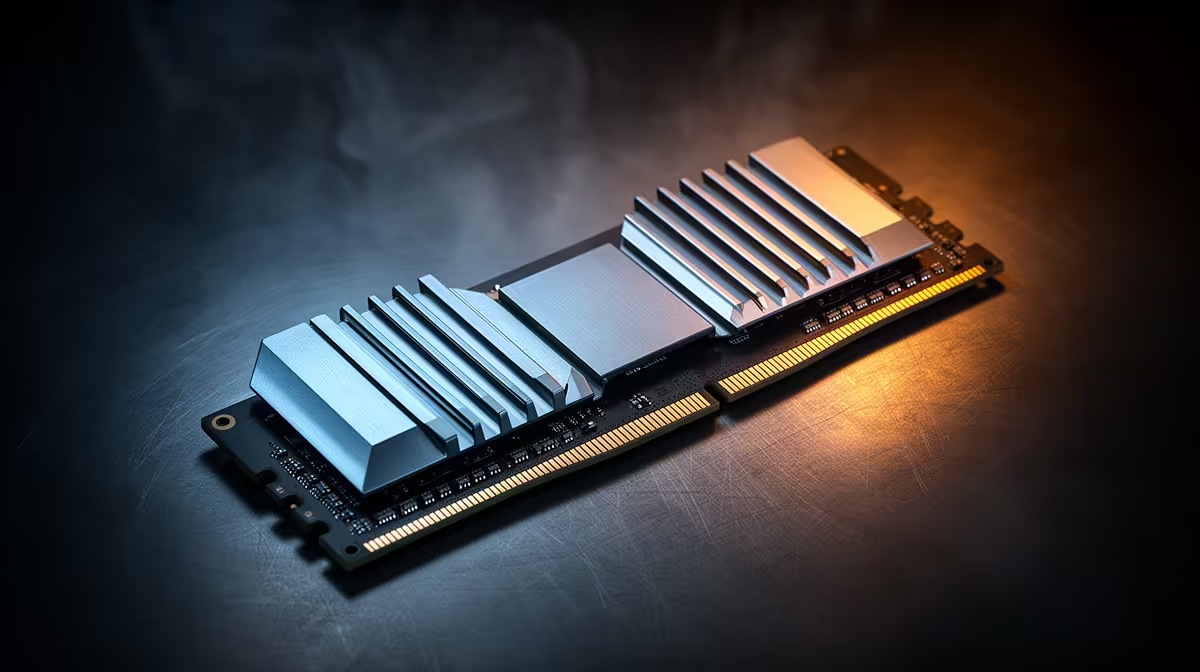
For flight simulation, the no-regret DDR5 spec is a 32GB kit (2x16GB) at DDR5-6000 with CL30 timings on AM5, or DDR5-6400 on a recent Intel board. Sims like MSFS load huge scenery into memory, so 32GB is the floor and 64GB is the comfortable target. A good 32GB DDR5-6000 kit runs roughly R2,300-R3,000 at Evetech.
Why flight sims are memory-hungry
Modern flight simulators stream detailed terrain, buildings and weather, and that data lives in RAM. With 16GB you'll see stutter as the sim swaps scenery to disk on approach to a busy airport; 32GB removes most of it, and 64GB lets you run high-detail add-ons and complex aircraft without paging. For dual-monitor or VR cockpits the case for 64GB is stronger still. So the spec that prevents regret is capacity first, then speed.
Speed, timing and dual-channel
After capacity, run a matched dual-channel kit, two sticks, not one, because flight sims benefit from the bandwidth. On AM5, DDR5-6000 CL30 is the sweet spot that the memory controller handles cleanly with EXPO enabled. On modern Intel, DDR5-6400 is comfortable. Don't chase DDR5-7200+ for a sim; the price climbs fast and the frame-rate gain is small compared with simply having enough capacity. Enable the EXPO or XMP profile in BIOS, or the kit runs at a slow default.
FAQ
How much RAM do I need for flight simulation?
32GB is the practical floor; 64GB is the comfortable target if you run high-detail scenery, complex aircraft or VR. 16GB will stutter near busy airports.
What DDR5 speed is best for flight sims?
DDR5-6000 CL30 on AM5 or DDR5-6400 on recent Intel is the sweet spot. Faster kits cost a lot more for little sim benefit.
Do I need to enable EXPO or XMP?
Yes. Without enabling the memory profile in BIOS, the kit runs at a slow default speed and you lose the bandwidth you paid for.
Pro Tip
Buy a single matched 2x16GB kit rather than mixing sticks, and switch on EXPO or XMP in BIOS. Mismatched modules and default speeds are the two quiet causes of sim stutter.