

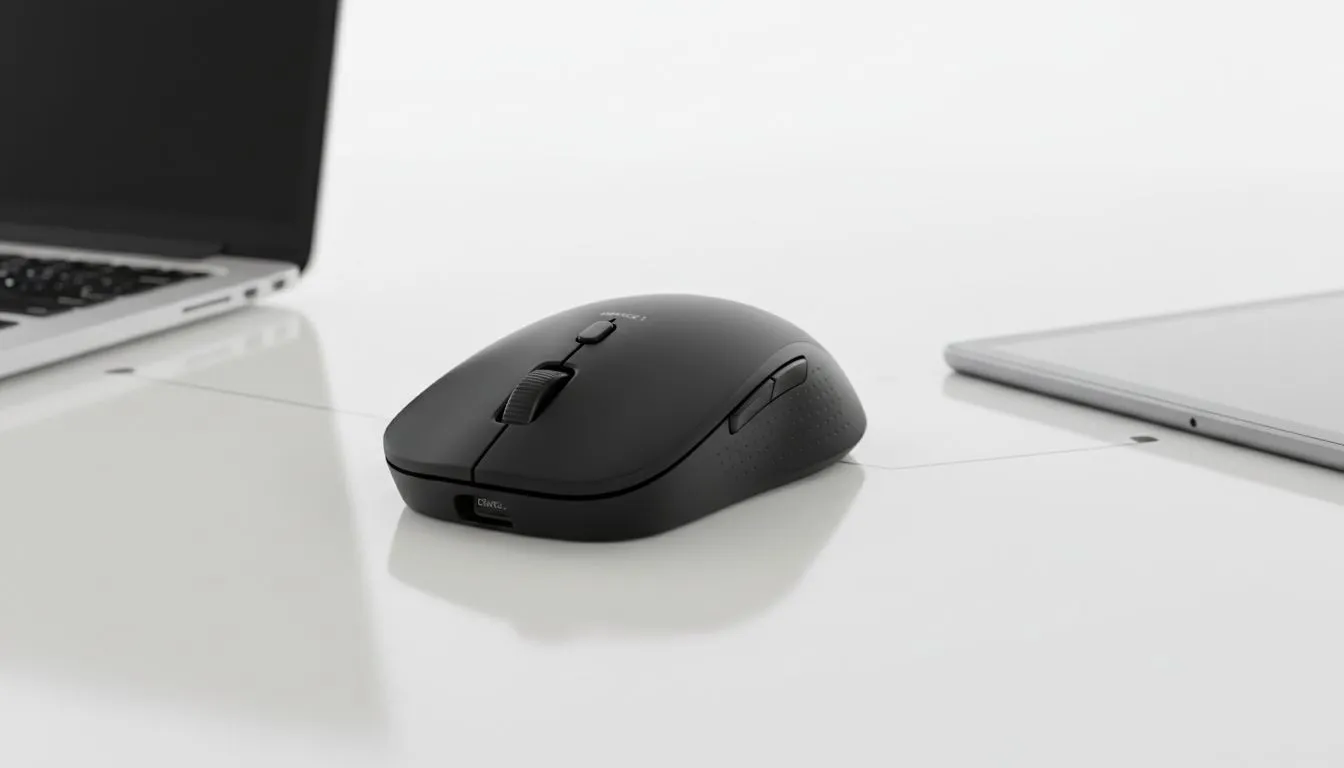
Master Your Workflow: Multi-Device Connectivity Explained
Tired of flipping your mouse over to press that tiny sync button every time you switch from your gaming rig to your work laptop? It is a mission... especially when you are in the middle of a tight deadline or a lobby queue. Learning how to pair Bluetooth mouse two devices without re-pairing is the ultimate productivity hack for any South African setup.
Most modern high-end gaming mouse options now include dedicated multi-host support. This technology allows the peripheral to store multiple Bluetooth profiles simultaneously. Instead of going through the handshake process every time, you simply tap a button to hop between your MacBook and your PC ⚡.
The Secret to Seamless Switching
To successfully pair Bluetooth mouse two devices without re-pairing, you need hardware that supports "Easy-Switch" or multi-device pairing. You can often find these features on the best gaming mouse deals available today. These devices use different "channels" to remember the unique encryption keys for each computer.
Once you have paired channel one to your primary PC and channel two to your tablet or laptop, the mouse stays "known" to both. You will never have to visit your Bluetooth settings menu again. This is particularly useful for South African professionals who use a laptop for the office but a beefy desktop for late-night sessions.
Productivity Pro Tip ⚡
If you are using a Logitech or Razer mouse, check for software like 'Flow' or 'Smart Switch'. These programmes allow your cursor to move across two different screens on two separate computers as if they were one giant monitor. It even allows you to copy and paste files between machines over your local Wi-Fi network.
Choosing the Right Hardware for the Job
If your current pointer does not support multi-device toggling, it might be time for an upgrade. When you buy wireless mouse hardware, look specifically for "Tri-mode" connectivity. This usually means the device supports 2.4GHz wireless (via a dongle), Bluetooth Channel 1, and Bluetooth Channel 2.
For those who find wireless latency a bit too much for competitive play, you might still want to buy wired mouse alternatives for your main rig. However, for a clean aesthetic and office work, the Bluetooth multi-pair route is king. Just remember to keep your sensors clean... you can buy mouse accessories like premium pads and cleaning kits to ensure your tracking remains pixel-perfect on every device 🚀.
Troubleshooting Your Multi-Device Setup
If your mouse is struggling to switch, ensure that both devices have Bluetooth 4.0 or higher. Older versions of the protocol can sometimes "forget" profiles if the battery drops too low. Always keep your firmware updated via the manufacturer's app to ensure the switching logic remains snappy. No more faffing with settings... just pure, unadulterated efficiency ✨.
Ready to Find Your Perfect Match? Switching between devices should be effortless, and the right hardware makes all the difference in your daily grind. Explore our massive range of gaming mouse deals and find the perfect multi-device companion to conquer your workflow.











