

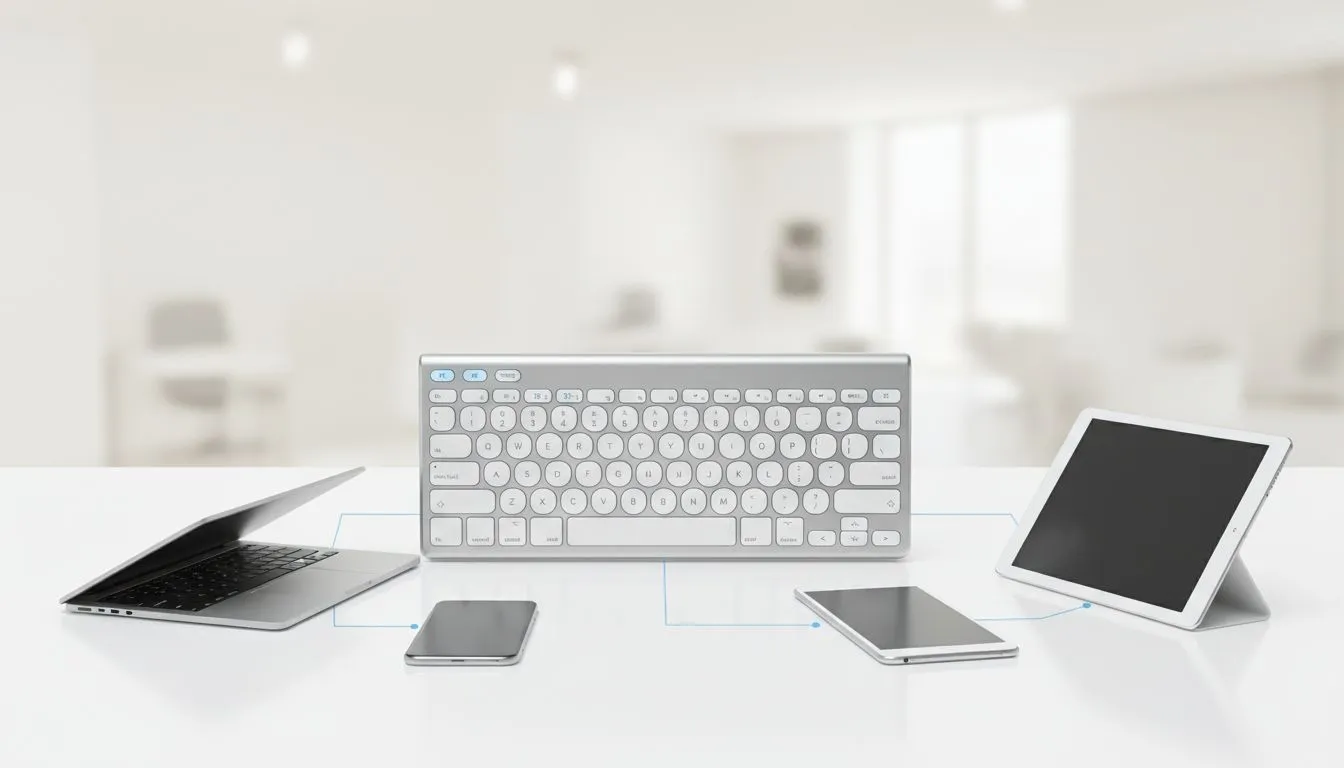
Master Your Workflow: How to Pair Keyboard to Multiple Devices
Tired of juggling three different keyboards for your PC, tablet, and phone? We have all been there... trying to reply to a WhatsApp while finishing a raid or a work report. Learning how to pair keyboard to multiple devices is the ultimate productivity hack for South African gamers and professionals. It turns your desk from a cable mess into a streamlined command centre ⚡.
Why Multi-Device Pairing is a Game-Changer
Ever felt the frustration of typing a long email on a tiny smartphone screen? It is even worse when you have a perfectly good mechanical deck right in front of you. When you choose to pair keyboard to multiple devices, you unlock the ability to jump between your gaming rig and your mobile work setup with a single button press. If you are hunting for the best gaming keyboard deals in SA, multi-host support is a feature you simply cannot ignore.
Most modern wireless keyboards allow you to store up to three different Bluetooth profiles. This means you can have your primary PC on channel one, your tablet on channel-two, and your phone on channel three. It is about working smarter, not harder.
Step-by-Step: Connecting Your Gear
To get started, you need to put your peripheral into pairing mode. Usually, this involves holding down the 'Function' (Fn) key along with a dedicated Bluetooth key (often marked with 1, 2, or 3). Once the LED starts flashing, your device is "discoverable." Finding the cheapest gaming keyboard in South Africa that supports this feature is easier than you think, with many budget-friendly options now offering multi-device toggling.
Switching Speed Tip ⚡
When switching between devices, give the Bluetooth chip a second to handshake. If you find the delay annoying, look for keyboards that offer both Bluetooth and a 2.4GHz USB receiver. This allows for an instant switch to your main PC while keeping Bluetooth ready for your mobile devices.
Choosing the Right Connectivity for Your Setup
For those who value a clean, minimalist desk, wireless keyboards are the gold standard. They allow you to toggle between a laptop, phone, and tablet without swapping cables or reaching behind your PC. Of course, some purists still prefer wired keyboards for zero-latency gaming... but for multi-device flexibility, Bluetooth is the undisputed king 🚀.
If you are starting from scratch, consider a keyboard and mouse combo. Many of these sets allow you to sync both peripherals to the same receiver or Bluetooth profile. This keeps your USB ports free and ensures your mouse follows your keyboard every time you switch devices. It is a seamless way to stay productive across all your screens ✨.
Ready to Upgrade Your Command Centre? Whether you need to dominate the leaderboard or crush your daily tasks, the right gear makes all the difference. Explore our massive range of keyboard specials and find the perfect multi-device setup to conquer your world.











