

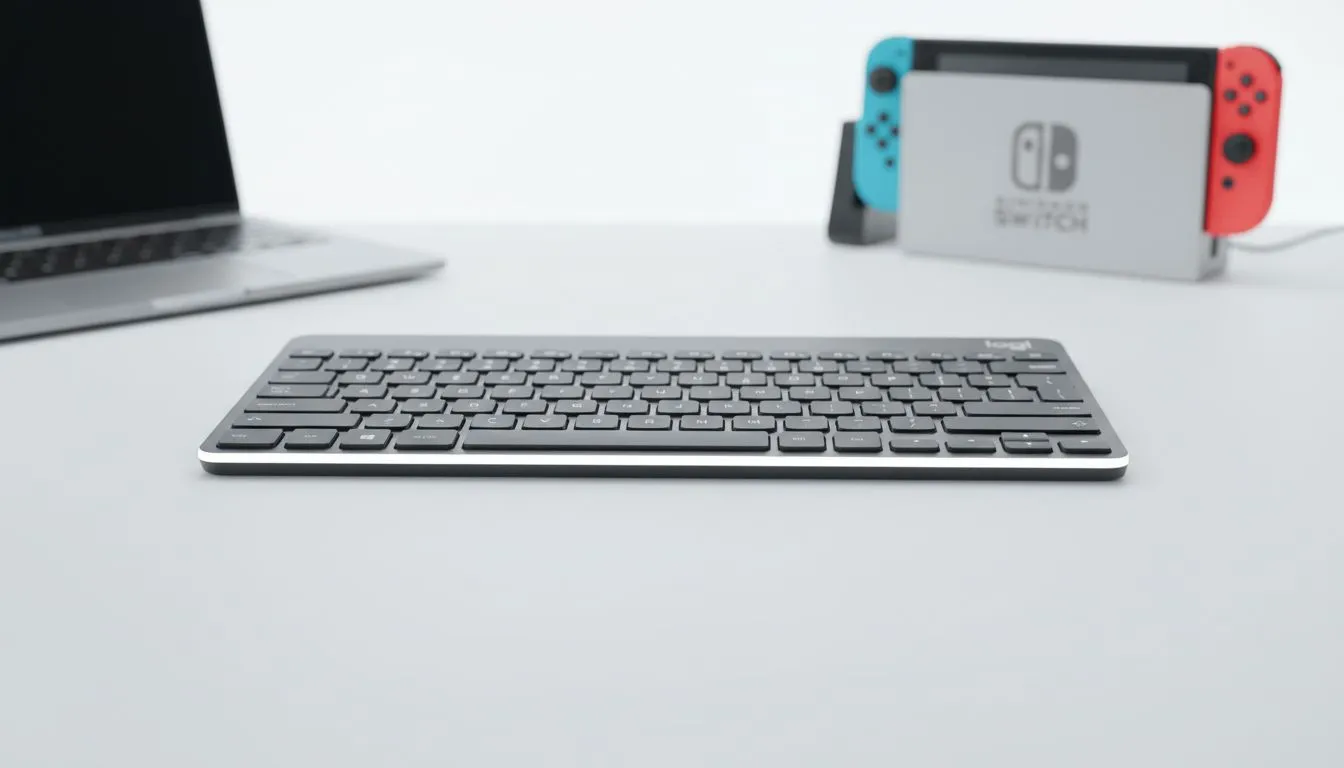
Pair Logitech Keyboard to Mac: Quick Setup & Fast Device Switching
Switching between your MacBook and your gaming rig shouldn't feel like a chore. Whether you're a designer in Cape Town or a coder in Joburg, getting your Logitech gear to play nice with macOS is essential. Our guide ensures you Pair Logitech Keyboard to Mac with zero fuss... giving you more time to focus on your latest project or your next match.
Getting Connected: Quick Setup for macOS
To start, ensure your keyboard is in pairing mode. This usually involves holding down one of the Easy-Switch buttons for three seconds. The LED will blink rapidly when it is ready. On your Mac, navigate to System Settings and then Bluetooth. You should see your device appear in the list. Click "Connect" and you are ready to go.
If you are looking for the cheapest gaming keyboard in South Africa that still offers premium Bluetooth features, Logitech is often the top choice for local enthusiasts.
Mastering Fast Device Switching with Easy-Switch
One of the best features of modern Logitech peripherals is the ability to jump between devices. You can move from your Mac to an iPad or even a Windows PC with a single tap. This Fast Device Switching is a lifesaver for multitaskers.
Many users find that a keyboard mouse combo is the most efficient way to manage multiple setups. It keeps your desk tidy while ensuring both peripherals switch together. If you prefer the absolute reliability of Wired connections for your primary PC, you can still keep a Bluetooth Logitech board on the side for your Mac.
Productivity Pro Tip ⚡
Download the Logi Options+ software on your Mac. It allows you to remap the Function keys specifically for macOS. You can set custom shortcuts for Mission Control or Brightness that match your Apple Magic Keyboard experience perfectly.
Optimising Your Setup for South African Workflows
In South Africa, we value gear that offers versatility and longevity. Whether you are hunting for the best gaming keyboard deals or a professional productivity tool, Logitech bridges the gap between platforms.
The freedom of Wireless technology means fewer cables cluttering your workspace. This is especially helpful during loadshedding when you might need to move your mobile setup to a different room quickly. Just remember to keep your firmware updated via the Logitech website to ensure the best compatibility with the latest macOS versions 🔧.
Ready to Find Your Perfect Match? The Mac vs Windows debate is complex, but for maximum power, choice, and value in South Africa, Windows is hard to beat. Explore our massive range of keyboard specials and find the perfect machine to conquer your world.











