

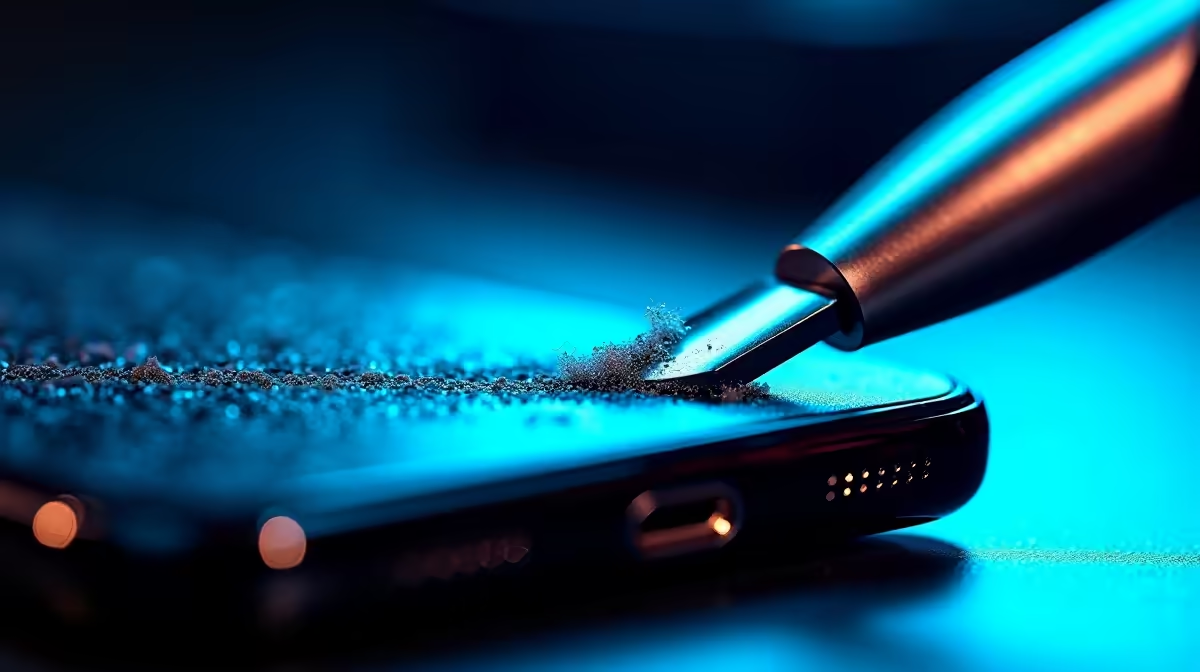
Ever plugged your phone in after a long day in Jozi, only to find it won't charge? It is frustrating. You wiggle the cable... you flip the plug... nothing happens. Before you panic about a dead battery, look closer. The culprit is usually just pocket fluff. Learning how to handle phone charging port lint can stop charging issues fast without a trip to the repair shop.
Why lint causes charging failures
Pocket lint is incredibly sneaky. It gets packed into the port every time you plug in your cable. Over time, it creates a physical barrier. Your charger cannot make a solid connection. If your phone only charges at a certain angle, lint is likely the cause. You can browse our full range of chargers to see if a fresh cable helps... but cleaning the port is the first step. It is a simple way to optimise your device's lifespan. 🔧
How to clean your port safely
Do not use metal tools. Paperclips or needles can short-circuit the internal pins. Use a wooden toothpick or a plastic dental pick instead. Gently scrape the bottom of the port. You will be surprised by the colour and amount of fluff that comes out. If you need a reliable backup, check out these chargers under R1000 for high-quality replacements. ⚡
Maintenance Pro Tip ⚡
Use a can of compressed air to blow out the port after picking out the lint. This removes tiny particles that your toothpick might miss. Do this once a month to keep your connection crisp and prevent slow charging speeds on your mobile devices.
When to replace your hardware
Sometimes the port is clean but the cable is frayed. Budget-friendly options like chargers under R500 are great for keeping in your car. If you prefer specific brands, Promate chargers offer excellent durability for South African users. Consistent power delivery is vital for battery health. 🚀
Ready to Find Your Perfect Match? A clean port is just the start of a great tech experience. For maximum power, choice, and value in South Africa, Evetech is hard to beat. Explore our massive range of chargers and find the perfect accessory to keep your devices powered up.











