

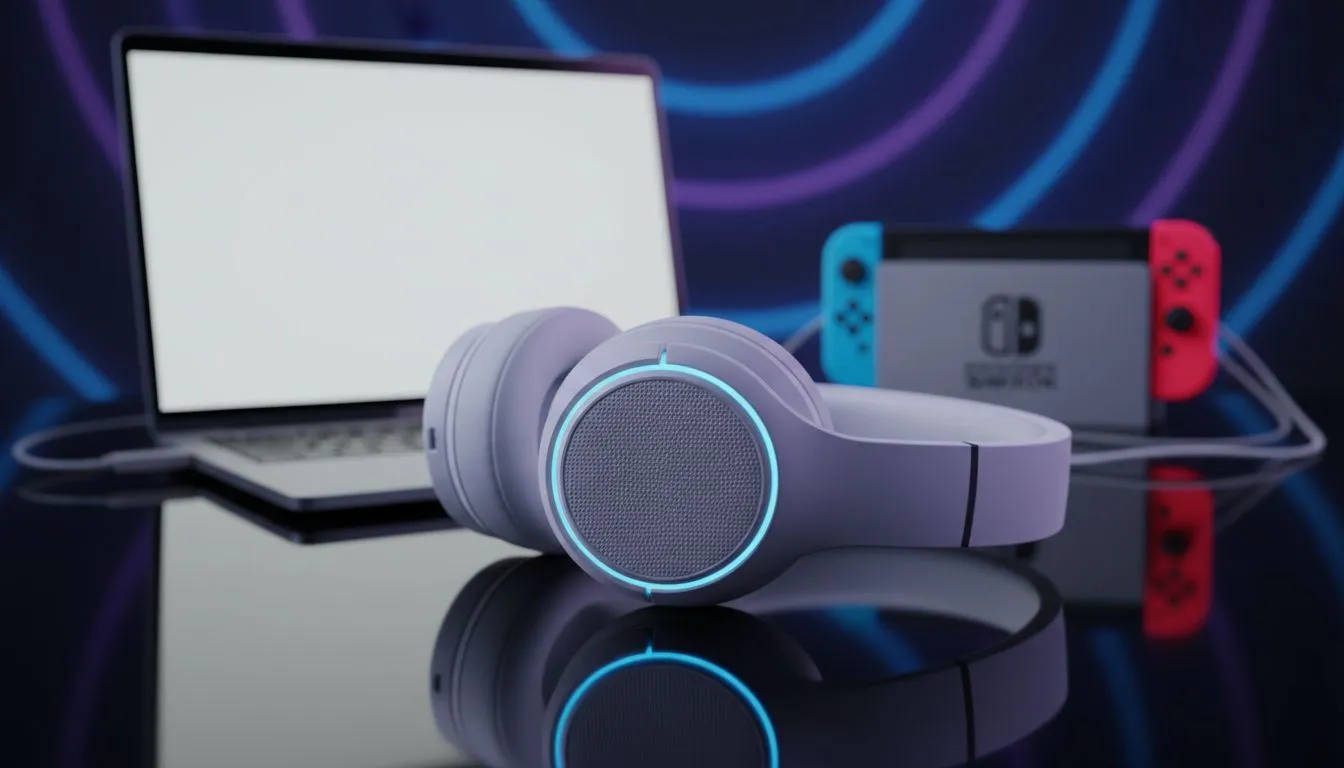
Most South African gamers want the best value for their Rands. If you have already invested in a Pulse 3D or similar gear, you want it to work everywhere. Using your PlayStation Wireless Headset on Nintendo Switch and Mac is a brilliant way to save money while keeping your audio quality high. You do not need to buy three different pairs of headphones for your different devices... the solution is already in your hands.
Seamlessly Using Your PlayStation Wireless Headset on Nintendo Switch
Nintendo’s hybrid console is surprisingly flexible with USB audio. To get your PlayStation Wireless Headset on Nintendo Switch and Mac working, you simply need the USB-C or USB-A dongle that came with your headset. For the Switch in handheld mode, plug the USB-C dongle directly into the bottom port. If you are docked, use the USB ports on the side of the dock.
The console should recognise the device immediately... providing crisp, lag-free audio for your adventures in Hyrule. If you prefer a clean aesthetic for your setup, the Razer Barracuda X Chroma Wireless Headset Phantom White is a fantastic alternative that offers similar multi-platform versatility right out of the box. ⚡
Audio Sync Pro Tip ⚡
If you experience any audio delay on your Mac, ensure you have selected the headset as the primary output device in the 'Sound' section of System Settings. For the best experience, avoid using generic Bluetooth if your headset includes a dedicated 2.4GHz wireless dongle... the dongle always offers lower latency.
Connecting to Your Mac for Work and Play
Setting up your PlayStation headset on a Mac is just as straightforward. macOS is excellent at handling plug-and-play USB devices. Once the dongle is inserted, your Mac will treat it as a standard audio output and input device. This makes it a perfect tool for jumping from a late-night session of Baldur’s Gate 3 to a morning Zoom meeting without changing your gear.
For those who want to compare different drivers and mic qualities, exploring the wider range of Razer headphones and headsets can help you find the right balance for your creative workflow or gaming needs. Most modern headsets are designed to optimise your experience across various operating systems. ✨
Why Multi-Platform Compatibility Matters in SA
In the South African market, we value hardware that does more for less. Why spend extra on platform-specific peripherals when a single high-quality unit can do it all? Whether you are using a PlayStation Wireless Headset on Nintendo Switch and Mac or a third-party equivalent, the goal is to reduce clutter and maximise performance.
Our full collection of headphone and headsets offers something for every budget, ensuring you get the best audio for your ZAR. Don't let your gear stay locked to one console... unlock its full potential across all your devices today. 🚀
Ready to Find Your Perfect Match? Finding the right audio balance for your consoles and PC is essential for total immersion. Explore our massive range of headset specials and find the perfect gear to conquer your world across every platform.
**











