

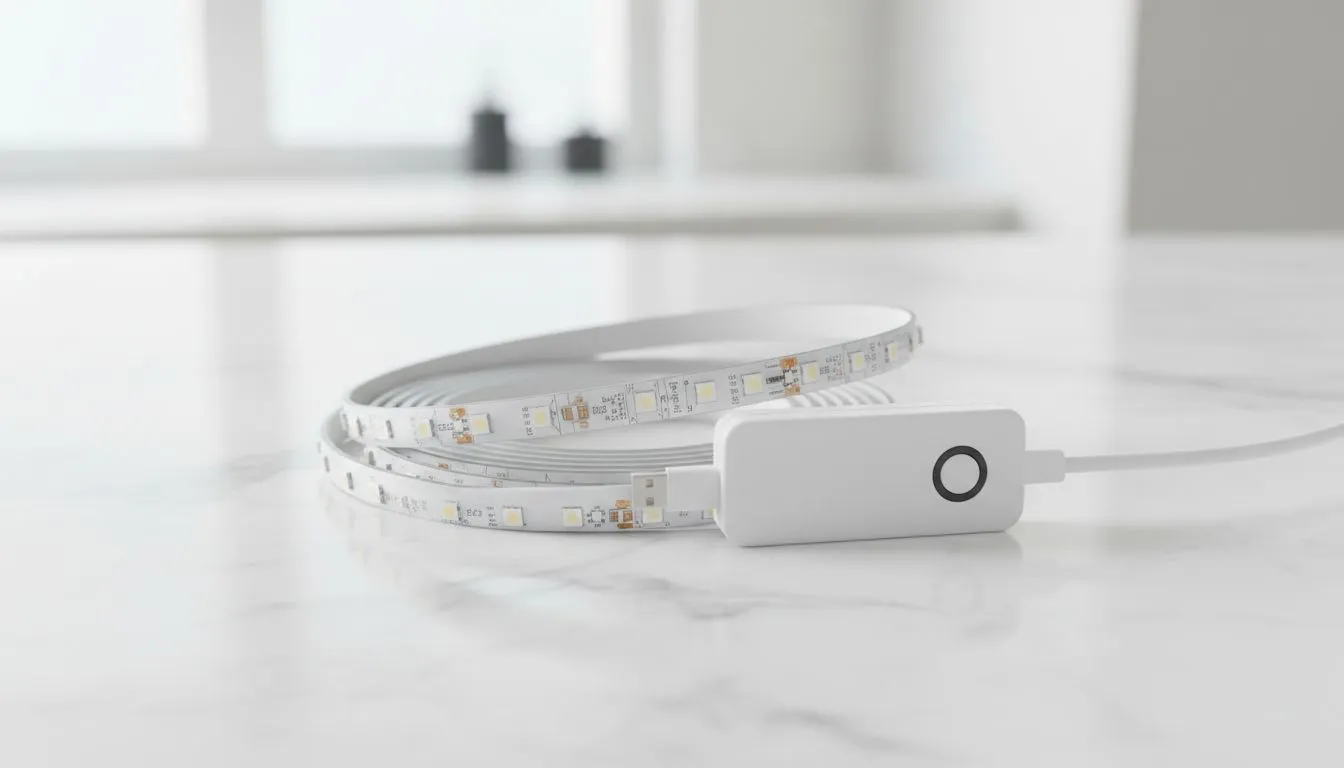
Dealing with the Post-Loadshedding Glow
Nothing kills the vibe faster than the power coming back on after loadshedding, only for your room to stay dark... or worse, your LED strips flashing like a strobe light. If your setup is stuck in pairing mode or refuses to connect to your app, you are not alone. Most South African gamers face this every time the grid fluctuates. Here is how to fix it fast.
How to Reset Smart WiFi LED Strips After Loadshedding
When the power surges back, your router and your smart devices race to reconnect. Often, the LED controller boots up faster than the router can assign an IP address. This causes the strip to time out. To fix this, start by switching the power off at the wall for ten seconds.
If a simple power cycle does not work, you will need to perform a hard reset. For most models, this involves unplugging and plugging the adapter back in three to five times in quick succession. Once the strip starts pulsing or flashing rapidly, it is in pairing mode. You can then re-add it via your smartphone app. Ensuring you have high-quality gaming accessories can often reduce these sync issues, as better controllers handle voltage spikes more effectively.
Troubleshooting Persistent Connection Drops
Sometimes the reset works, but the strip drops off the network again an hour later. This is usually due to signal interference or a cluttered 2.4GHz band. Since most smart home gear does not support 5GHz, your router might be struggling to manage the traffic.
Connection Pro Tip ⚡
To prevent your smart lights from losing their minds after every power cut, try assigning a Static IP to each LED controller in your router settings. This ensures that even if the router reboots slowly, the device knows exactly where to point its data once the signal is live. It saves you from manual resets every single time Eskom flips the switch.
If your hardware is older, it might simply be failing due to the constant on-off cycles. Browsing the latest gaming accessories deals is a great way to find modern, surge-protected lighting solutions that are built to withstand the local power climate.
Upgrading Your Setup for Better Stability
If you find yourself resetting your lights every day, it might be time to look at more robust ecosystem options. Cheap, generic controllers are often the first things to pop during a surge. Replacing a fried controller can cost upwards of R300... nearly the price of a whole new kit.
You can find a massive variety of reliable, app-controlled gear in our Gaming Accessories section. Look for brands that offer "Power-on Behaviour" settings. This feature allows you to choose if the light stays off or returns to its last state when the electricity returns... preventing that 2 AM blinding white light surprise when the power comes back on.
Ready to Brighten Up Your Setup? Don't let loadshedding keep you in the dark or mess with your aesthetic. From surge-protected strips to the latest sync-capable kits, we have the gear to keep your battlestation glowing. Explore our massive range of gaming accessories and find the perfect lighting to conquer your world.











