

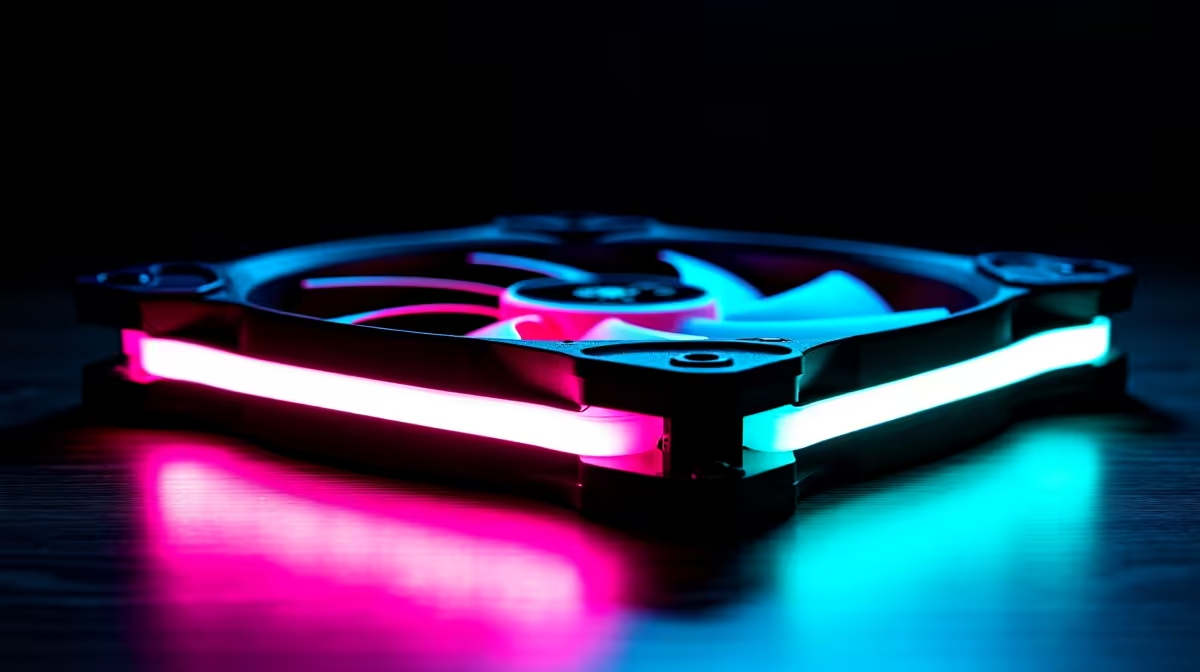
Reverse Blade Case Fans Explained: How They Optimise Airflow in Modern Builds
Reverse blade fans spin the opposite direction to standard axial fans, pulling air toward the motor instead of pushing it away. This counter-intuitive design offers specific advantages in modern PC cases, especially for intake configurations and dense builds where space is tight. Understanding how reverse blade fans work helps you decide when to use them and how to integrate them into your cooling strategy.
How Reverse Blade Fans Differ From Standard Fans
A standard axial case fan has blades angled to push air forward—when looking at the fan head-on, it spins clockwise and accelerates air away from the motor toward the exhaust. A reverse blade fan has blades angled in the opposite direction, causing counter-clockwise rotation that pulls air toward the motor.
This fundamental difference changes how the fan behaves:
Standard Fan:
- Rotates clockwise (viewed from front)
- Pushes air forward (pressure rise in front, drop behind)
- Creates positive pressure at the intake
- Better for pushing air through dense grilles or radiators
- Common in case exhaust positions
Reverse Blade Fan:
- Rotates counter-clockwise (viewed from front)
- Pulls air toward the motor (negative pressure at intake)
- Creates suction effect, ideal for drawing air through open areas
- Better for intake positions without dense obstructions
- Generates less turbulence in open shroud spaces
Why Reverse Blade Design Matters
The reverse blade design isn't arbitrary—it addresses real airflow challenges in modern PC layouts.
Reduced Turbulence: When a standard fan pushes air, it forces that air to expand and slow as it leaves the blade region, creating eddy currents and noise. Reverse blade fans pull air smoothly into their intake, minimising turbulence and acoustic noise. This is why reverse blade fans often feel quieter at the same RPM as standard fans.
Better Intake Performance: In open areas like PSU shrouds or case plenums (air chambers), reverse blade fans excel. They draw air evenly across their entire intake face, unlike standard fans which can create turbulent zones. This translates to more consistent airflow into the main chamber.
Efficiency in Confined Spaces: When you're fitting a fan into a tight intake space with minimal front obstruction, a reverse blade fan's pulling action works better than a standard fan's pushing action. Modern cases with PSU shrouds, cable management compartments, and tight layouts benefit significantly from this design.
Reverse Blade Fans in PSU Shroud Intake
The most common use for reverse blade fans in SA builds is bottom intake through the PSU shroud. Here's why they're ideal:
- Shroud Space Is Open: Most of the area below the PSU has no dense obstruction—just open cabinet space. This is perfect for a reverse blade fan's pulling action.
- Airflow Direction Control: A reverse blade fan positioned at the shroud bottom pulls cool air upward from the surrounding case environment, creating a clear upward path into the main cooling chamber.
- Consistent Intake: Unlike standard fans which might create dead zones or swirling in open areas, reverse blade fans establish smooth, laminar flow up through the shroud.
- Noise Reduction: The pulling action combined with reduced turbulence makes reverse blade fans quieter for shroud intake than a standard fan of the same size and RPM.
For gaming PCs operating in warm SA ambient conditions, a reverse blade intake fan in the shroud can cool your GPU by 2–4°C compared to no bottom intake, simply because the airflow is more efficient.
Reverse Blade Fans as Case Intake
Beyond PSU shrouds, reverse blade fans work well as general case intake fans, especially in positions like:
Front Intake (Open Mesh Front Panel): If your case has a clean front mesh panel with no radiator, a reverse blade fan draws air smoothly through the mesh without the turbulence of a standard fan. Optimal for cases prioritising aesthetics over radiator mounting.
Side Intake (Open Vent): On cases with side intake vents, a reverse blade fan pulls air straight into the side chamber toward your GPU, creating a direct cool air path.
Panel-Mounted Intake: Anywhere a fan mounts to an open panel without a restrictive grille, reverse blade fans perform better than standard fans.
Where Reverse Blade Fans Don't Work Well
Despite their advantages, reverse blade fans have limitations:
Radiator Cooling: If you're pushing air through a dense radiator (CPU cooler or AIO radiator), a reverse blade fan's pulling action loses efficiency. The radiator's thickness blocks the intake opening, and the fan struggles to create sufficient static pressure to push air through the fins. Standard fans with higher static pressure are better for radiators.
Dense Grille Exhaust: If you're exhausting air through a grille with dense mesh, a reverse blade fan pulling from the exhaust side won't draw air efficiently through the obstruction. Standard fans excel at this.
Extreme Performance Scenarios: In very high-speed builds where every degree counts, standard fans can achieve marginally higher static pressure and cooling capacity. Reverse blade fans prioritise efficiency and noise over raw cooling power.
Reverse Blade Fan Orientation and Installation
Proper installation is critical—a reverse blade fan installed backwards becomes a standard fan pushing the wrong direction.
Identifying Your Fan Type: Look at the fan label and blade angle. Most reverse blade fans label the exhaust side (back side) clearly. If you're unsure, examine the blade edges:
- Standard fan: Blades angle upward from the center, pushing forward
- Reverse blade fan: Blades angle downward from the center, pulling toward motor
Correct Installation for Intake:
- Label side faces outward (away from the main chamber)
- Blade-exposed side faces inward (toward the chamber)
- Airflow enters from outside and pulls inward
If you reverse the orientation, your intake fan becomes an exhaust, defeating your entire cooling strategy.
Performance Metrics
When shopping for reverse blade fans, compare:
CFM (Cubic Feet Per Minute): Measures overall airflow volume. Higher CFM means more total air movement. Typical case fans range 50–150 CFM depending on size and speed.
Static Pressure (mmH2O): Measures the fan's ability to push or pull air through dense obstructions. Reverse blade fans typically have lower static pressure (2–5 mmH2O) but higher CFM per RPM, making them ideal for open intake. Standard fans can exceed 5 mmH2O for radiator duty.
Noise Level (dB): Reverse blade fans often achieve the same CFM at lower noise levels than standard fans, especially noticeable below 50% speed. This is a major advantage for builds prioritising quiet operation.
RPM Range: Good reverse blade fans maintain operation across 300–2,500 RPM, allowing PWM control from silent idle to aggressive cooling without stalling at low speeds.
Integration With Your Cooling Strategy
Reverse blade fans work best as part of a balanced system:
Positive Pressure (Intake-Focused):
- Bottom intake: Reverse blade fan in PSU shroud
- Front intake: 2 standard or reverse blade fans
- Exhaust: 1 rear fan
- Result: Positive pressure, cool air inlet, filtered dust control
Negative Pressure (Exhaust-Focused):
- Bottom intake: Reverse blade fan in shroud
- Front intake: None
- Rear exhaust: 1 standard fan
- Top exhaust: 1 standard fan
- Result: Negative pressure, excellent GPU cooling, more dust accumulation
Neutral Pressure (Balanced):
- Bottom intake: 1 reverse blade fan
- Front intake: 1 standard fan
- Rear exhaust: 1 standard fan
- Top exhaust: 1 standard fan
- Result: Balanced airflow, quiet operation, optimal for most SA gaming builds
For summer gaming in South Africa where ambient temps exceed 30°C, a neutral or positive pressure system with a good reverse blade shroud intake fan can keep GPU temps 5–8°C cooler than systems without bottom intake.
Budget and Availability in South Africa
Reverse blade fans are less common than standard fans in the SA market, but they're becoming more available. Expect to pay a similar price to comparable standard fans—typically R200–600 for a quality 120mm unit. The benefits (quieter operation, better intake efficiency) justify the slight premium if your build design suits them.
When evaluating options, check Evetech's PC component selection for reverse blade fans, or compare performance specs on standard intake fans if reverse blade options are limited.
Troubleshooting Reverse Blade Installation
Fan Spinning but No Airflow Feel: You've likely installed it backwards. Power down, remove the fan, rotate it 180 degrees, and reinstall.
Fan Stalling at Low Speeds: Some reverse blade fans have minimum speed thresholds. Adjust your PWM curve to maintain 25% minimum speed, or test the fan on a different header. If stalling persists, the fan may be faulty.
Weaker Cooling Than Expected: Ensure your reverse blade fan complements other intake/exhaust fans. A single reverse blade fan in an otherwise exhaust-heavy setup won't improve cooling. Review your overall case airflow balance.
Reverse blade fans are a smart choice for modern SA builds, especially in compact cases or systems prioritising quiet operation. They shine in intake applications where smooth, turbulence-free airflow matters more than pushing through obstacles. Pair them with quality standard fans in exhaust positions, and you'll achieve optimal cooling efficiency and acoustics.
Quick Identification Hack
"Optimise your PC airflow with the right fan configuration—explore reverse blade and standard case fans at Evetech to build a balanced, efficient cooling system."











