

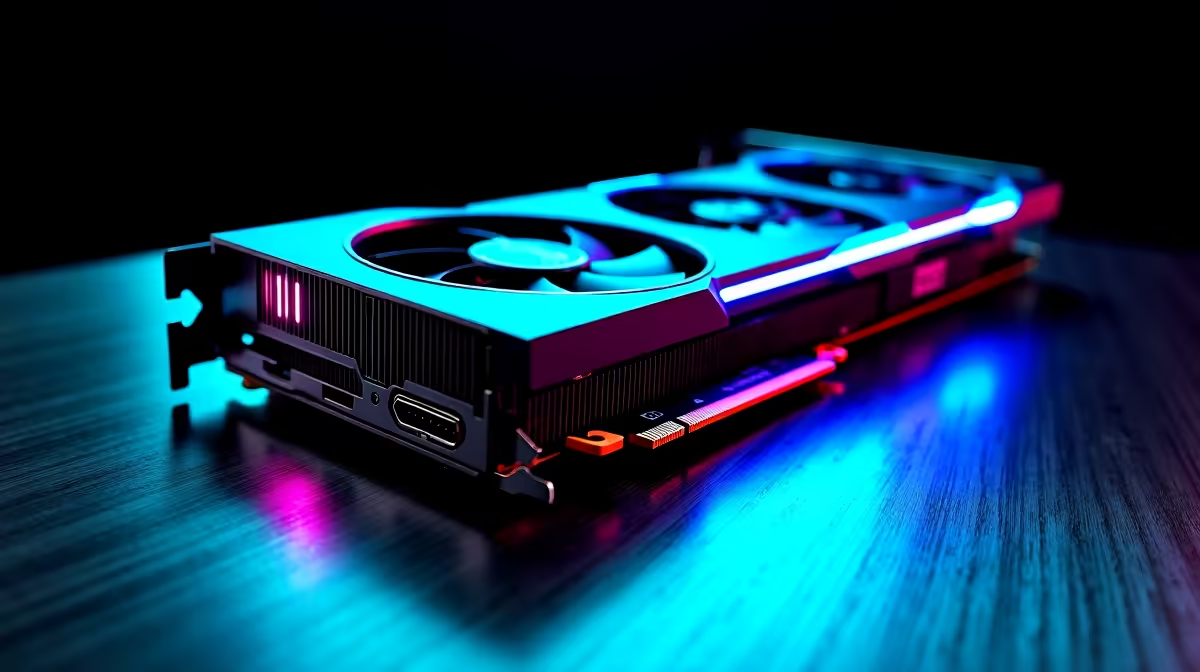
Load up your favourite game, grab a cold drink, and... nothing. Just a black monitor staring back at you. If you are dealing with the dreaded RTX 4060 black screen issue, you are not alone. Loads of South African gamers have faced this exact headache. Before you panic and assume your hardware is fried, let us walk through a step-by-step fix to get your rig running perfectly again.
Understanding the RTX 4060 Display Bug
Why does this happen? It usually comes down to driver conflicts, power delivery, or a loose connection. The RTX 4060 is a brilliant card for 1080p gaming 🚀. Even top-tier tech can throw a tantrum though.
If you recently upgraded your system and slotted in a new GPU, Windows might still be trying to read your old drivers. If you are currently shopping to upgrade your graphics card, do not let this deter you. It is almost always a simple software glitch.
A Step-by-Step Fix for Your GPU
Let us get our hands dirty. First, check your cables. A loose HDMI or DisplayPort cable is the most common culprit. Make sure it is plugged directly into your GPU and not the motherboard.
Next, we need to tackle the drivers. Boot your PC into Safe Mode. You will want to use a free tool called Display Driver Uninstaller (DDU) to wipe the slate clean. This ensures no leftover files interfere with your display.
Driver Cleanup Pro Tip 🔧
Always download the latest Nvidia drivers before you run DDU. Disconnect your internet while installing the new driver so Windows Update does not try to install an older version in the background.
Checking Power and Hardware Seating
Sometimes your power supply is the hidden villain. The RTX 4060 is highly power-efficient. It still needs a stable connection to function properly. Ensure the PCIe power cables are clicked firmly into place.
If your PSU is ancient, it might be time for an upgrade. Alternatively, if you are tired of troubleshooting, looking at the best gaming PC deals can save you the hassle of building from scratch. In fact, grabbing one of our rigorously tested pre-built PC specials guarantees you will not have to stress over compatibility issues ⚡.
When to Consider a System Upgrade
If you have reseated the GPU, wiped the drivers, and checked your cables... but the screen is still pitch black... you might have a hardware fault.
Sometimes a fresh start is the most logical step. If you need mobility alongside gaming power, browsing for high-performance laptops for sale in South Africa is a fantastic alternative to a bulky desktop setup. Whether you need a replacement component or a whole new rig, keeping an eye on our daily tech specials will help you stretch your ZAR further.
Ready to Leave Black Screens Behind? Troubleshooting hardware can be frustrating, but your next gaming experience does not have to be. For maximum power, choice, and value in South Africa, Evetech has you covered. Explore our massive range of PC components and find the perfect hardware to conquer your world.











