

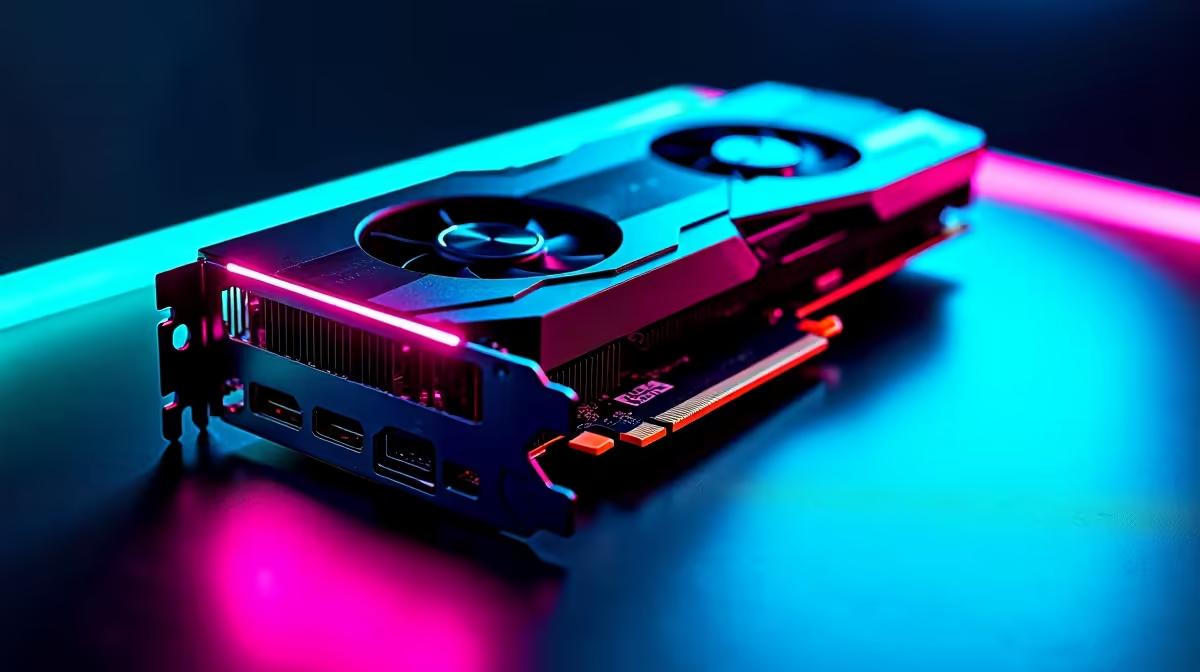
You finally dropped a serious chunk of ZAR on a beastly new GPU. You boot up your favourite title, expecting glorious ray-traced frames... and suddenly, you are staring at your desktop.
If your RTX 4070 Ti Super is crashing in games, you are not alone. Before you panic and assume your hardware is fried, let us walk through a complete South African fix guide.
Power Spikes and PSU Problems ⚡
The RTX 4070 Ti Super is incredibly powerful. It draws a significant amount of juice under heavy load. Sudden power spikes can quickly trigger system shutdowns. Ensure your power supply is rated for at least 750W.
With our local grid fluctuations, a reliable PSU is absolutely vital. If you are upgrading an older rig, you might need to browse the latest graphics cards alongside a robust power supply. A weak PSU is the leading cause of random desktop crashes.
Driver Conflicts and Clean Installs
Corrupted display drivers cause major headaches. Simply clicking "update" in GeForce Experience is not always enough. Residual files from your old GPU can cause your RTX 4070 Ti Super to crash in games.
If you are tired of constant troubleshooting on an aging system, consider a full upgrade. It might be time to look at premium gaming PCs that arrive pre-tested and ready to roll.
Driver Cleanup Pro Tip 🔧
Always run Display Driver Uninstaller (DDU) in Windows Safe Mode. This prevents Windows Update from automatically downloading an outdated Nvidia driver while you are trying to install the fresh, perfectly optimised version.
Beating the South African Heat ❄️
Our local summers are incredibly unforgiving on PC hardware. If your chassis lacks proper airflow, the GPU will quickly overheat. It will then crash to protect itself from permanent damage.
Check your fan curves using software like MSI Afterburner. If your current case feels like an oven, upgrading is a smart move. Moving to one of our expertly assembled pre-built PCs ensures optimal thermal performance and neat cable management.
Cable Connections and Alternatives
Check your 12VHPWR power cable connection. It needs to be seated completely flush with the GPU port. A loose cable will cause immediate system failure under load.
Sometimes, desktop hardware troubleshooting is simply too frustrating. If you need mobility and reliability, you might prefer gaming on the go. We stock a massive selection of high-performance laptops for sale that deliver desktop-class graphics without the DIY stress.
When to Upgrade Your Rig 🚀
If you have tried everything and the crashes persist, your motherboard or RAM might be the bottleneck. Older components struggle to keep up with modern GPUs. Keep a close eye on our weekly tech specials to find affordable, high-quality upgrade components.
Ready to Upgrade Your Gaming Experience? Troubleshooting can be a headache, but your gaming experience does not have to be. For maximum power, choice, and value in South Africa, Evetech has you covered. Explore our massive range of PC specials and find the perfect machine to conquer your world.











