

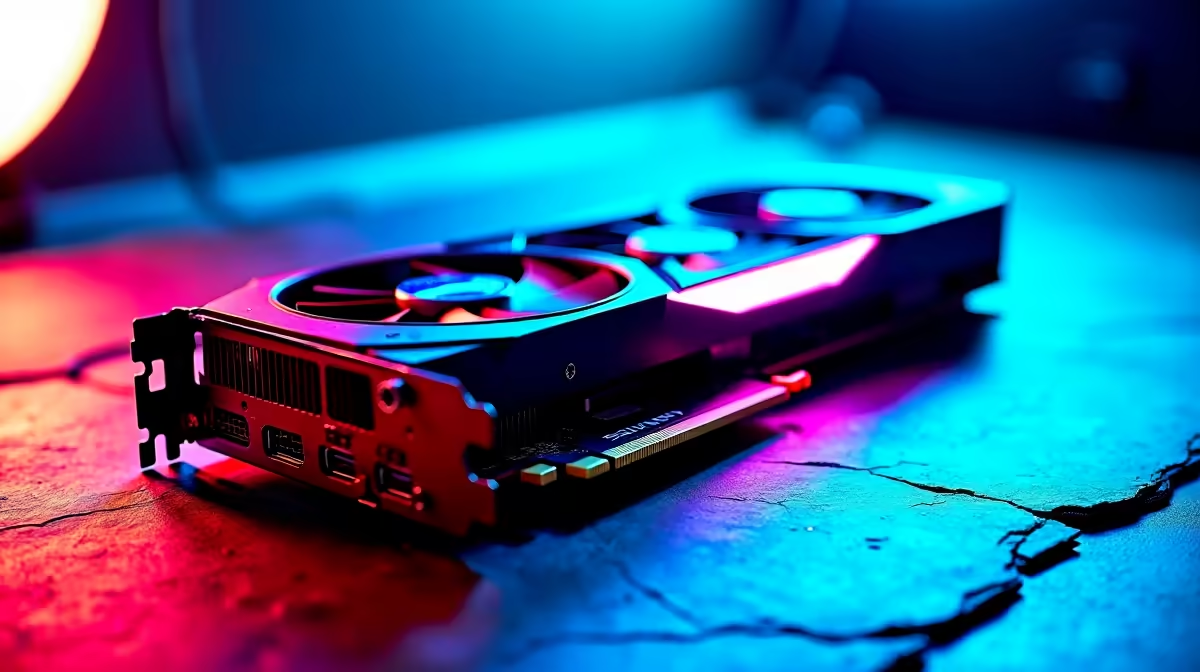
You just dropped a hefty stack of ZAR on an absolute beast of a GPU. You load up your favourite title, expecting pure gaming bliss. Instead? Your PC sounds like a jet engine preparing for takeoff. If your RTX 4080 fans are spinning constantly, you are not alone. Let us explore a reliable noise solution to get your rig back to whisper-quiet operation.
Why Are Your RTX 4080 Fans Spinning Constantly?
Modern GPUs are designed to be silent under light loads. Most premium graphics cards feature a Zero RPM mode. This means the fans should completely stop when temperatures sit below 50 degrees Celsius. When you spend upward of R20,000 on top-tier hardware, you expect a premium experience. The Zero RPM feature is standard across the RTX 40-series, but it relies heavily on good environmental conditions.
So why is your card spinning at full tilt while you browse the web? Often, the culprit is trapped heat. If your chassis lacks fresh air, the GPU panics and ramps up the cooling. Upgrading your case fans or installing high-performance CPU coolers can drastically improve your overall ambient system temperatures. Cooler air inside the case means less work for your graphics card.
Quick Noise Solutions for Your RTX 4080 🔧
Before you panic about hardware failure, try tweaking your software. Background applications like Nvidia Broadcast can keep the GPU memory clock pegged. High-refresh-rate multi-monitor setups can also cause this. This constant load forces the card to generate heat... and annoying noise.
Another common issue hides in your Nvidia Control Panel. Check your power management mode. If it is set to 'Prefer Maximum Performance' globally, the card will never downclock. Change this to 'Normal' for desktop usage. This simple adjustment is a highly effective RTX 4080 noise solution.
Software Pro Tip ⚡
Download MSI Afterburner to create a custom fan curve. You can manually set the fans to stay off until the GPU hits 55 degrees Celsius. This simple software tweak is the ultimate fix for silent idle operation.
When to Consider a System Upgrade 🚀
If software tweaks do not work, your system might just be struggling to breathe. We see this often when gamers slot a massive new GPU into an older, cramped chassis. A quiet PC is a happy PC. Ensure your graphics card has at least two slots of breathing room below the fans. If you are tired of battling thermal throttling, it might be time for an upgrade. Take a look at the best gaming PC deals featuring high-airflow cases built specifically for the RTX 40-series.
Cable management also plays a massive role in airflow. Cluttered wires block fresh air from reaching your components. If your current rig is beyond saving, our pre-built PC specials offer professionally routed cables for maximum cooling efficiency.
Alternatively, if you want high-end performance without the bulky desktop footprint, modern mobile hardware is brilliant. You can browse our extensive range of gaming laptops in South Africa for a sleek, portable powerhouse that stays cool under pressure ✨.
Ready to Upgrade Your Gaming Experience? Do not let thermal throttling and noisy fans ruin your immersion. Whether you need a massive chassis upgrade or a completely new rig, Evetech has the best hardware at unbeatable ZAR prices. Explore our massive range of PC components and build the silent powerhouse of your dreams.











