

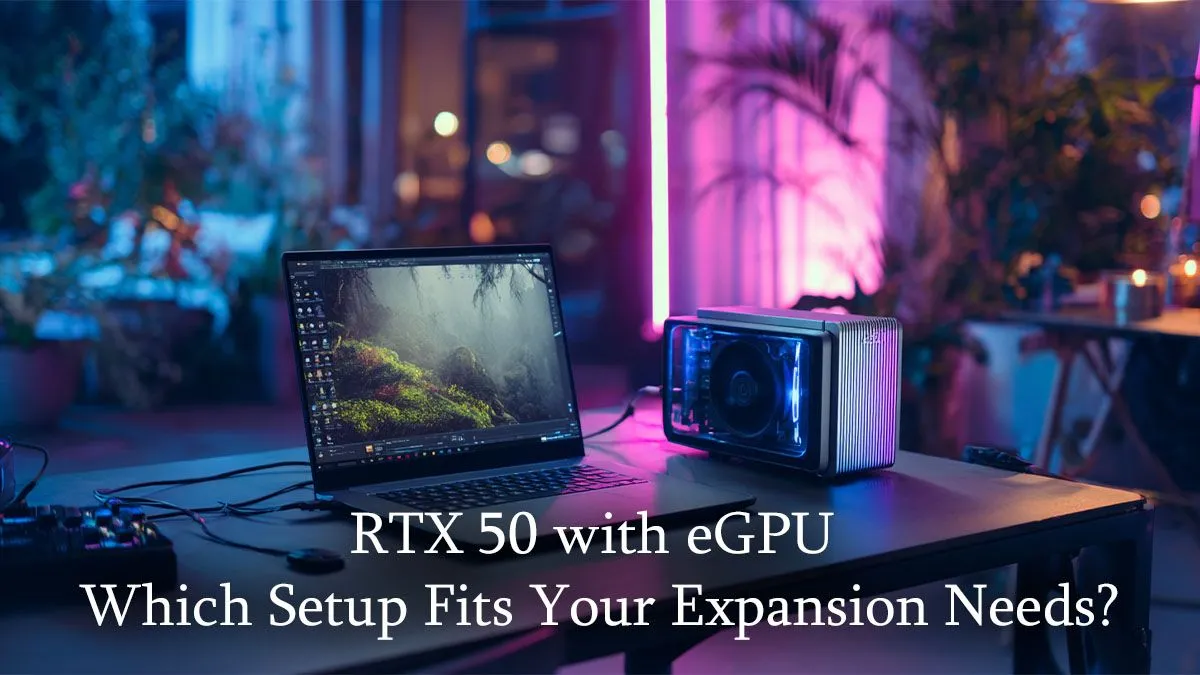
Unleash Your Power: Decoding RTX 50 eGPU Compatibility
Ever dreamt of taking your desktop-level gaming rig on the road? South African gamers know the struggle: powerful laptops are bulky, and ultra-portables often lack the graphical grunt for AAA titles. But what if you could have both? The buzz around the upcoming RTX 50 series and its potential in external GPU (eGPU) setups is growing, promising a new era of portable power. Let's dive into RTX 50 eGPU compatibility and how you can prepare for this exciting revolution. 🚀
Understanding eGPU Compatibility for Next-Gen Performance
External GPU enclosures are game-changers, transforming thin-and-light laptops into formidable gaming machines. But achieving optimal performance, especially with future hardware like the NVIDIA RTX 50 series, hinges on understanding compatibility. It’s not just about plugging it in; it’s about ensuring your laptop and eGPU enclosure can communicate effectively to unleash that raw graphical power.
The core of this connection lies with Thunderbolt™ technology. Currently, Thunderbolt 3 and 4 are essential for eGPU setups, offering the high bandwidth needed to transfer data between your laptop's CPU and the external graphics card. Without sufficient bandwidth, even the most powerful RTX 50 GPU will be bottlenecked, leading to a less-than-ideal gaming experience. As we anticipate the RTX 50 eGPU compatibility, future Thunderbolt iterations or other high-speed interfaces might further refine this connection, reducing latency and boosting framerates.
Key Factors for Seamless eGPU Integration
When considering an eGPU setup, especially with an eye on the upcoming RTX 50 series, several factors are crucial:
- Thunderbolt Port: Your laptop must have a Thunderbolt 3 or 4 port. Check your specifications carefully. Many modern laptops, including some of our incredible laptop specials for sale in South Africa, come equipped with this.
- CPU Power: Even with a powerful external GPU, your laptop's CPU needs to keep up. An older or less powerful processor can create a bottleneck, limiting the performance of your high-end RTX 50 card. Look for laptops with modern Intel Core i7/i9 or AMD Ryzen 7/9 processors.
- RAM: 16GB of RAM is generally the sweet spot for modern gaming. More is always better, but 16GB provides a solid foundation.
- eGPU Enclosure: Choose an enclosure that can physically fit the RTX 50 card (they tend to be large!) and provide adequate power delivery and cooling. Brands like Razer Core, Aorus Gaming Box, and Cooler Master MasterCase are popular choices.
Building Your Portable Powerhouse: Tips for Optimal Setup
Once the RTX 50 series officially launches, the excitement for RTX 50 eGPU compatibility will be palpable. To ensure you're ready to jump into the action, here are some practical tips for setting up your ultimate portable gaming station.
Optimising Your eGPU Connection
Always connect your eGPU directly to your laptop via the shortest possible Thunderbolt cable. This minimises signal degradation and maximises bandwidth, ensuring your RTX 50 card performs at its peak.
Consider your display setup. While you can often use your laptop's internal screen, connecting an external monitor directly to the eGPU will generally yield better performance. This bypasses the need for the data to travel back to the laptop's internal display, freeing up bandwidth. This is particularly important for high refresh rate gaming where every millisecond counts.
For those seeking the absolute best performance, exploring high-end best gaming laptop deals that already boast powerful internal GPUs can provide a fantastic base. While an eGPU adds portable flexibility, a strong internal GPU ensures you're never truly underpowered, even without the external unit.
Choosing the Right Laptop for Your RTX 50 eGPU
The foundation of any great eGPU setup is the laptop itself. You need a device that's powerful enough to handle the CPU demands of modern games and features the necessary Thunderbolt port. Evetech offers a diverse range of laptops perfect for pairing with a future RTX 50 eGPU.
If you lean towards Team Red, our selection of AMD laptops on special provides excellent multi-core performance, ideal for gaming and demanding applications. Many of these come with robust CPUs that won't bottleneck your external GPU.
Alternatively, for those who prefer the tried-and-tested performance of Intel, our Intel laptops on special are packed with cutting-edge processors that excel in gaming and single-core tasks. Both AMD and Intel platforms offer fantastic options, so your choice often comes down to personal preference and specific workload needs. Whichever you choose, ensure it has that all-important Thunderbolt port for seamless RTX 50 eGPU compatibility.
The future of portable gaming is bright, and the upcoming RTX 50 series, combined with the versatility of eGPUs, promises unprecedented power in a mobile format. Get ready to game anywhere, anytime. ✨
Upgrade Your Rig, Elevate Your Game Don't wait for tomorrow's tech to start planning your ultimate setup. Explore Evetech's range of high-performance laptops today and lay the groundwork for a future-proof gaming experience. Shop now at Evetech for performance that leaves lag in the dust.








