

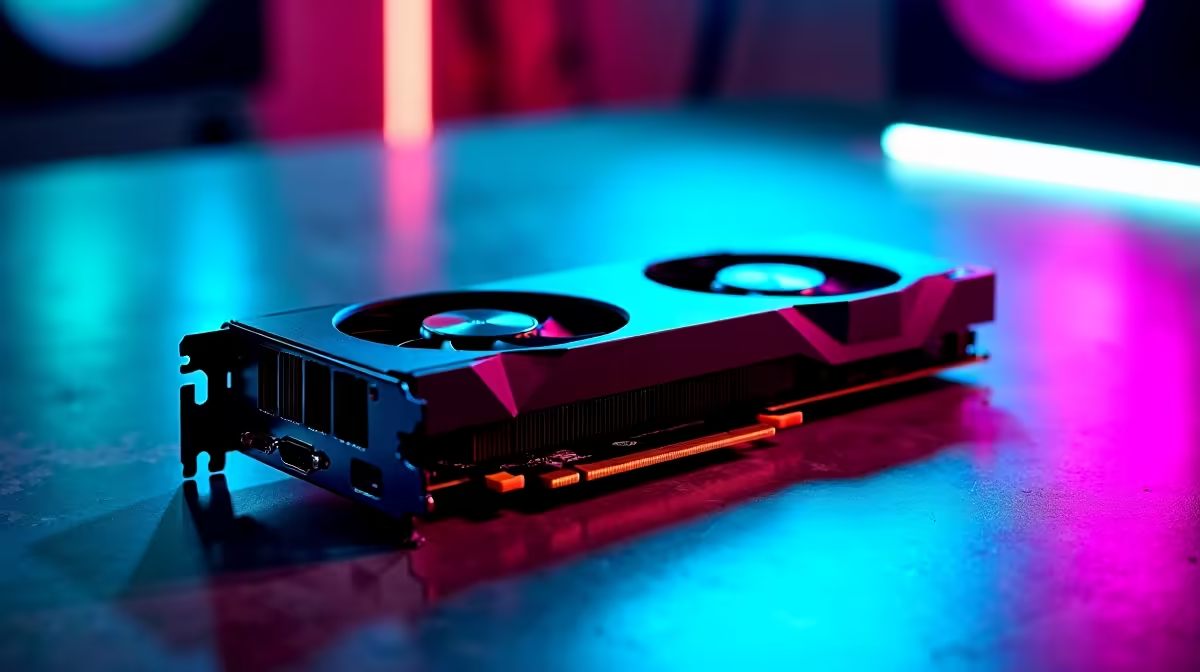
You just dropped a few thousand ZAR on a shiny new rig. You boot up... and nothing. Just a void staring back at you. If you are dealing with an RTX 5060 black screen, do not panic. This is a common hiccup with the latest 50-series cards in 2026. Let us fix and troubleshoot your display issues so you can get back to gaming quickly.
Check Your Power and Connections ⚡
Before blaming the silicon, check the physical basics. The RTX 5060 is incredibly efficient. However, it still draws decent power under a heavy gaming load. Ensure your PCIe power cables are firmly seated. Sometimes the newer ATX 3.1 connectors need a firm push to click into place. A loose cable will drop your display signal instantly.
If you are running an older power supply, it might be time for an upgrade. A stable PSU is absolutely crucial for modern GPUs. If you need a completely new setup to avoid these bottlenecks, checking out the latest pre-built PC deals can save you hours of stressful troubleshooting.
The Dreaded Driver Conflict
An RTX 5060 black screen often happens during software updates. Windows might try to install an outdated driver in the background. This clashes while you are installing the latest Nvidia package. The result is a crashed display driver and no output.
Troubleshooting Pro Tip 🔧
Boot into Safe Mode and use Display Driver Uninstaller (DDU) to wipe all old Nvidia files. Restart your system and install the newest 2026 drivers straight from Nvidia's official website for a clean slate.
If you are tired of desktop hardware quirks, sometimes a portable powerhouse is the answer. You can always browse reliable notebooks for sale in South Africa for a seamless plug-and-play experience.
Firmware and Motherboard BIOS Updates
Motherboard BIOS compatibility is another huge factor. Older motherboards might not instantly recognise the newer Blackwell architecture. Head to your motherboard manufacturer's website. Download and flash the latest BIOS version. This simple step resolves many hardware handshake issues.
If your current rig is just too old to keep up with modern specs, upgrading your core components is a smart move. You can find top-tier graphics cards and compatible motherboards to match your new GPU perfectly.
Cable Quality Matters 🚀
Are you using a cheap HDMI or DisplayPort cable? High refresh rates at 1440p or 4K require serious bandwidth. A faulty or outdated cable will drop the signal randomly. Swap it out for a certified DisplayPort 2.1 cable to ensure maximum stability.
If you are pushing high frames and want a system that guarantees compatibility out of the box, our best gaming PC deals are rigorously tested by experts to prevent these exact black screen issues.
When to Claim Your Warranty
If you have tried different cables, updated the BIOS, and used DDU... but your RTX 5060 black screen persists... it might be a hardware fault. Do not void your warranty by taking the card apart. Return it to your retailer for a professional assessment or swap. While you wait for your replacement, keep an eye on the latest specials to upgrade your RAM or storage with the ZAR you saved.
Ready for a Flawless Gaming Experience? Troubleshooting can be a headache, but your gaming setup does not have to be. For maximum power, choice, and value in South Africa, Evetech has you covered. Explore our massive range of gaming specials and find the perfect machine to conquer your virtual worlds without the hassle.











