You just dropped serious ZAR on a shiny new GPU. You slotted it into your rig and booted up. But instead of high frames, you get an error. Having your RTX 5060 not recognized by Windows is a nightmare for any South African gamer. Do not panic just yet. Let us get that beast up and running. 🚀
Initial Checks For Your Unrecognized GPU
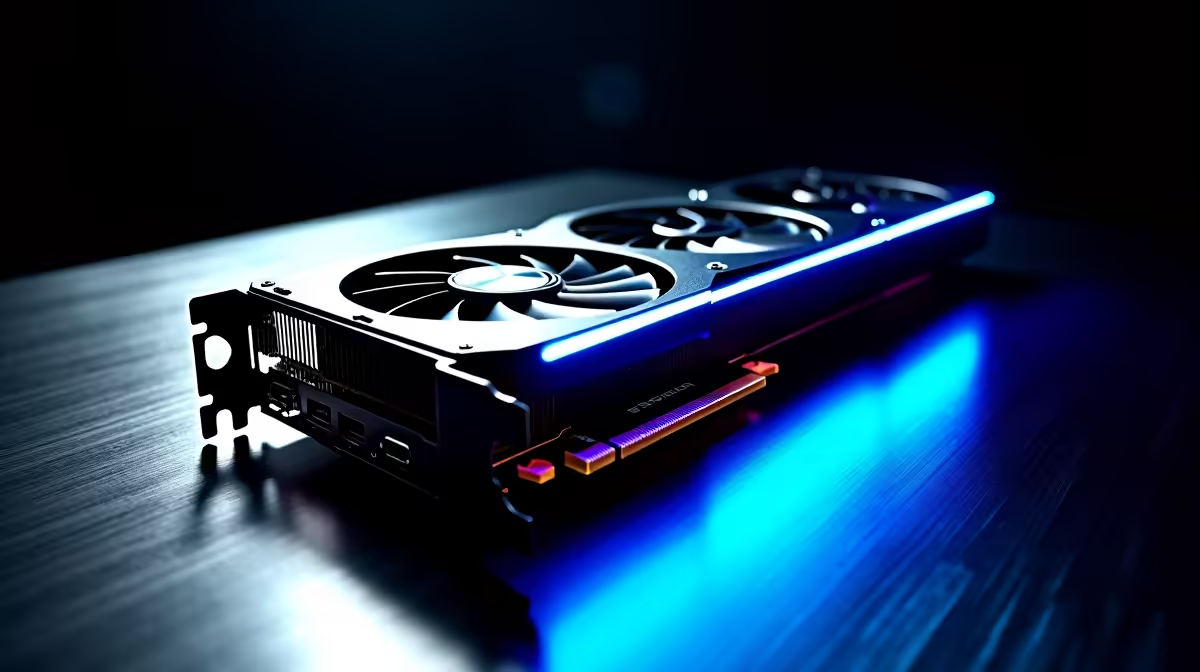
First, check the physical seating of the card. A heavy GPU can sag or sit loosely. Turn off your power supply and unclip the card. Push it back in until you hear a solid click. Next, ensure those PCIe power cables are firmly connected. Your power supply must meet the new energy requirements. If you need more juice, browse our dedicated graphics cards for an upgrade.
Software Fixes and Driver Wipes
Often, the issue is entirely software-based. Windows might be holding onto old display drivers. Use Display Driver Uninstaller in Safe Mode. This tool will wipe old files completely clean. Then, download the latest Nvidia drivers directly.
Sometimes, an outdated motherboard BIOS is the culprit. Updating your BIOS resolves many hardware compatibility issues. Want to avoid these technical headaches entirely? Grabbing one of our custom gaming PCs ensures everything works perfectly out of the box. Alternatively, checking out high-performance laptops offers a great portable workaround.
Troubleshooting Pro Tip 🔧
Always ground yourself before touching internal PC components to avoid static damage. A simple touch to a grounded metal object works wonders before you reseat your graphics card.
Forcing Device Manager to See Your RTX 5060
Press the Windows key and type Device Manager. Look under the Display adapters section. Do you see a basic adapter with a warning? Right-click that device and hit Update driver. If it still fails, your Windows version needs updating. To optimise your setup, keeping your operating system current is crucial.
If your rig cannot support modern PCIe standards... it is time to upgrade. It might be time to look at affordable pre-built PCs. We also highly recommend watching our weekly tech specials. Save those hard-earned Rands on your next major upgrade. ⚡
Ready to Find Your Perfect Match?
Troubleshooting hardware can be stressful, but finding the right gear is easy. For maximum power, choice, and value in South Africa, Evetech is hard to beat. Explore our massive range of PC specials and find the perfect machine to conquer your world.