

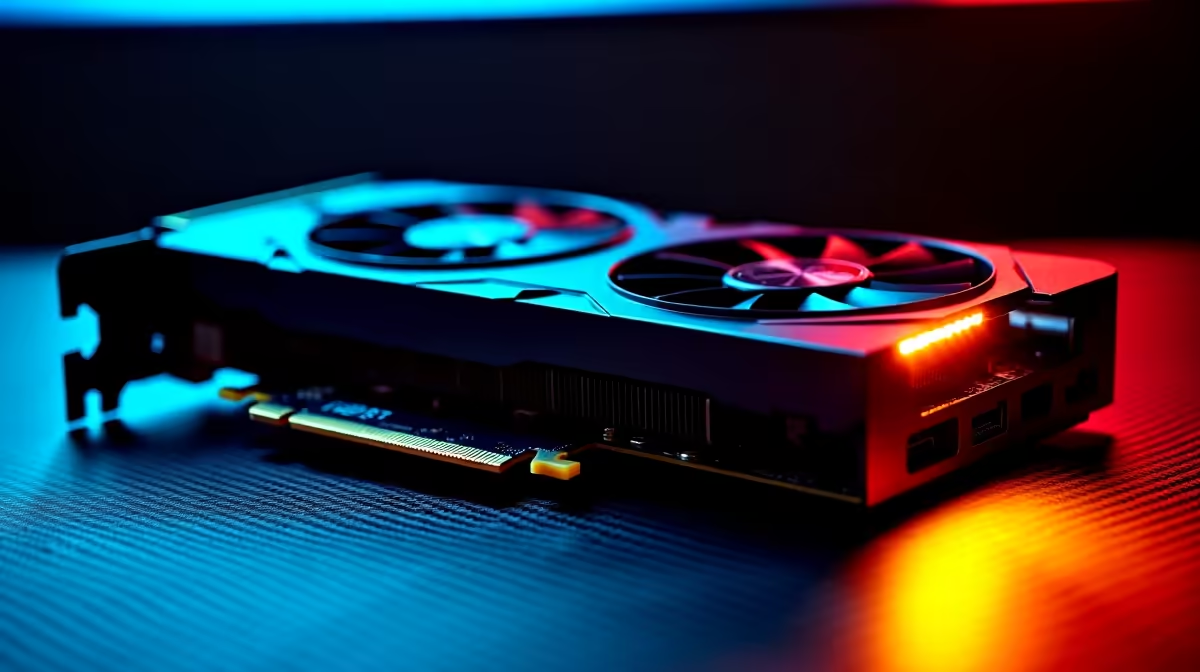
South African summers are unforgiving. When the midday heat hits, your gaming room feels the burn... and so does your hardware. If you recently upgraded to the latest generation of graphics, you might be searching for a definitive RTX 5060 Ti temperature guide. Are your numbers perfectly normal, or is your precious rig slowly roasting? Let us dive into the ideal thermal zones and how to keep your hardware icy cool. ❄️
Understanding Normal RTX 5060 Ti Temperatures
NVIDIA designs modern silicon to run warm, but there is a clear limit before performance drops. When you are just browsing the web or watching YouTube, idle temps should sit comfortably around 35°C to 45°C. Under heavy gaming load... like a marathon session of your favourite AAA title... you can expect temperatures to hover between 65°C and 75°C.
If you are consistently hitting 85°C or higher, your card will start thermal throttling. This means it slows down to protect itself, costing you valuable frames. If your current setup is already cooking past 90°C despite your best efforts, it might be time to browse for new graphics cards with beefier aftermarket coolers.
How South African Weather Impacts Your GPU
Ambient room temperature plays a massive role in your PC's thermals. A room sitting at 32°C in Durban will naturally push your baseline temperatures much higher than an air-conditioned office. This is exactly why proper case airflow is absolutely vital.
When you are hunting for the best gaming PC deals, always inspect the chassis design. A mesh front panel paired with high-static pressure fans will feed your RTX 5060 Ti the fresh air it desperately needs to survive the heatwave.
Airflow Pro Tip 🔧
Always ensure you have more intake fans than exhaust fans. This creates positive air pressure inside your case, which pushes hot air out through the unsealed vents and helps prevent dust buildup during those dry highveld winters.
Proven Ways to Keep Your Setup Cool
You do not need to spend thousands of ZAR to drop your temperatures. Here are a few practical steps:
Tweak Your Fan Curves
Do not rely on stock settings. Use software to ramp up your fans earlier so heat never gets a chance to build up.
Sort Out Your Cables
A rat's nest of thick cables blocks vital airflow. Tie them back to let your components breathe. If you hate cable management, consider grabbing one of our professionally wired pre-built PC deals to save yourself the hassle.
Consider Your Platform
Desktop cooling is highly customisable, but it requires space. If you prefer mobility and engineered thermal solutions, modern laptops for sale feature incredible vapour chamber cooling that handles high-end graphics with ease.
Reposition Your PC
Never put your desktop directly on a thick carpet. It chokes the power supply and traps heat. Keep it elevated on a hard desk surface.
Keeping your system cool extends its lifespan and ensures maximum performance. Before the next heatwave strikes, take an afternoon to optimise your airflow. If you need extra fans, thermal paste, or a better airflow case, keep a close eye on our weekly hardware specials to upgrade your cooling setup on a budget. 🚀
Ready for an Icy Upgrade? Do not let thermal throttling ruin your competitive matches. Whether you need a high-airflow chassis, premium cooling fans, or a brand-new rig, Evetech has the best deals in South Africa. Explore our massive range of PC components and keep your frames high and temps low.











