

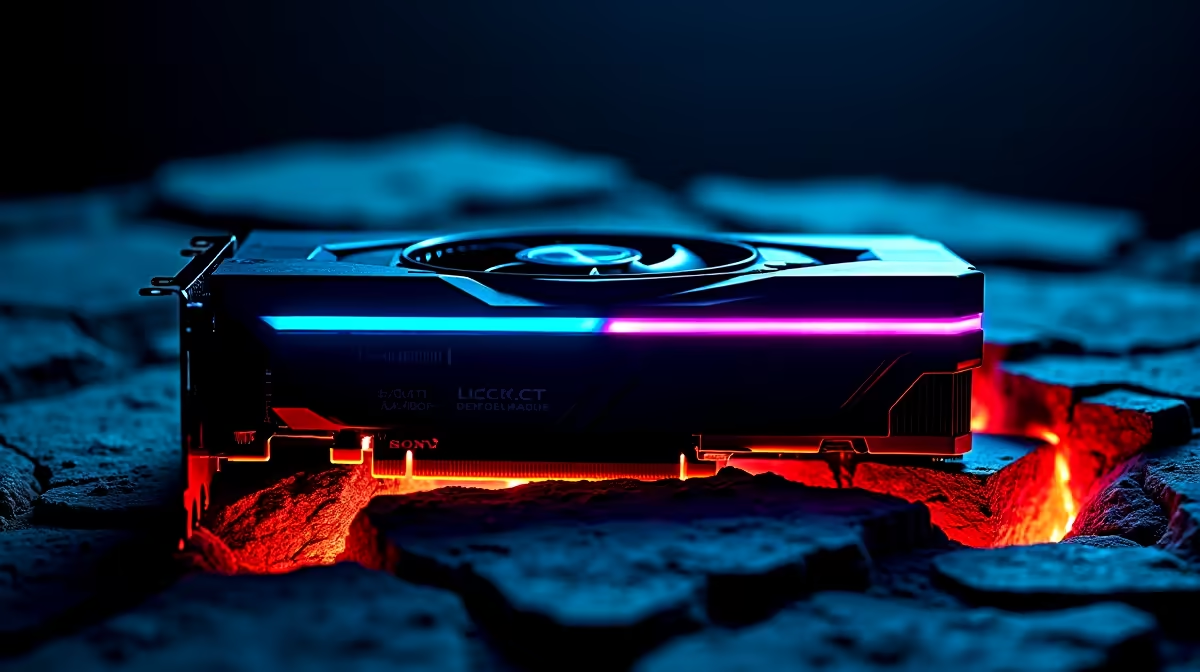
You just dropped a serious chunk of ZAR on the latest hardware, but your frame rates are crawling. If you find your RTX 5070 underperforming, you are not alone. There is nothing worse than booting up your favourite title only to experience stuttering that rivals a bad connection during load shedding. Let us troubleshoot this together and get your rig running at its absolute peak.
Common Culprits for an Underperforming RTX 5070
Before you blame the silicon and look at upgrading your graphics card, check your power supply. The new 50-series cards pull serious wattage. If your PSU is old, it might be throttling your GPU. Nvidia's latest architecture demands clean, consistent voltage to hit those high boost clocks. Ensure you are using separate PCIe power cables from your power supply... avoid daisy-chaining them. A single cable splitting into two can starve the card of stable power and cause massive frame drops.
Bottlenecks and System Balance 🔧
Sometimes the GPU is waiting on an older CPU. This is a classic bottleneck. If you pair a next-gen card with a five-year-old processor, you will lose performance. This is exactly why our custom gaming PC deals are carefully balanced to ensure no component holds another back. System synergy is crucial for high frame rates.
Diagnostic Pro Tip ⚡
Use software like MSI Afterburner to monitor your GPU and CPU usage while gaming. If your CPU is sitting at 100 percent while your RTX 5070 is only at 50 percent, you have found a severe CPU bottleneck.
Thermal Throttling and Airflow
South African summers are unforgiving on electronics. If your chassis lacks proper airflow, your GPU will automatically slow down to prevent melting. Check your fans. Make sure your intake is clear of dust. If you are tired of building and troubleshooting heat issues yourself, looking into professionally assembled pre-built desktop computers can save you hours of frustration. Proper cable management also helps optimise internal airflow.
Driver Issues and Mobile Alternatives 🚀
Always use the Display Driver Uninstaller utility before installing fresh Nvidia drivers. Leftover files from your old GPU can cause massive software conflicts. Check your Windows power plan too. Set it to high performance to ensure your system is not limiting PCIe power. If you travel often and these desktop diagnostics sound exhausting, you might prefer the plug-and-play nature of modern portable rigs. You can find incredible power in our range of high-performance laptops for sale that bypass desktop driver headaches entirely.
Final Checks Before Upgrading ✨
Ensure your motherboard BIOS is updated. Sometimes a simple flash can fix PCIe bandwidth bugs. Also check that your RAM has XMP enabled in the BIOS. Slow memory will cripple your frame generation. Make sure you are actually utilising DLSS 3 and frame generation in supported games. Many players forget to toggle these settings on, leaving massive performance gains on the table.
If you have tried everything in this RTX 5070 underperforming diagnostic guide and your hardware is simply too old to keep up... it might be time for a fresh start. You can stretch your rands further by keeping an eye on our weekly tech specials for the absolute best upgrade paths.
Ready to Unleash True Gaming Power? Troubleshooting hardware can be exhausting, but finding the perfect upgrade shouldn't be. For maximum performance, reliability, and value in South Africa, Evetech has you covered. Explore our massive range of gaming PC specials and find the perfect machine to conquer your digital world.











