Quick Answer
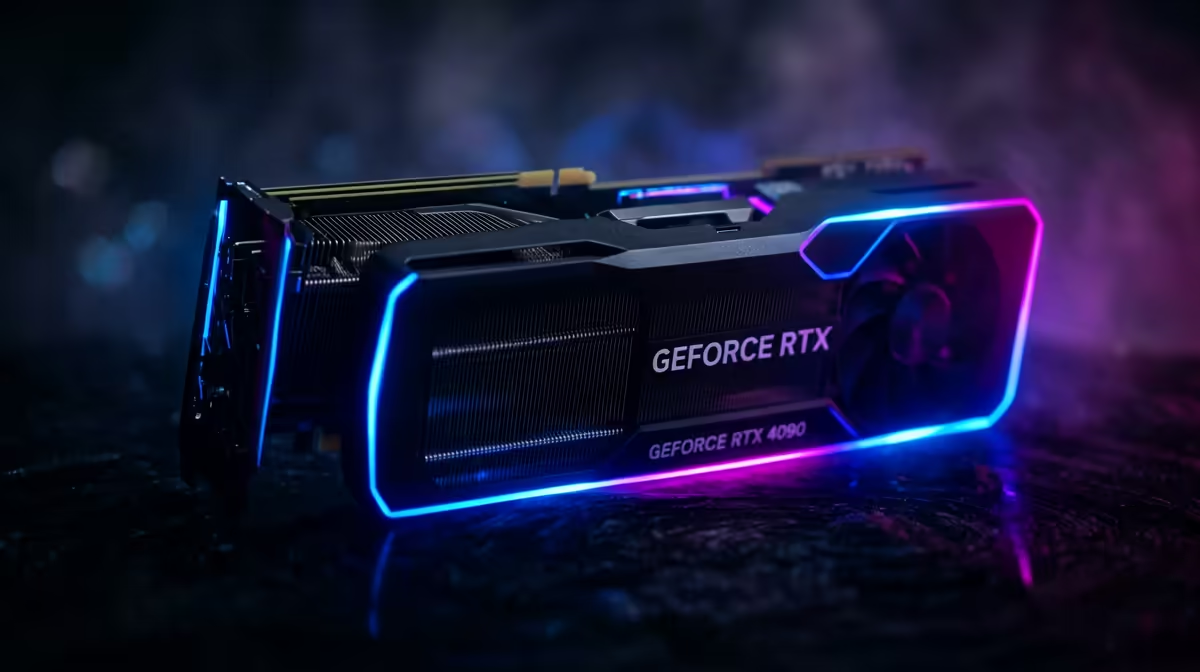
A balanced RTX 5080 build for FPS-per-rand at 1080p costs roughly R54,999 to R64,999 at Evetech once you add a Ryzen 7 or Core Ultra 7 CPU, 32GB DDR5, and a 850W Gold PSU. At 1080p the RTX 5080 averages around 147 fps in demanding AAA titles, so spend your remaining budget on a matching high-Hz panel rather than a pricier card.
Where the rand goes in an RTX 5080 build
The GPU itself is about R36,999, which is the single biggest line item, so the rest of the build should support it without overspending. A solid recipe is a Ryzen 7 7800X3D or Core Ultra 7, a B650 or B850 board, 32GB of DDR5-6000, a 1TB Gen 4 NVMe boot drive, and an 850W 80+ Gold PSU. That keeps you under R64,999 while leaving the 5080 free to stretch its legs. Skimping on the PSU or cooler is the most common mistake; both quietly cap performance and shorten component life.
Getting the best frames per rand at 1080p
At 1080p the RTX 5080 is built for high-refresh play, holding roughly 147 fps at 1440p and around 89 fps at 4K in heavy titles with quality upscaling. The efficiency win comes from pairing it with a panel it can actually saturate: a 1440p 165Hz screen is the sweet spot for value, while a 4K 144Hz panel suits buyers who prioritise fidelity over frame count. Match the monitor to the card and your rand-per-frame ratio improves immediately.
FAQ
How much should a full RTX 5080 build cost in SA?
Budget roughly R54,999 to R64,999 at Evetech for a balanced rig with a strong CPU, 32GB DDR5 and a quality PSU. Going cheaper usually means a weaker board or PSU that bottlenecks the card.
Is 32GB of RAM enough for an RTX 5080 build?
Yes for gaming and most creative work; 32GB DDR5-6000 is the practical sweet spot. Only step up to 64GB if you do heavy video or 3D rendering alongside play.
What PSU does an RTX 5080 need?
An 850W 80+ Gold unit is the safe recommendation, giving transient headroom and quiet operation. A reputable brand matters more than chasing a higher wattage number.
Compare in-stock RTX 5080 cards and matched PSUs at Evetech, then size your monitor to the resolution you actually play at.