

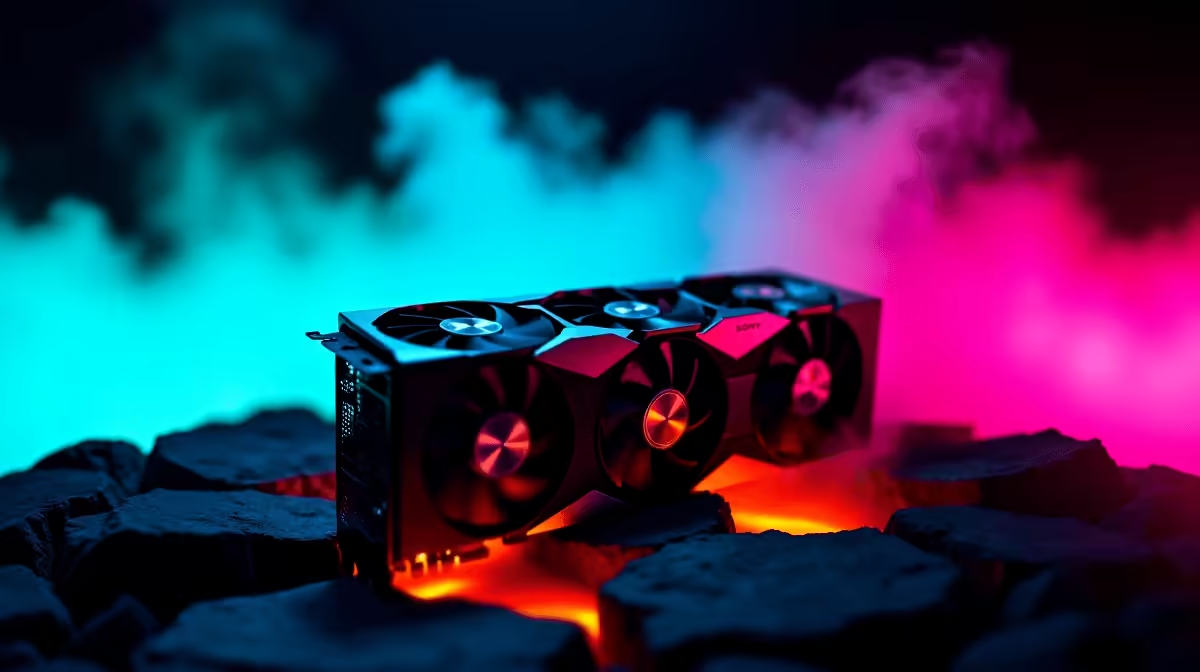
You just dropped a serious amount of ZAR on the ultimate graphics card. You boot up your favourite title, expecting silent perfection... but instead, your rig sounds like a jet taking off from OR Tambo. If your RTX 5090 fans are spinning constantly, you are not alone. That relentless whirring can ruin your gaming immersion. Let us look at why this happens and how you can quickly restore the peace.
Why Are Your RTX 5090 Fans Spinning Constantly?
The RTX 5090 is an absolute powerhouse of a component. Pushing maximum frames at 4K resolution requires a massive amount of electricity. Naturally, all that power translates into serious heat. By default, many hardware manufacturers set highly aggressive fan curves to keep the precious silicon safe from thermal throttling.
However, sometimes the fans refuse to idle even when you are just browsing the web or watching a YouTube video. Before you start panicking about faulty hardware, you need to look at your overall system airflow. Upgrading to the latest graphics cards is only half the battle. If your computer chassis is choking for fresh air, the GPU fans will work overtime just to compensate for the trapped heat.
Another common culprit is outdated software. A simple driver bug can cause the fan controller to panic and spin the blades at maximum speed. Always ensure your Nvidia drivers are fully up to date before attempting more complex fixes.
The Software Noise Solution ⚡
The easiest way to fix a loud graphics card is by adjusting your fan curve. Utilities like MSI Afterburner allow you to take manual control over how your fans behave. You can set a custom curve that tells the fans to remain completely off until the GPU core hits around 50 degrees Celsius. This zero-RPM mode is an absolute lifesaver for quiet late-night working or casual browsing.
Just remember that your graphics card does not operate in a vacuum. If your processor is running too hot, the ambient temperature inside your case will naturally rise. Investing in premium CPU coolers can drastically lower your overall chassis temperatures... giving your GPU room to breathe. If you want to avoid these thermal headaches entirely on your next upgrade, browsing the best gaming PC deals ensures you get a balanced system where cooling is already professionally optimised.
Airflow Pro Tip 🔧
Always ensure you have more intake fans than exhaust fans. This creates positive pressure inside your case, keeping dust out and feeding your RTX 5090 fresh, cool air directly.
Hardware Tweaks for a Silent Setup 🚀
Sometimes the issue requires a physical touch. Check that no stray cables are resting against the fan blades... this can cause a terrible racket that sounds exactly like constant high-speed spinning. Additionally, consider your case placement. Shoving a high-end rig into a tight desk cabinet will suffocate the components. Give your PC some breathing room.
If you are tired of tweaking settings and simply want a machine that runs cool and quiet out of the box, we have you covered. Our pre-built PC deals feature chassis designs specifically chosen for maximum airflow and minimal noise. Alternatively, if you need serious power on the move without the desktop bulk, the modern cooling solutions found in today's high-end laptops have improved massively. You can now enjoy desktop-class performance without the overwhelming roar.
Ready to Find Your Perfect Match? The Mac vs Windows debate is complex, but for maximum power, choice, and value in South Africa, Windows is hard to beat. Explore our massive range of laptop specials and find the perfect machine to conquer your world.











