

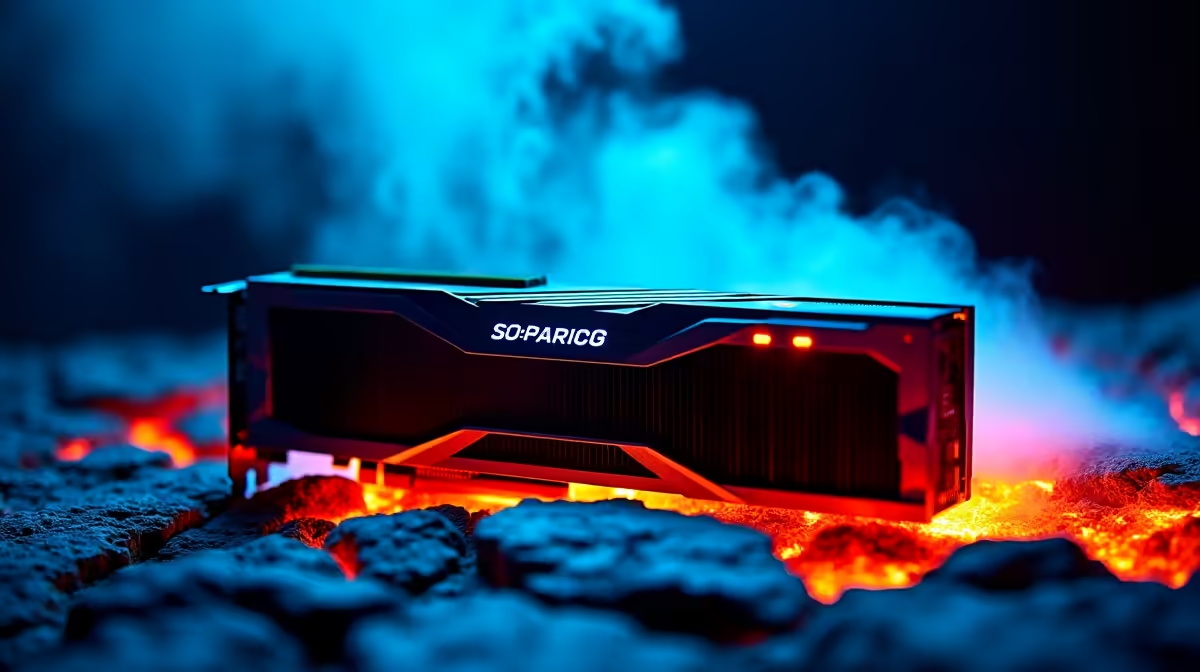
Nvidia's flagship GPU is an absolute monster... but with great power comes serious thermal questions. If you are dropping thousands of ZAR on a new rig, you need to know how it handles the South African summer heat. Let us dive into the RTX 5090 noise level and temperature under load to see if this colossal card runs as hot as its performance benchmarks suggest.
Thermal Performance... How Hot Does It Get? ⚡
When pushing 4K resolution with ray tracing cranked to the max, the RTX 5090 temperature under load is surprisingly manageable. Early industry testing shows that Nvidia has over-engineered the cooling solution. The massive vapour chamber and redesigned heatsink keep core temperatures hovering around the 70°C to 75°C mark during intense gaming sessions.
Nvidia's engineers clearly learned from previous generations. The triple-fan array pushes a staggering volume of air... ensuring the memory modules and power delivery components stay well within safe limits. Of course... ambient room temperature plays a massive role. If you are gaming on a sweltering December afternoon in Durban, those numbers might creep up slightly. That is why pairing this beast with a well-ventilated chassis is crucial when you buy graphics cards of this calibre.
Acoustic Footprint... Is It Too Loud?
Nobody wants a PC that sounds like a Boeing taking off from OR Tambo. Thankfully, the RTX 5090 noise level and temperature under load are perfectly balanced. The fans rarely need to spin past 60% capacity to keep the silicon chilled. At full tilt, acoustic testing puts the card at roughly 38 to 42 decibels.
This means it emits a low hum rather than an irritating whine. If you are wearing a headset, you will not hear it at all. For gamers looking at premium gaming PC deals, you can rest easy knowing your flagship system will stay whisper-quiet during heavy workloads. Even in smaller pre-built PC systems, the intelligent zero-RPM fan mode ensures complete silence while browsing or watching Netflix.
Optimising Your Setup for the New Gen 🚀
Dropping a 5090 into an old, choked case is a recipe for thermal throttling. You need high airflow to feed those massive fans. Investing in premium case fans or a high-quality mesh front panel will drastically improve the RTX 5090 temperature under load... giving you higher boost clocks and a smoother gaming experience overall.
If your current rig cannot handle the physical size or thermal exhaust of this new flagship, a complete system overhaul might make more financial sense. Alternatively, if portability and space-saving are your top priorities, modern high-performance gaming laptops pack desktop-class cooling innovations that rival even the biggest tower coolers. Whichever route you take, always keep an eye on the latest component specials to stretch your ZAR further.
Airflow Pro Tip 🔧
To keep your RTX 5090 noise level and temperature under load as low as possible, ensure your case has a positive pressure setup. Intake more air through the front fans than you exhaust out the back. This feeds cold air directly into the GPU cooler and prevents dust buildup.
Ready to Tame the Beast? Upgrading to the latest flagship GPU requires the right supporting hardware to keep temperatures and noise in check. Explore our massive range of graphics cards and components to build the ultimate 4K gaming machine today.











