

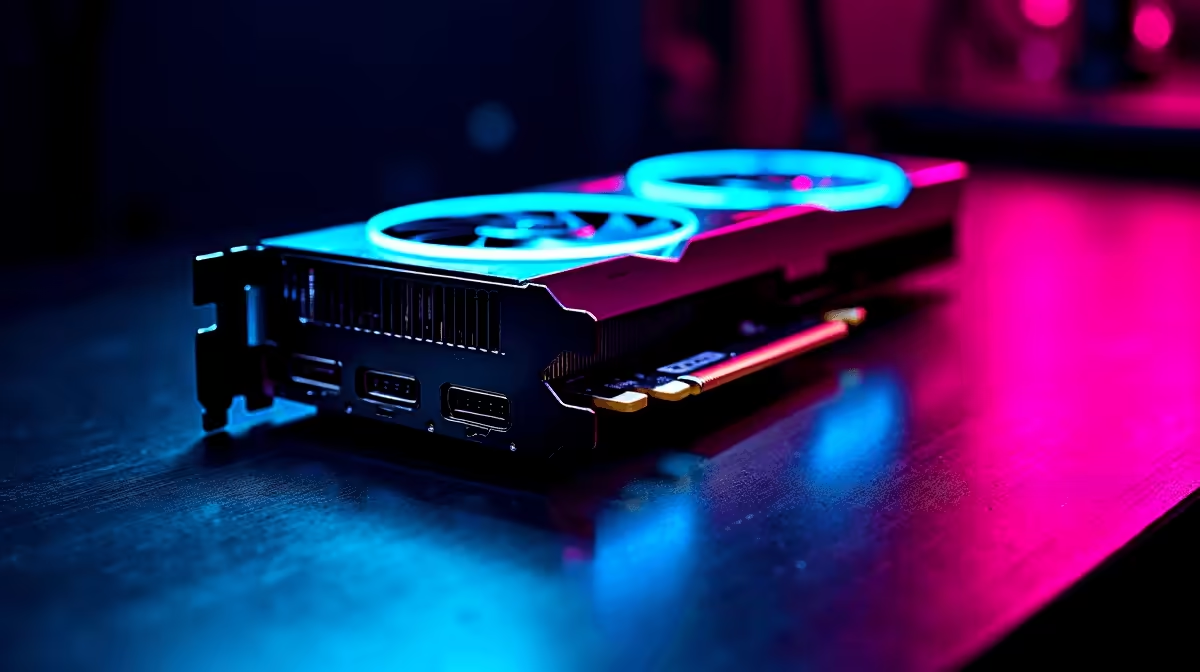
South African summers are brutal on gaming rigs. When ambient room temperatures spike, your hardware works overtime. If you are eyeing a 1440p upgrade, you might worry about thermals. You are probably wondering about the RX 7800 XT noise level and temperature under load. Nobody wants a PC that sounds like a jet taking off at OR Tambo. Let us see exactly how this GPU handles the heat.
Evaluating the RX 7800 XT Noise Level and Temperature Under Load 🚀
AMD designed the Radeon RX 7800 XT for serious 1440p performance. Pushing high frame rates in demanding titles requires serious power. That power translates directly into heat. When you spend over R12,000 on a graphics upgrade, you expect premium cooling. Fortunately, modern cooler designs are incredibly efficient.
During intense gaming sessions, most aftermarket models hover around 65 to 75 degrees Celsius. This is well within safe operating limits. If you want to build a system from scratch, picking a case with excellent airflow is crucial. You can browse our massive selection to buy graphics cards featuring triple-fan coolers. These beefy heatsinks absorb thermal energy quickly.
How Loud Does It Actually Get?
Thermals are only half the story. The RX 7800 XT noise level and temperature under load are deeply connected. When the GPU gets hot, the fans spin faster to compensate. The beauty of this specific card is its acoustic profile. Under typical gaming loads, fan noise sits around 32 to 38 decibels.
That is a quiet hum... barely noticeable over your chassis fans. No one wants distracting noise while listening for enemy footsteps. If you prefer skipping the DIY hassle, our expert technicians build rigs optimised for acoustics. Check out our premium pre-built PC deals to find systems tuned for silent operation. A well-ventilated case keeps the GPU fans from spinning aggressively.
Real-World Performance in South Africa ☀️
We know local conditions test hardware limits. A room hitting 30 degrees will push your GPU thermals higher. The RX 7800 XT handles these ambient spikes gracefully. The hotspot temperature might touch 85 degrees... but the card will not throttle down. You get consistent frame rates without sudden crashes.
You can always find massive value if you are looking for a complete setup. Explore our best gaming PC deals for rigs that pair this GPU with high-airflow chassis designs.
Perhaps you need portability instead of a desktop tower? Modern mobile GPUs also offer incredible thermal efficiency. You can browse our notebooks for sale in South Africa if you need gaming power on the go.
Keeping Your Rig Frosty and Quiet 🔧
Proper maintenance goes a long way. Keep your PC off the carpet to avoid dust buildup. Dust clogs heatsinks and forces fans to work much harder. You can also save a few Rands on cooling accessories. Simply check out our latest specials for case fans and airflow cases. Good airflow is the ultimate secret to a quiet gaming environment.
Cooling Pro Tip ❄️
Open the AMD Adrenalin software and set a custom fan curve. You can undervolt the RX 7800 XT slightly to drop temperatures by up to 5 degrees without losing any frame rates. It is a free tweak for a quieter setup.
Ready to Upgrade Your Gaming Experience? The RX 7800 XT delivers incredible 1440p performance without turning your room into a sauna. Explore our massive range of graphics card specials and find the perfect hardware to conquer your favourite games today.











