

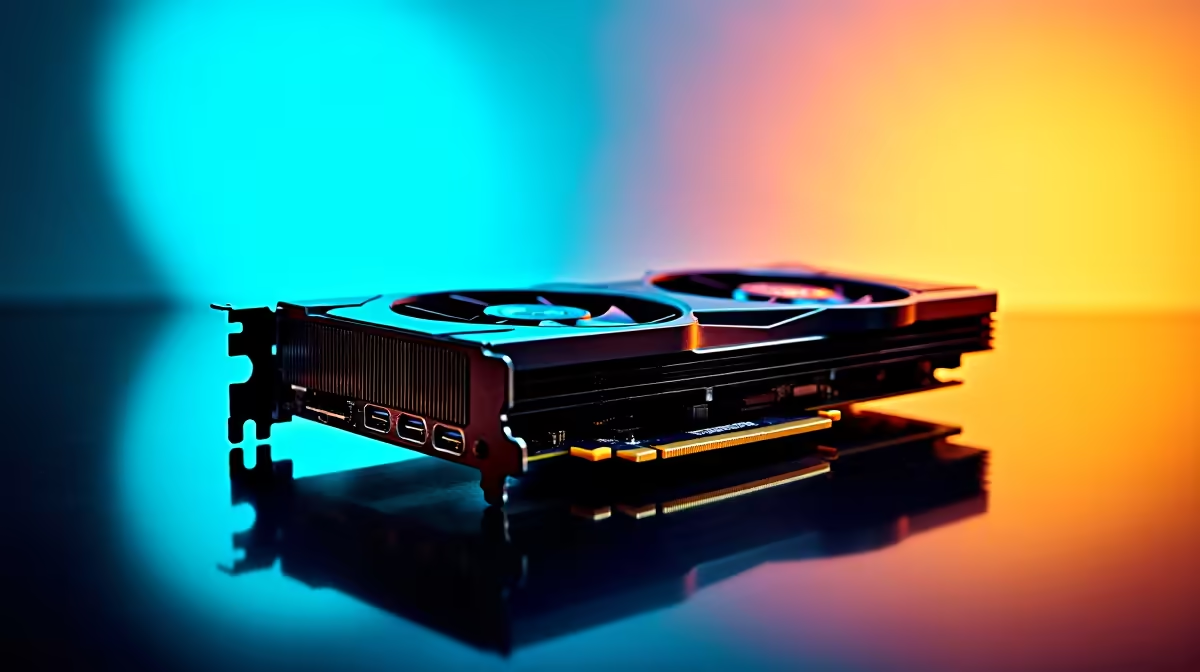
Summer gaming in South Africa is no joke... especially when you are pushing maximum frames in 4K. If you are eyeing AMD's flagship graphics card, you are probably wondering about the RX 7900 XTX noise level and temperature under load. Will it sound like a jet engine taking off? Will it turn your gaming room into a sauna? Let us break down the thermals and acoustics of this powerhouse GPU so you know exactly what to expect before you spend your hard-earned ZAR. ✨
What to Expect from the RX 7900 XTX Noise Level Under Load
When you drop serious money on a flagship component, you want premium performance without a deafening roar. Fortunately, the RX 7900 XTX noise level and temperature under load are surprisingly balanced. Most custom cooler designs keep fan noise around the 35 to 40 decibel mark while gaming.
This means you get a gentle, consistent hum rather than a distracting, high-pitched whine. If you are planning to buy a new graphics card, rest assured that AMD’s top-tier manufacturing partners have engineered massive heatsinks. These brilliant designs keep the fans spinning quietly... even during your most intense rendering sessions or competitive matches.
Keeping the RX 7900 XTX Temperature Under Load in Check ⚡
Power draws of over 300 watts will naturally generate serious heat. During heavy 4K gaming, the standard RX 7900 XTX temperature under load hovers between 65 and 75 degrees Celsius. The internal junction temperature... often called the hotspot... can safely reach up to 90 degrees without triggering any thermal throttling.
Proper case airflow is absolutely critical to maintain these healthy numbers. If you are currently looking at our best gaming PC deals, you will notice a trend. We always pair these high-end cards with airflow-optimised cases to maximise cooling efficiency and prolong component lifespan.
Airflow Pro Tip 🔧
To keep your RX 7900 XTX temperature under load as low as possible, ensure your case has a positive pressure setup. Having more intake fans than exhaust fans prevents dust buildup and feeds your GPU a constant supply of cool room air.
Why Your Complete Setup Matters 🚀
Dropping a massive GPU into a cramped, poorly ventilated chassis is a recipe for overheating. The RX 7900 XTX noise level and temperature under load will spike dramatically if the card cannot breathe properly. This is exactly why many gamers prefer browsing our pre-built PC deals. With a pre-built system, the complex thermal dynamics are already calculated and rigorously tested by our experts.
Desktop cooling is vastly superior to mobile platforms by design. If you travel often for work, you might be exploring notebooks for sale in South Africa instead. However... for pure, uncompromised thermal headroom and whisper-quiet operation, a massive desktop chassis remains the ultimate solution.
Before the summer heatwaves peak, make sure your cooling setup is up to standard. Keep a close eye on our weekly specials to find high-airflow chassis designs, premium fans, and liquid coolers at unbeatable prices.
Ready to Build Your Ultimate Rig? Balancing noise, thermals, and raw frame rates is an art form. For maximum power, choice, and value in South Africa, Evetech is hard to beat. Explore our massive range of graphics cards and find the perfect hardware to conquer your gaming world.











