

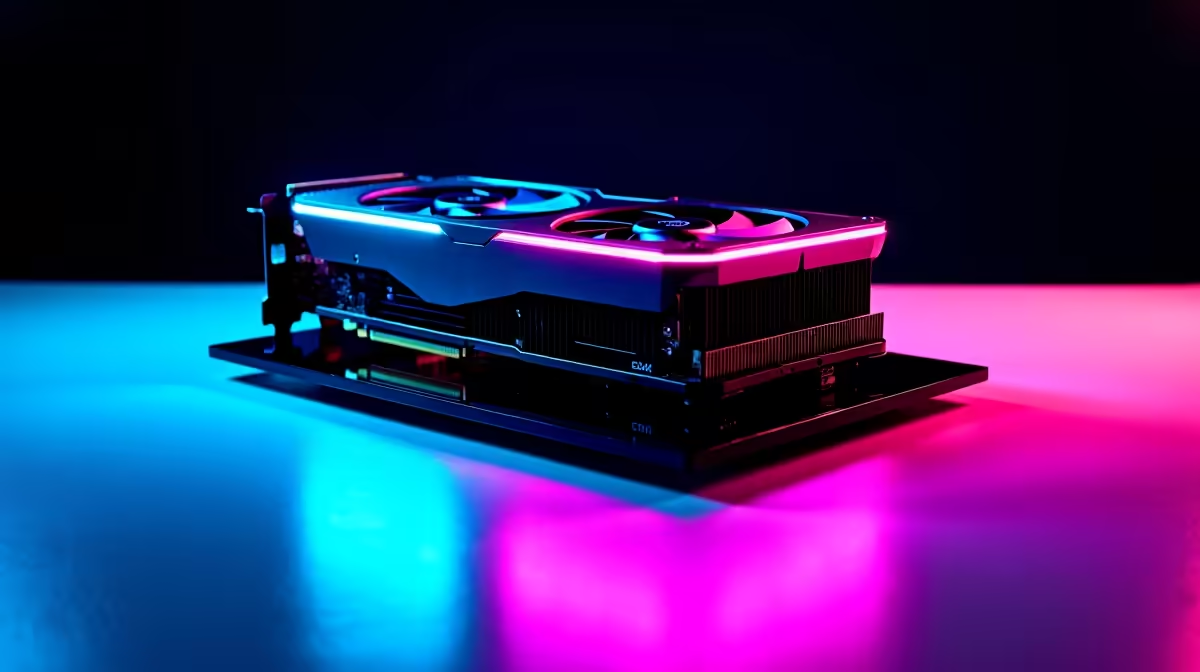
Load shedding might be paused, but dropping frames while live on Twitch is a quick way to lose viewers. If you want to broadcast your gameplay, you need serious hardware. The burning question for local creators is whether the RX 9070 XT for streaming is worth your ZAR. Let us look at how it handles OBS Studio while pushing high frame rates.
The Power Behind the Pixels 🚀
AMD has seriously upgraded its media engine. Historically, the green team held the broadcast crown. That old narrative is fading fast. This new Radeon GPU features dedicated AV1 hardware encoding. This means you get incredibly crisp video quality at lower bitrates. That is a massive win for South African internet connections. If you plan to upgrade your graphics card, this component deserves your attention.
Handling OBS and Games Simultaneously 🎥
Playing a game is one thing. Encoding that footage live is a completely different beast. Using the RX 9070 XT for streaming proves that it can easily multitask. It effortlessly pushes 1440p resolution in modern competitive titles. At the same time, it feeds a smooth 1080p 60fps signal directly to OBS Studio. You will not see those dreaded encoder overload warnings.
Building the Ultimate Broadcast Setup 🇿🇦
A great graphics card needs a balanced system. System bottlenecks will quickly ruin your broadcast. If you are building from scratch, checking out our best gaming PC deals is a smart move. You want at least an 8-core CPU to keep background apps running flawlessly.
Some creators prefer the convenience of ready-to-go systems. Browsing our pre-built PC deals can save you hours of cable management. Just plug in your peripherals, install OBS, and go live.
Not tied to a single desk? Maybe you travel for local esports events or LANs. Exploring our laptops for sale is another viable route for mobile broadcasting. Modern notebooks pack incredible dedicated encoders too.
Before you spend your hard-earned cash, always look for discounts. Tech prices fluctuate... but you can always find incredible value in our weekly tech specials.
Stream Optimisation Tip ⚡
When setting up OBS with your new Radeon card, always select the HW AV1 encoder. This offloads the heavy lifting from your CPU directly to the graphics card. Your game frame rates will stay incredibly high while your stream looks flawless.
Ready to Elevate Your Livestream? Choosing the right hardware is vital for any serious content creator. For maximum power, crisp encoding, and gaming value in South Africa, the latest Radeon GPUs are hard to beat. Explore our massive range of graphics cards and find the perfect component to conquer your next broadcast.











