

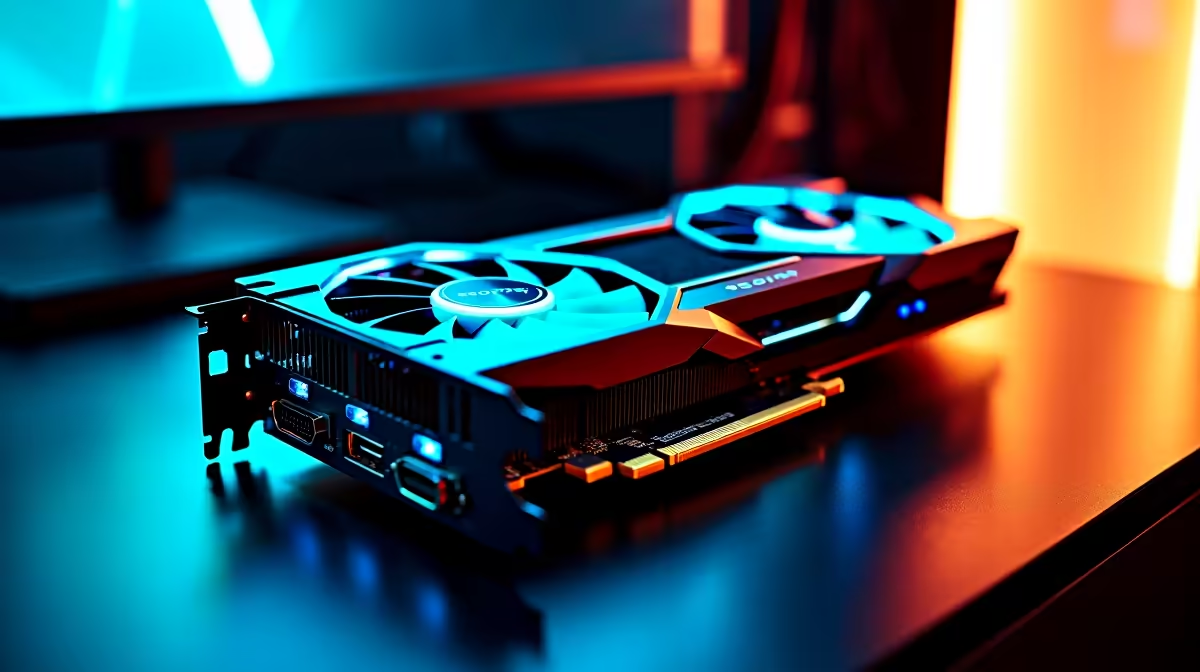
Summer in South Africa is brutal on gaming hardware. If your rig sounds like a jet engine during a February heatwave, you are not alone. The new AMD Radeon is an absolute beast for 4K gaming in 2026 🚀. But dealing with RX 9070 XT overheating issues can quickly ruin your weekend grind. Let us look at how to fix those soaring temperatures and protect your ZAR investment.
Why is Your RX 9070 XT Overheating?
When you drop serious Rand to buy graphics cards, you expect ice-cold performance. However, modern GPUs push massive wattage. If your chassis lacks airflow, that heat gets trapped inside the case.
High ambient temperatures make things worse. A room sitting at 30 degrees means your cooler has to work twice as hard. Dust buildup is another silent killer... blocking fin stacks and choking your fans.
Quick Fixes for High GPU Temperatures 🔧
You do not always need new hardware to fix thermal issues. Sometimes a few software tweaks can make a massive difference.
Adjust Your Fan Curves
The default fan curve on many cards prioritises quiet operation over raw cooling. Open your AMD Adrenalin software and manually increase the fan speed. It will be a bit louder... but your GPU will thank you.
Prioritise Case Airflow
Sometimes the issue is the case itself. If you are browsing pre-built PC deals, always look for mesh front panels. Solid glass fronts look amazing but they starve your components of fresh air.
Airflow Pro Tip ⚡
Under-volting your RX 9070 XT in the AMD Adrenalin software can drop temperatures by up to 10 degrees without losing frames. It is the easiest way to keep your system cool during a harsh South African heatwave.
Hardware Upgrades to Cool Things Down
If software tweaks are not enough, it is time to look at your physical setup. Adding high-static pressure fans is a highly effective fix. Keep an eye on our tech specials to grab premium cooling gear without breaking the bank.
If you are tired of battling desktop thermals in a hot room, you might even consider going mobile. Modern cooling systems in laptops for sale have improved drastically by 2026. They offer incredible performance with heavily optimised thermal designs.
When to Repaste or Upgrade
Thermal paste degrades over time. If your card is a few years old and temperatures are suddenly spiking, a repaste might be necessary. Just remember that opening your GPU can void the warranty... so proceed with caution.
If your card is still thermal throttling after all these steps, your chassis might just be too restrictive. Exploring new gaming PC deals with optimal liquid cooling setups can save you from future headaches. A well-ventilated case is the ultimate foundation for high-end gaming.
Ready to Optimise Your Setup? Battling thermals is frustrating, but upgrading your cooling or chassis does not have to be. For maximum power, choice, and value in South Africa, Evetech has you covered. Explore our massive range of PC components and find the perfect gear to conquer those high temperatures.











