



850W PSU Planning for RTX 5080 Super Builds in SA
850W for RTX 5080 Super needs a full-build check, not a simple yes. Review GPU guidance, CPU draw, transient load, connectors, PSU quality, and upgrade plans before deciding.
Read moreRyzen 5 9600X + RX 9070 XT for Stellar Blade should be shortlisted around the job it must do. South African buyers should compare GPU tier, VRAM, cooling, and PSU headroom, warranty path, and upgrade room before treating any pick as best.
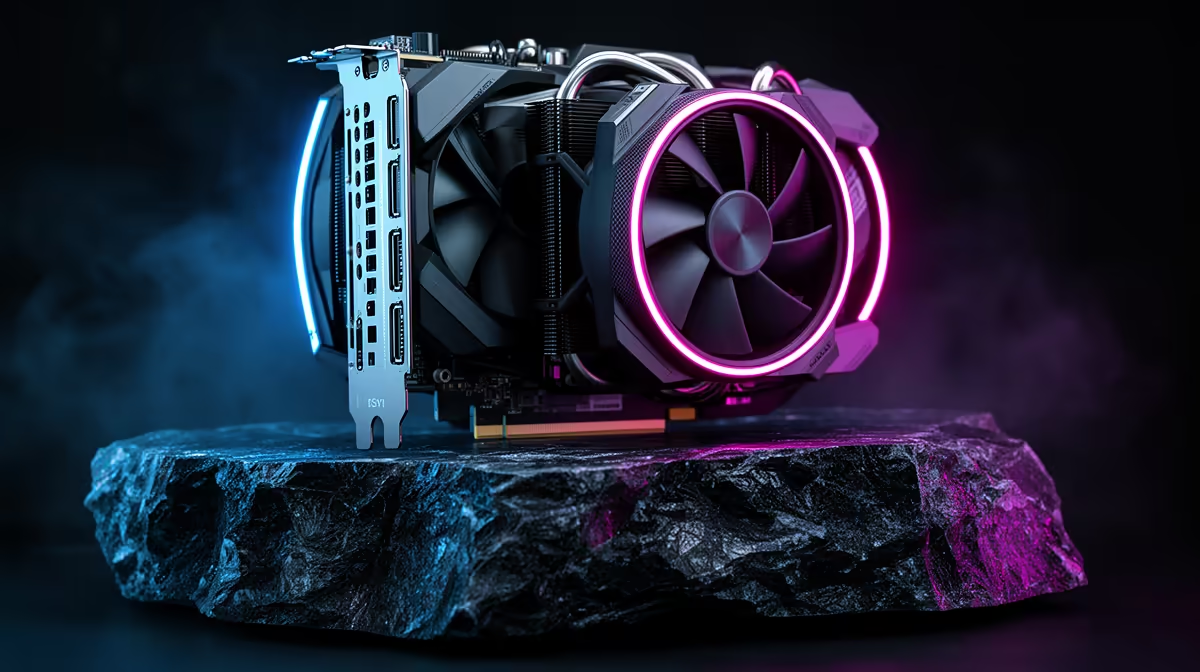
No - at 1440p the Ryzen 5 9600X is a strong match for the RX 9070 XT, and Stellar Blade will usually be tuned around GPU load, visuals and frame pacing. Use about 110-170 fps at 1440p High as a practical planning target, then confirm with the same mission, area or benchmark-style run. For South African buyers, the CPU-and-GPU tier sits roughly around R30,000 to R45,000 depending on stock, cooler and board choice.
The Ryzen 5 9600X has 6 fast Zen 5 cores and enough gaming headroom for Stellar Blade. If the RX 9070 XT is sitting near full use at 1440p, the graphics card is doing the hard work and a CPU upgrade is not the fix. If GPU use is low while one CPU thread is pinned, check background apps, BIOS settings and memory speed before replacing parts.
Stellar Blade should run best when VRAM headroom, driver state and storage are clean, with occasional traversal stutter handled by tuning. Treat 1% lows as seriously as average fps: a clean 90 fps average with stable frame pacing feels better than a spiky 130 fps result on a busy Cape Town or Joburg evening session.
Start at 1440p High, keep textures within VRAM limits, and only raise ray tracing or heavy post-processing when the frame-time graph stays clean. With this pairing, Stellar Blade should land around about 110-170 fps; at 4K, expect the RX 9070 XT to matter more, while at 1080p high refresh the CPU can show up sooner.
For competitive or action-heavy play, match the target to the screen: 60Hz is easy, 144Hz needs cleaner lows, and 240Hz is only worth chasing if the game supports it properly. South African fibre players should also separate network delay from hardware stutter before blaming the PC.
A sensible SA build around this pairing is 32GB DDR5-6000 memory, a 1TB NVMe SSD, and a B650 board such as MSI B650 Tomahawk WiFi or MSI B650-A PRO WiFi. Use a quality 850W PSU for the RX 9070 XT, leave room for case airflow, and keep the game on NVMe storage so shader or traversal stutter is less likely to be mistaken for a bottleneck.
The RX 9070 XT tier makes sense when the monitor is also upgraded; a 1080p 75Hz screen wastes much of what this CPU and GPU can deliver. A broad Evetech shortlist should compare the GPU, PSU, monitor and case together, because the best value is often the complete platform rather than one headline part.
No, not for this pairing at 1440p. Upgrade the CPU only if repeated testing shows low GPU use, high CPU thread pressure and poor 1% lows after memory, drivers and background apps are already clean.
No, it is a sensible high-performance GPU tier for this title when paired with the right monitor. The better SA buying decision is to match the card to your full game list, not only to one title.
Choose a 1440p 165Hz display before spending more on internal parts. A weaker monitor hides the benefit of the Ryzen 5 9600X and RX 9070 XT, while a good adaptive-sync screen makes frame pacing easier to notice.
850W for RTX 5080 Super needs a full-build check, not a simple yes. Review GPU guidance, CPU draw, transient load, connectors, PSU quality, and upgrade plans before deciding.
Read more
FPS drops blamed on a wireless gaming headset often point to input, driver, USB, network, or system-load checks. Use a quick SA-friendly troubleshooting flow to isolate software, firmware, thermals, storage, and game settings before replacing
Read more
1440p is the sweet spot for Polokwane gamers because it balances sharper visuals with manageable GPU demand. Compare refresh rate, graphics card tier, monitor size, and game settings before choosing a display.
Read more
240Hz monitors are mainstream in SA esports because smoother motion and lower input feel matter in Sandton matches. See how GPU frame rates, panel choice, desk setup, and local budget decide whether 240Hz is a smart upgrade from 144Hz.
Read more
4K monitors still cost more for gamers because resolution, refresh rate, panel quality, and GPU demands raise the bar. Polokwane buyers should compare screen size, ports, adaptive sync, and whether 1440p is a better fit.
Read more
Edenvale gpu price pressure questions need cautious SA context because pricing can move with availability, exchange rates, specs, and warranty support. Treat the trend as a planning signal, not a fixed price promise.
Read more
Cyber Monday gaming chair is a cautious guide for seasonal tech deal planning. Compare spec priorities, timing, warranty support, and realistic SA price checks for SA buyers without assuming live prices, availability, or exact benchmark results.

Pre-Black Friday wired gaming mouse buying planning should focus on shape, specs, warranty, and usual price bands. Use this SA guide to shortlist sensible options before deal periods without assuming live discounts.

ATX 3.1 vs ATX 3.0 for Competitive Esports comes down to GPU power connectors, PSU quality, cable routing, headroom, and upgrade plans. SA buyers should match the choice to their setup instead of assuming one option always wins.

Wi-Fi 6E vs Wi-Fi 6 depends on Couch co-op gaming needs, platform limits, and budget fit. Compare compatibility, latency, upgrade path, and real setup constraints before choosing for an SA build.

How to fix FPS drops on AM5 motherboard starts with BIOS, chipset drivers, cooling, and memory stability. South African gamers can work through power, EXPO, refresh-rate, overlay, and game-setting checks before spending on new hardware.

RX 9070 XT build frame pacing issues needs a step-by-step check before replacing parts. Review drivers, settings, thermals, power, background apps, display limits, cables, and game options before changing hardware.

Low fps on rtx 5080 build in south africa usually needs a settings, driver, thermal, or power check first. Work through safe SA troubleshooting steps before replacing parts or assuming a full upgrade.

1440p is the sweet spot for Mbombela gamers because it sharpens detail without demanding 4K-level GPU power. SA buyers should weigh monitor refresh rate, graphics card tier, desk size, and game mix before moving up from 1080p.
850W for RTX 5080 Super needs a full-build check, not a simple yes. Review GPU guidance, CPU draw, transient load, connectors, PSU quality, and upgrade plans before deciding.

Bluetooth headset or 2.4GHz wireless headset decisions in SA hinge on latency, device support, battery, and dongle access. Gamers should match the headset to competitive play, couch use, calls, and platform ports.
FPS drops blamed on a wireless gaming headset often point to input, driver, USB, network, or system-load checks. Use a quick SA-friendly troubleshooting flow to isolate software, firmware, thermals, storage, and game settings before replacing

ATX 3.1 vs ATX 3.0 for streaming on Twitch and YouTube Difference explained is mostly about compatibility, budget, upgrade path, and setup fit. SA buyers should check device support and real needs before expecting a clear win from either option.