

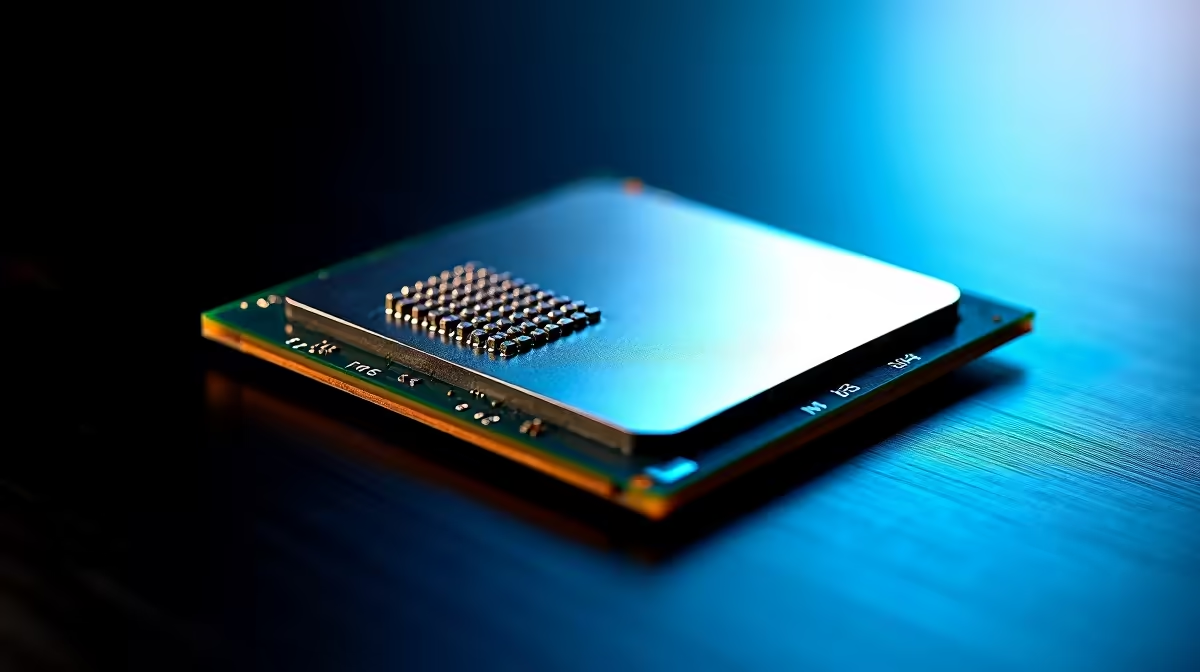
Loadshedding just suspended... you fire up your rig to dominate in your favourite competitive shooter. But your frames are dropping. You check your monitoring software and see the dreaded issue. Finding your Ryzen 7 9800X3D not boosting is enough to ruin any gaming weekend. Let us troubleshoot this incredible beast and get your clock speeds back to their maximum potential.
Common Reasons Your Ryzen 7 9800X3D Is Not Boosting
AMD's 3D V-Cache technology is incredibly powerful for gaming workloads. But it is also highly sensitive to high temperatures. If your Ryzen 7 9800X3D is not boosting to its advertised speeds... heat is almost always the primary culprit. South African summers are notoriously unforgiving. Your ambient room temperature directly impacts your CPU cooler's overall efficiency.
Before you panic and start browsing for brand new processors, check your thermal paste application. A dried-out paste layer will throttle your clock speeds instantly. Ensure your pump is running if you use an AIO liquid cooler. Dust buildup on your radiator fans can also choke airflow and cause sudden thermal throttling.
Fixes for Ryzen Clock Speed Issues 🔧
First, dive into your motherboard BIOS. Ensure Precision Boost Overdrive (PBO) is properly enabled. Sometimes a simple power outage or a motherboard firmware update resets these crucial values to default.
Next, check your Windows power plan settings. Set it to 'High Performance' or the specific 'AMD Ryzen High Performance' profile if available. Windows sometimes limits background power to save energy... which kills gaming performance. If you are tired of constantly tweaking settings and just want a system that works flawlessly out of the box... exploring the best gaming PC deals might save you hours of unnecessary frustration.
Cooling Pro Tip ⚡
For X3D chips, consider setting a negative Curve Optimizer offset in your BIOS. It lowers voltages and temperatures, which actually allows the CPU to boost higher and sustain those maximum speeds for much longer during intense gaming sessions.
Software Conflicts and Driver Updates
Outdated chipset drivers are notorious for causing sudden boosting problems. Head to the official AMD website and download the latest 2026 chipset software. This ensures the Windows scheduler allocates tasks correctly across those sensitive 3D V-Cache cores.
If your current motherboard VRMs simply cannot handle the sustained power draw... it might be time for a fresh start. We have incredible pre-built PC deals that feature optimal cooling solutions and high-end motherboards right out of the gate.
When to Consider an Upgrade 🚀
Sometimes hardware degrades over time or your cooling solution finally gives up the ghost. If you travel often and desktop troubleshooting is becoming a major chore... modern portables pack serious desktop-level power. You can easily find high-end laptops for sale in South Africa that rival full-sized rigs.
Do not let a stubborn CPU keep you offline. Upgrading your cooling loop or grabbing a new motherboard does not have to cost 10,000 ZAR. Keep a close eye on our weekly specials to score top-tier PC components for thousands less.
Ready to Maximise Your Framerates? Troubleshooting hardware can be exhausting, but you do not have to settle for subpar performance. For maximum power, choice, and value in South Africa, Evetech has your back. Explore our massive range of PC specials and find the perfect components to conquer your world.











