

So, you've decided on a powerful AMD Ryzen CPU for your next PC build. Awesome choice! But now comes the tricky part: picking a motherboard. With so many chipsets, acronyms, and specs, understanding all the Ryzen motherboard features can feel overwhelming. Don't stress. This guide breaks down everything you need to know, helping you choose the perfect foundation for your rig from our entire range of AMD motherboards. Let's dive in. 🚀
Decoding the Chipset: The Heart of Your Build
The chipset is the motherboard's central nervous system. It dictates compatibility, connectivity, and overclocking potential. For modern Ryzen processors, your main choices fall into two camps: the enthusiast X-series and the mainstream B-series.
B-Series: The Sweet Spot for Most Gamers
For the vast majority of South African gamers, a B-series motherboard hits the perfect balance of price and performance. They offer excellent features like PCIe 4.0 support and decent overclocking capabilities without the premium price tag.
- Value Champions: The proven B550 boards remain a fantastic choice for budget-conscious builders pairing them with Ryzen 5000 series CPUs.
- Future-Ready: If you're building with a newer Ryzen 7000 or 9000 series CPU, the latest B850 motherboards are your go-to, bringing next-gen connectivity and power delivery to the mainstream.
X-Series: For Those Who Demand the Best
If you're an enthusiast who wants to squeeze every last drop of performance from your high-end Ryzen 7 or Ryzen 9 CPU, the X-series is for you. These boards are built for extreme overclocking and offer the most connectivity options. The key Ryzen motherboard features on these models include more PCIe lanes, better power delivery (VRMs), and premium components. For the ultimate performance, check out the top-tier X870 models, designed to handle anything you can throw at them. ✨
Key Ryzen Motherboard Features You Shouldn't Ignore
Beyond the chipset, a few specific features on a Ryzen motherboard can make a huge difference to your gaming and productivity experience.
- VRMs (Voltage Regulator Modules): Think of these as the CPU's personal power plant. A board with more, higher-quality VRMs delivers cleaner, more stable power, which is crucial for overclocking and ensuring the longevity of your processor.
- PCIe Generation: PCIe 5.0 offers double the bandwidth of PCIe 4.0. While most graphics cards don't max out Gen 4 yet, a PCIe 5.0 slot future-proofs your build for next-gen GPUs and ultra-fast NVMe SSDs.
- M.2 Slots: These tiny slots are for your super-fast NVMe SSDs. More is better! Look for at least two, and check if they come with heatsinks to prevent your drives from thermal throttling during intense gaming sessions. 🔧
Compatibility Check Pro Tip ⚡
Many modern AMD motherboards feature 'BIOS Flashback'. This lets you update the motherboard's BIOS with just a USB stick and a power supply—no CPU or RAM needed! It's a lifesaver for ensuring your new board works perfectly with the very latest Ryzen processors without needing an older chip just for the update.
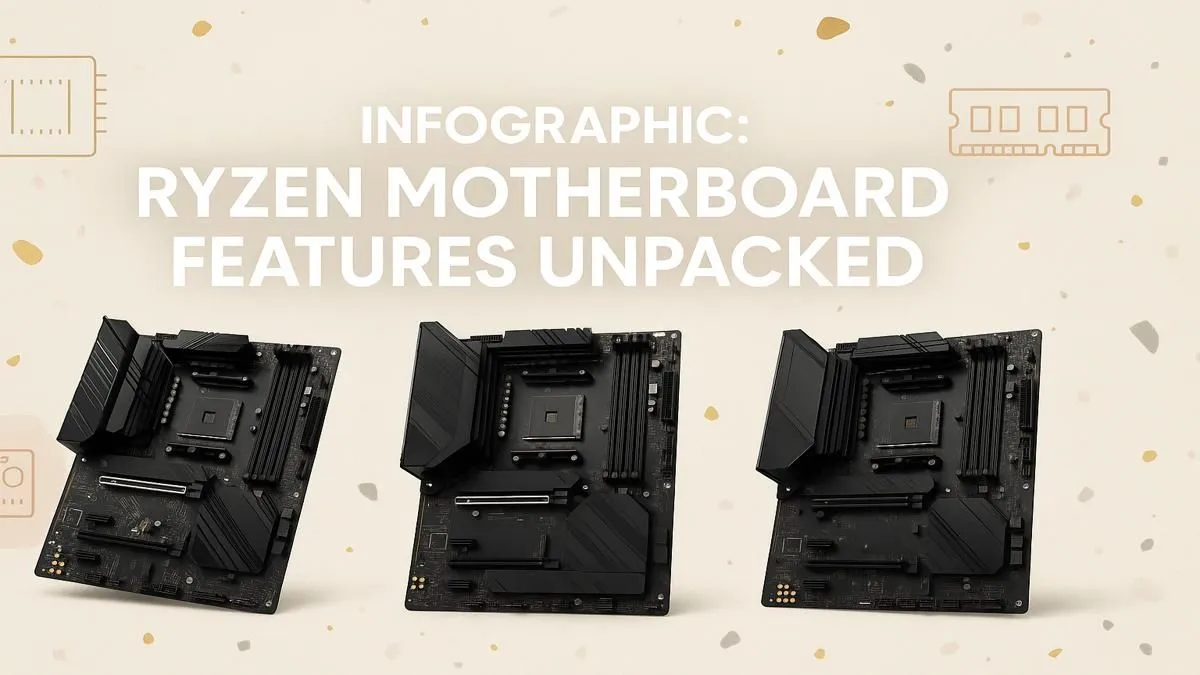
The Infographic: Your Visual Guide
To make things even easier, we've put all this information into a clear, easy-to-read infographic. It visually compares the chipsets and highlights the most important Ryzen motherboard features to look for.
(Imagine a beautifully designed infographic here that visually summarises the points above, with clear icons for VRMs, PCIe slots, M.2, and chipset comparisons.)
Choosing the right motherboard doesn't have to be a headache. By understanding the core differences between chipsets and focusing on the features that matter for your specific needs, you can confidently select the perfect board for your Ryzen powerhouse.
Ready to Build Your Ryzen Rig? Choosing the right motherboard is the foundation of a great PC. Armed with this knowledge, you're ready to pick the perfect board for your budget and performance needs. Explore our full range of PC Components and start building your dream machine today.










