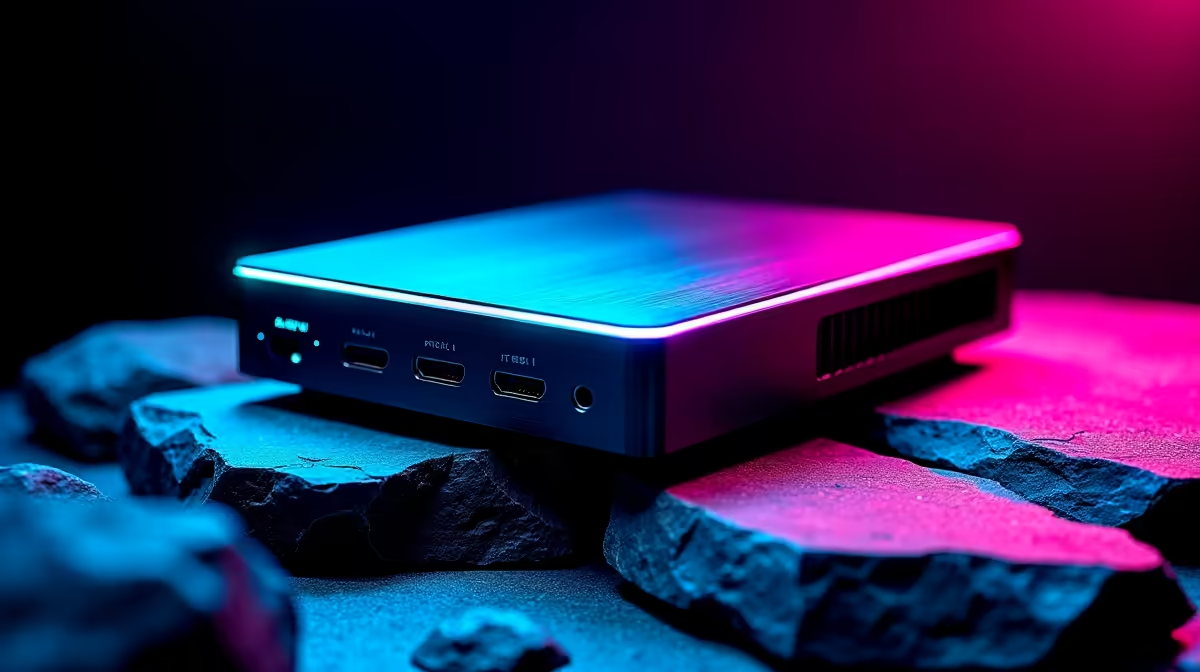
The 2026 wave of eGPU enclosures finally matches external graphics to the cards that actually need the room, with the Razer Core X V2 leading the pack by accepting graphics cards up to four slots wide. Two connection standards now dominate, Thunderbolt 5 and OCuLink, and the newest boxes lean on a separate desktop ATX power supply rather than a built-in unit. The result is more headroom for a big GPU and, on Thunderbolt 5 models, up to 140W of charging back to your laptop over the same cable.
Quick Answer
The standout 2026 enclosure, the Razer Core X V2, fits four-slot graphics cards and uses a standard ATX desktop PSU you supply yourself. Its Thunderbolt 5 port also delivers up to 140W of power back to a connected laptop. OCuLink and Thunderbolt 5 land at similar real-world eGPU bandwidth, roughly PCIe 4.0 x4, so your laptop's ports decide which standard you can use.
Bigger GPUs, BYO Power Supply
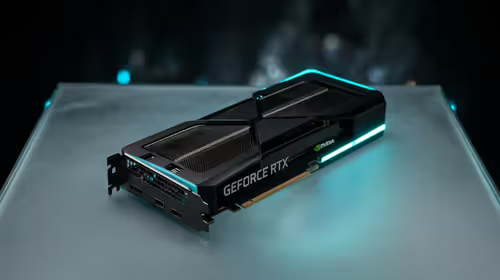
The headline change is physical capacity. Modern flagship graphics cards are huge, and older enclosures simply could not house them. The Core X V2 takes cards up to four slots wide, covering the latest NVIDIA and AMD designs. The trade-off is that it ships without a power supply: where previous Core X models bundled a 650W unit, the V2 expects you to fit your own ATX desktop PSU in a dedicated bay. That keeps the enclosure flexible and lets you match the PSU to your card, but it adds a cost to budget for. The same generation also strips out the old extras, so there are no built-in USB ports or Ethernet on the V2, with I/O expansion handled by a separate dock if you need it. If a powered dock is more your speed for everyday connectivity, the docking station range at Evetech covers that side separately.
Thunderbolt 5 Versus OCuLink
The two connection options matter because they decide compatibility and convenience.
Thunderbolt 5 offers up to 80Gbps of total bandwidth and, crucially for laptop users, delivers up to 140W of power back to the host over the same cable, so one connection both drives the GPU and charges the notebook. For eGPU traffic specifically it runs at roughly PCIe 4.0 x4, around 64Gbps of usable lane bandwidth.
OCuLink lands at a similar PCIe 4.0 x4 level of throughput for graphics, so the two are close in real-world gaming performance. The practical differences are that OCuLink carries no power and is far less common on consumer laptops, often appearing on handhelds and specific gaming models, while Thunderbolt 5 is built into a growing range of premium laptops and adds that single-cable charging convenience.
For most people the deciding factor is simply which port your laptop has. A Thunderbolt 5 or compatible Thunderbolt 4 and USB4 machine points you to a Thunderbolt enclosure; a device with an OCuLink port can take the OCuLink route for similar performance at lower connection cost.
Who Should Buy One
An eGPU makes the most sense if you own a capable thin laptop and want desktop-class graphics at your desk without buying a second machine. You plug in for gaming or GPU work and unplug to stay portable. It is less compelling if you would mostly use it stationary, where a desktop or a gaming laptop often delivers more performance per Rand. Factor in the full cost too: the enclosure, an ATX PSU for the newer models, and the graphics card itself. To see which GPUs people are pairing with these setups, the GPU best sellers at Evetech are a quick gauge of current demand.
Frequently Asked Questions
Does the Razer Core X V2 include a power supply?
No. Unlike earlier Core X models that bundled a 650W unit, the V2 requires you to install your own ATX desktop power supply in its dedicated bay. Budget for that PSU as a separate purchase.
Is Thunderbolt 5 faster than OCuLink for an eGPU?
In practice they are close. Both run eGPU traffic at roughly PCIe 4.0 x4, so gaming performance is similar. Thunderbolt 5 adds up to 140W of laptop charging over the same cable, which OCuLink does not provide.
How much power can a Thunderbolt 5 eGPU send to my laptop?
Up to 140W of power delivery back to the connected laptop over the Thunderbolt 5 cable, so a single connection both drives the external GPU and charges the notebook.
Can any laptop use an eGPU enclosure?
No. Your laptop needs the right port: Thunderbolt 5, or compatible Thunderbolt 4 and USB4, for Thunderbolt enclosures, or an OCuLink port for OCuLink models. Check your machine's connectivity before buying.
Building an external graphics setup? Match it with the right card from the GPU best sellers at Evetech and bring desktop power to your laptop.