

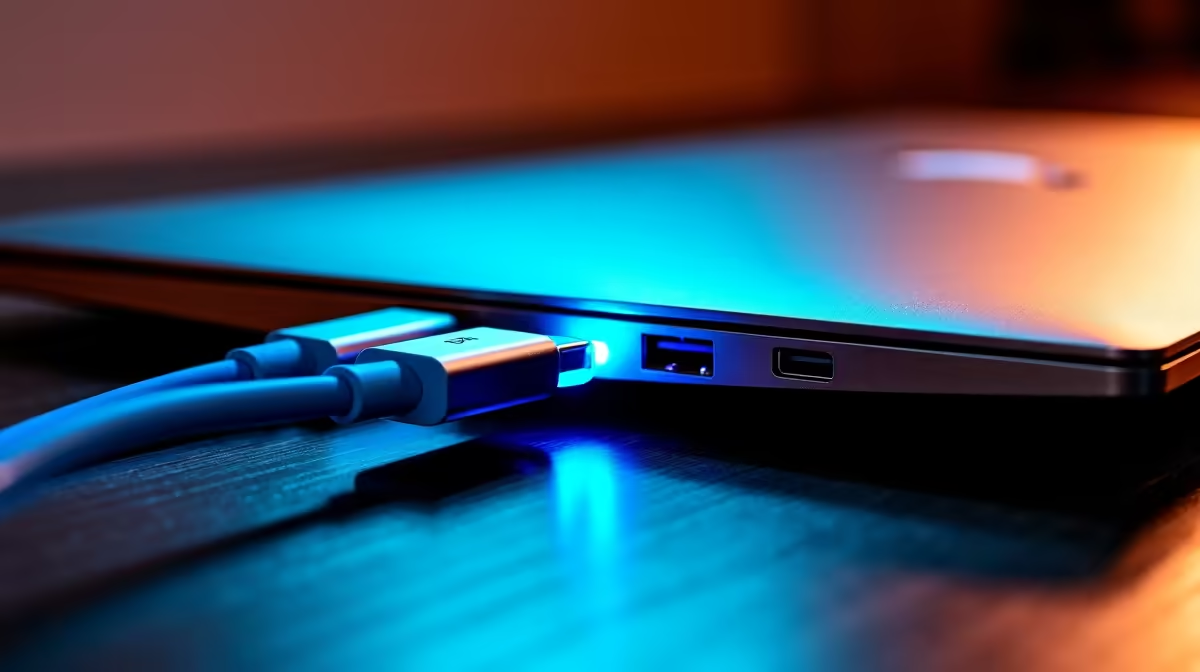
USB-C charging basics for South African laptops ⚡
South African gamers: ever pulled out a USB-C cable and wondered if your laptop will actually charge? USB-C Laptop Charging Support: How to Tell If Yours Works is a short, practical guide to stop the guesswork. In under five minutes you'll know whether your laptop accepts USB-C power, how many watts you need, and where to buy affordable chargers in ZAR without risking a slow charge or a fried port.
How to tell if your laptop supports USB-C power delivery
Look for a small power icon next to the USB-C port, or check the manufacturer's spec sheet. Many modern ultrabooks and gaming laptops list "USB-C PD" or "USB Power Delivery" as a feature. If the spec is unclear, the model’s product page on Evetech often lists supported charging methods and compatible adapters — especially useful when comparing options under R1,000. See a selection of chargers under R1,000 here: https://www.evetech.co.za/PC-Components/charger-397.aspx?max-price=1000
Wattage matters — matching charger to laptop needs
Different laptops require different wattages. Light notebooks might be happy with 45W, while gaming laptops and mobile workstations commonly need 65W, 90W or more. If you use a lower-watt charger your laptop may charge slowly or only maintain battery level while in use. For a broad range of chargers and brands to compare specs and prices, browse the Evetech charger category: https://www.evetech.co.za/PC-Components/charger-397.aspx
Charging Smarts ⚡
Plugging a USB-C charger that supports Power Delivery (PD) into a compatible port is safe — the devices negotiate the correct voltage. If in doubt, use the original adapter or a reputable replacement rated at equal or higher wattage.
Practical checks: ports, cables, and BIOS settings
- Inspect the port for the PD label, lightning bolt, or "PD" text.
- Try a different USB-C cable rated for power delivery; low-quality cables may cap at 15W.
- In some BIOS/UEFI menus you can enable or disable USB-C charging while off; check your laptop manual. If you want budget options under R500 for travel or backups, Evetech lists selections aimed at tight wallets and small desks: https://www.evetech.co.za/PC-Components/charger-397.aspx?max-price=500
When to buy a branded PD charger
If your laptop is from a known brand, buying a reputable third-party PD charger can be safer than an unknown no-name unit. Promate and other trusted brands produce certified chargers with protections against over-voltage and temperature — worth the investment for heavy use. See Promate chargers and more here: https://www.evetech.co.za/PC-Components/charger-397.aspx?brands=Promate 🚀
Quick troubleshooting checklist
- Try the original charger and cable first.
- Swap cables to rule out a faulty lead.
- Test the USB-C port with another PD device, like a phone that charges via USB-C.
- Update firmware/BIOS — manufacturers sometimes add PD features via updates.
Final thought for buyers in South Africa
USB-C charging is convenient but not universal. A quick spec check saves hours and protects your battery. When you’re ready to upgrade or buy a spare, comparison shopping by wattage and safety features will get better results than price alone.
Ready to Find Your Perfect Match? The Mac vs Windows debate is complex, but for maximum power, choice, and value in South Africa, Windows is hard to beat. Explore our massive range of laptop specials and find the perfect machine to conquer your world.











