

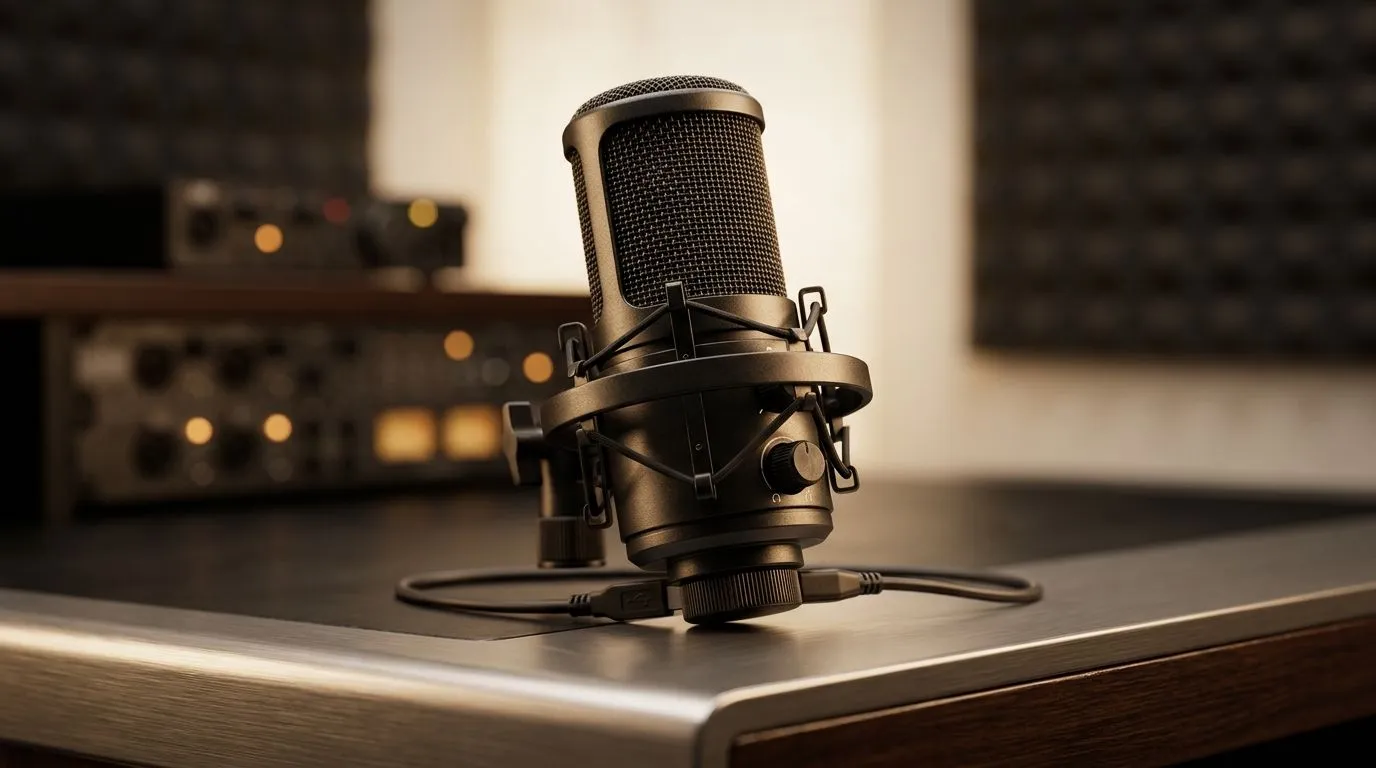
Troubleshooting USB Microphone Issues on PS5
If your USB microphone isn’t working on your PS5, you’re not alone. Many South African gamers and streamers face this frustrating hurdle. Whether you’re chatting with mates or streaming your gameplay, a reliable mic is essential. This guide covers practical solutions to fix USB microphone issues on PS5 and even touches on Mac and Steam Deck compatibility to help you get back online fast 🔧.
Common Causes of PS5 USB Microphone Problems
Sometimes the problem is as simple as a connection glitch or settings mismatch. PS5 doesn’t recognise all USB mics natively due to compatibility quirks. Other times, it’s driver or firmware-related. If your mic works fine on your Mac or Steam Deck but not PS5, chances are there’s a specific setting or hardware compatibility snag waiting to be solved.
Basic Checks to Start With
- Confirm your USB mic is fully plugged in and not connected through a faulty hub.
- Restart your PS5 to clear temporary glitches.
- Try a different USB port on the console.
- Check the mic on your Mac or Steam Deck. This helps isolate if the device is at fault or the PS5.
Setting Up Your USB Mic Correctly on PS5
Once basic checks are done, you’ll want to adjust your PS5’s audio input settings.
- Go to Settings > Sound > Microphone.
- Select your USB microphone from the list.
- Adjust the input volume slider and test the mic levels.
- If the mic doesn’t appear, it might be incompatible or require an adapter.
For best results, ensure your firmware is up to date. The PS5 periodically improves USB support through software updates.
Using Your USB Mic on Mac and Steam Deck
Your USB microphone usually works with Macs immediately as macOS supports most standard devices. For Steam Deck users, compatibility can vary by model and SteamOS version. Check Steam forums or official guides for microphone patches or drivers. While Steam Deck is versatile, it might need third-party apps to enable full mic functionality for certain USB mics.
Pro Tip for Seamless Streaming
Using a dedicated USB sound card or audio interface can bypass common PS5 USB mic issues and improve sound quality instantly.
Upgrade Your Setup with Streaming Essentials
Having the right gear is half the battle. Evetech offers a curated selection of streaming essentials perfect for South African gamers eager to upgrade their audio and video quality without breaking the bank. You’ll find budget-friendly options alongside premium brands.
Prefer a trusted brand? Check out the Corsair range of streaming microphones and peripherals. Corsair gear is optimised for gamers who demand reliability and crisp sound.
Don’t forget your lighting and visual setup – Evetech has stylish and practical options like Cololight products to brighten your streaming space and enhance viewer experience.
If video is part of your stream, check out Evetech’s range of webcams that offer sharp visuals at competitive prices, ideal for all streaming setups.
Get Your Stream Ready Struggling with USB microphone issues on your PS5 or simply want a top-quality upgrade? Shop now at Evetech for gear that powers your livestreams with clarity and professionalism.











