Understanding the Minimum Requirements for Streaming with RTX 5080 ⚡
Ready to stream your gaming prowess with the Nvidia RTX 5080? South African gamers looking to upgrade their streaming setups will want to know the minimum requirements for streaming with RTX 5080 to get smooth, high-quality broadcasts without hiccups. Whether you're Twitching or creating YouTube content, this card brings hardware-accelerated encoding that seriously boosts performance. But what else do you need to pair with the RTX 5080 to unlock its full streaming potential? Let’s dive in.
Key Hardware Backing the RTX 5080 for Streaming
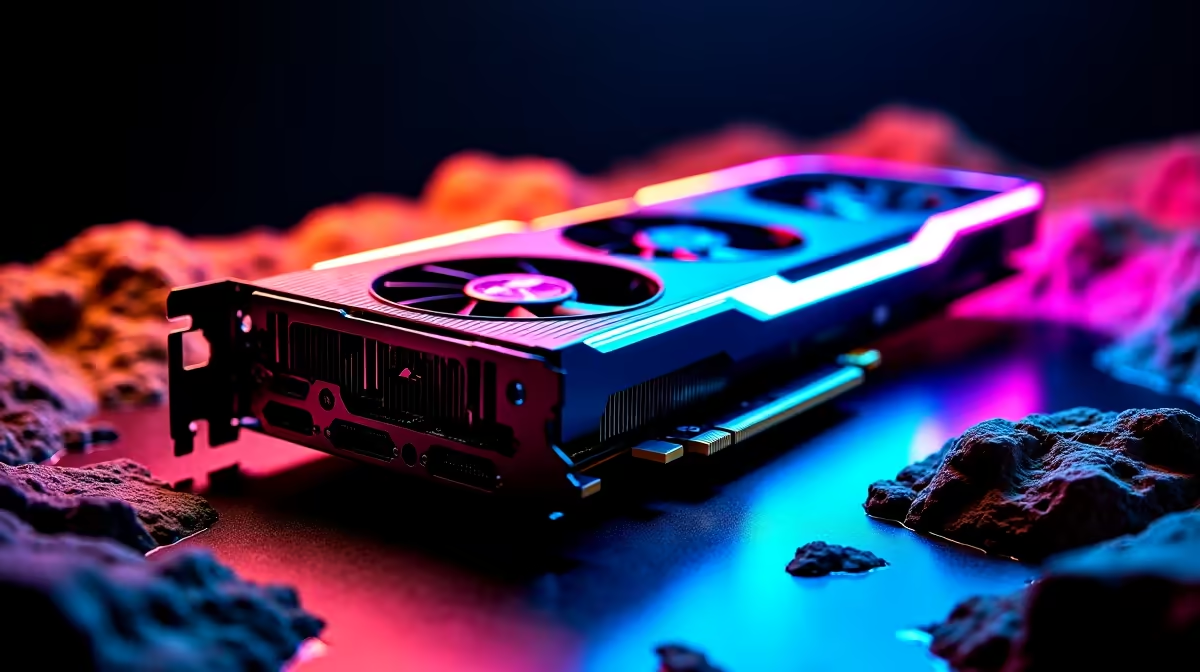
The RTX 5080 shines because of its advanced NVENC encoder, which offloads video encoding from your CPU. But to avoid bottlenecks and maintain flawless 1080p or 1440p streams at 60 FPS, you need a strong CPU—ideally an Intel i7 13th Gen or AMD Ryzen 7 7000 series at minimum. Streamlabs and OBS both call for multi-core processors that keep up with real-time encoding and game rendering.
For memory, 16GB of DDR4 remains the baseline for smooth multitasking during streams. It’s also wise to select fast NVMe SSD storage to reduce game load times and record high-bitrate files seamlessly.
If you’re shopping for parts separately, check out Evetech’s comprehensive selection of graphics cards to find the RTX 5080 and compatible GPUs for your build.
Streaming Setup Essentials: Beyond the GPU
Don’t overlook your internet connection and peripherals. Streaming demands a solid fibre or high-speed LTE plan with upload speeds above 10Mbps to avoid lag and dropped frames.
Additionally, investing in a good microphone and webcam improves your stream’s quality and audience engagement. Evetech’s gaming PC deals often bundle these essentials, making it easier to upgrade affordably.
If building your own PC sounds daunting, pre-built rigs with the RTX 5080 pre-installed can be a compelling choice. Browse Evetech’s curated pre-built PC deals for streaming-ready systems, tested and optimised for South African networks.
Optimise Your Streaming with RTX 5080
Stream at 60 FPS by setting your bitrate between 6000–8000 Kbps for 1080p. Lower the preset in OBS to “fast” to reduce latency without visual quality loss.
Portability and Streaming On the Go with RTX 5080 Laptops
Streaming enthusiasts who prefer mobility can opt for RTX 5080-equipped laptops. These balance power and convenience perfectly — ideal for gaming cafes or LAN events across South Africa. Find reliable high-performance notebooks at Evetech’s laptop store offering competitive pricing in ZAR.
Alongside hardware, keep an eye on specials where you might just catch streaming essentials and RTX-enabled gear at discounts during seasonal sales.
Ready to Elevate Your Stream?
Stream relentlessly with a rig built around the RTX 5080. Shop now at Evetech for performance that leaves lag in the dust.