

Why Cooling Matters for NVMe SSDs in South African Gaming PCs ⚡
South African gamers and tech buyers often overlook one key aspect of PC performance: heat management. If you’re keen on squeezing every frame and millisecond out of your setup, understanding what a heatsink for NVMe SSD does can make a real difference. These high-speed drives generate more heat than you might expect, especially under heavy gaming or rendering loads. So, do M.2 drives need cooling? Absolutely—let’s break it down.
What Is a Heatsink for NVMe SSD and Why Does It Matter?
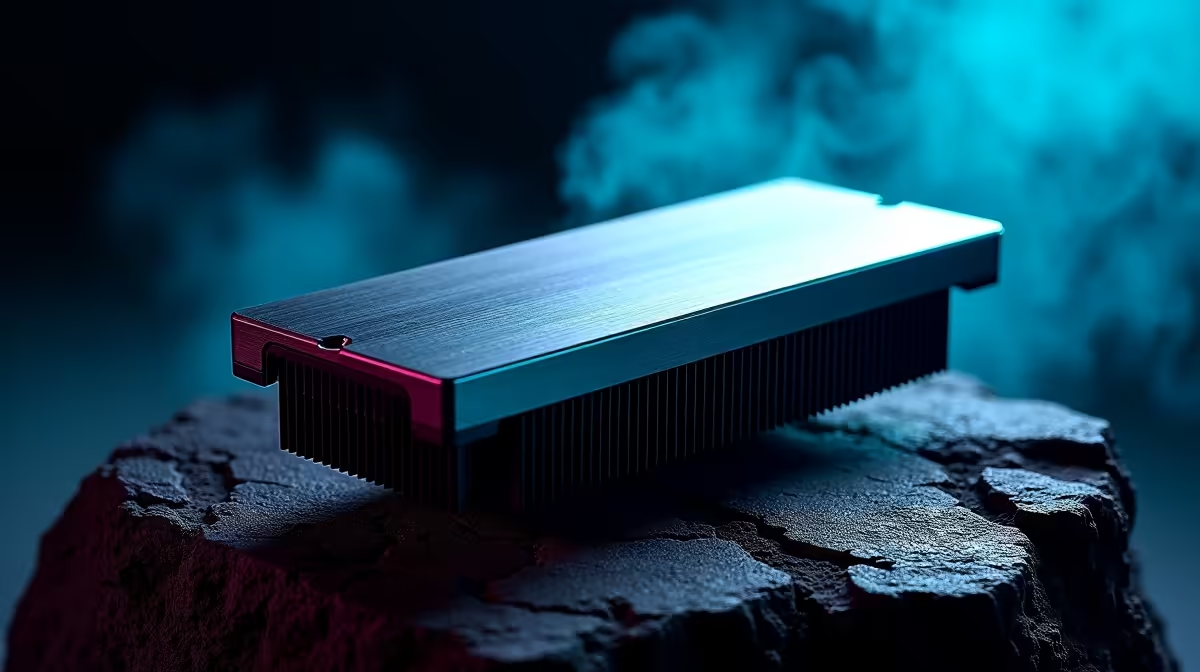
An NVMe SSD heatsink is a small but mighty component that sits atop the M.2 drive, designed to disperse heat efficiently. NVMe SSDs work faster than standard SATA drives by using multiple PCIe lanes. That speed comes at the cost of heat buildup. Without proper cooling, your SSD can thermal throttle, meaning its performance drops to avoid damage. A heatsink reduces this risk by drawing heat away, keeping your SSD running consistently at peak speeds.
Understanding the role of heatsinks is essential for anyone building a gaming rig or upgrading their PC—especially here in South Africa, where ambient room temperatures can climb during summer months. A well-cooled SSD stays reliable and extends its lifespan.
Do M.2 Drives Always Need Cooling?
The short answer: it depends on usage and your system’s airflow. Some budget M.2 drives run cooler and may get by without a heatsink in a well-ventilated case. However, enthusiast-grade NVMe SSDs such as the Samsung 980 Pro or WD Black SN850 produce significant heat during extended gaming sessions or large file transfers.
If your build includes a powerful CPU cooler like an air or liquid cooling setup from our CPU coolers collection, that’s a bonus for airflow inside the case. But for rapid NVMe drives, a dedicated SSD heatsink is still recommended. You can even consider pre-built systems with optimised cooling, like those found in our pre-built PC deals, which often include heat-managed storage solutions.
How to Choose and Install a Heatsink for Your NVMe SSD 🔧
Not all heatsinks are created equal. Look for models made from quality aluminium or copper with thermal pads included. Installation is straightforward: gently clean the M.2 drive’s surface, apply the thermal pad, and clip the heatsink on. If your motherboard supports it, some come with integrated shields or designated heatsink brackets.
If you’re still searching for the right storage upgrade, browse our solid-state drives selection. Pairing a new NVMe SSD with its heatsink ensures you maintain drive performance and durability. For those keen on mobility, even gaming laptops have started incorporating M.2 SSD cooling — check out Evetech’s notebooks for sale in South Africa.
Pro Tip for Cooler SSDs
Align your case fans to create direct airflow over your M.2 slots. Even minor airflow boosts can reduce SSD temperatures by 5 to 7°C.
Final Thoughts on Heatsinks and Your M.2 Drive Performance 🚀
NVMe SSD heatsinks are more than just an extra accessory; they safeguard your investment and keep your gaming setup firing on all cylinders. If you regularly push your PC with demanding titles, streaming, or content creation, investing in a heatsink is a smart move. With South Africa’s rising tech scene, ensuring your rig stays cool now prevents costly replacements later.
Take advantage of solid deals on gaming PCs equipped for thermal management in our best gaming PC deals to experience the difference firsthand.
Upgrade Your Storage Cooling Today Don’t let heat hold back your M.2 drive’s potential. Shop now at Evetech for a wide range of NVMe SSDs and heatsinks that keep your rig cool and fast.











