

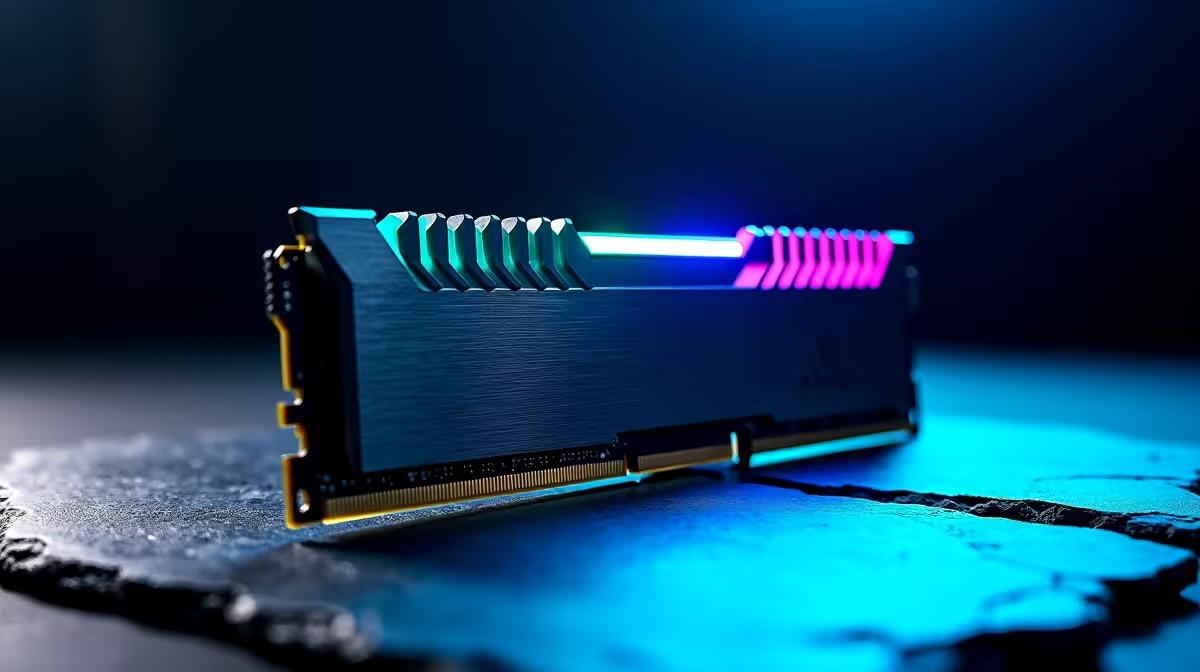
Unlocking AMD EXPO: What It Means for Ryzen Users in South Africa ⚡
If you’re gaming on a Ryzen build or buying a new PC, chances are you’ve heard about AMD EXPO. But what exactly is AMD EXPO, and why should you care? This exciting memory overclocking technology can boost your rig’s performance with a click — no complicated BIOS tweaks needed. South African gamers craving smooth frame rates and snappy load times, here’s your chance to optimise your Ryzen system easily.
What Is AMD EXPO and How Does It Work?
AMD EXPO (Extended Profiles for Overclocking) is AMD’s answer to Intel’s XMP. It’s built into Ryzen processors and compatible DDR5 memory modules to bring out the best speed and latency settings automatically. Enabling AMD EXPO lets your system run RAM at certified high speeds, improving overall game responsiveness and multitasking efficiency without instability.
For South African buyers, this translates into meaningful FPS gains during peak gaming moments and smoother workflows when streaming or editing content. Unlike older manual tuning methods, AMD EXPO is designed for ease and stability, so you can spend less time fiddling and more time playing.
Check out the latest Ryzen processors on Evetech’s PC Components page for models that support EXPO.
Step-by-step: How to Enable AMD EXPO on Your Ryzen PC 🔧
- Restart and enter your motherboard BIOS by pressing
DELorF2during boot. - Locate the Memory or Overclocking menu—this varies by motherboard brand.
- Find the AMD EXPO profile option and select the highest available profile.
- Save and exit the BIOS. Your system will reboot with enhanced memory timings enabled.
With profiles usually in 1-2 clicks, you avoid hours of manual tweaking. Note: Make sure your DDR5 RAM supports EXPO; compatible kits are often labelled specifically for AMD Ryzen, so double-check at purchase.
For detailed guidance, explore the pre-built PC deals on Evetech, many of which come with EXPO-enabled RAM installed and tested.
Upgrade Smart: Confirm Your RAM Compatibility
Before enabling AMD EXPO, check the specifications of your RAM sticks. Not all modules support these profiles. Using unsupported RAM could cause instability or failed boots... so safe overclocking starts with compatibility.
Why South African Gamers Should Care About AMD EXPO 🚀
In South Africa’s competitive gaming scene, every millisecond counts. AMD EXPO’s memory optimisation reduces bottlenecks during heavy multitasking and complex game physics — crucial for shooters, MOBAs, and RPGs alike. It also helps content creators who juggle editing software and gaming, pushing Ryzen’s multitasking prowess to the max without frequent crashes.
If you’re still using standard or auto memory settings, enabling AMD EXPO could unlock noticeably smoother performance — especially when paired with fast fibre internet and high-refresh-rate monitors popular locally. Curious about jumping into a Ryzen build or upgrading your rig? Browse some notebooks for sale in South Africa to find Ryzen laptops that support EXPO for portable performance.
For budget-conscious users chasing great value, Evetech’s specials page often features RAM kits and processors tuned for AMD EXPO.
Final Thoughts: Enable AMD EXPO for Seamless Memory Speed on Ryzen
Getting the most out of your Ryzen setup in South Africa means embracing modern memory standards like AMD EXPO. It’s the simple shortcut to faster RAM speeds that directly impact gaming and productivity. Familiarise yourself with your BIOS settings and choose either a new compatible build or upgrade your RAM to take advantage of this tech.
Optimise smarter — not harder — and enjoy a reliably enhanced PC experience.
Elevate Your Ryzen Experience Today Ready for hassle-free performance boosts? Shop now at Evetech and grab Ryzen processors and compatible memory that unlock AMD EXPO. Play harder, smoother, and faster with gear built for South African gamers.











